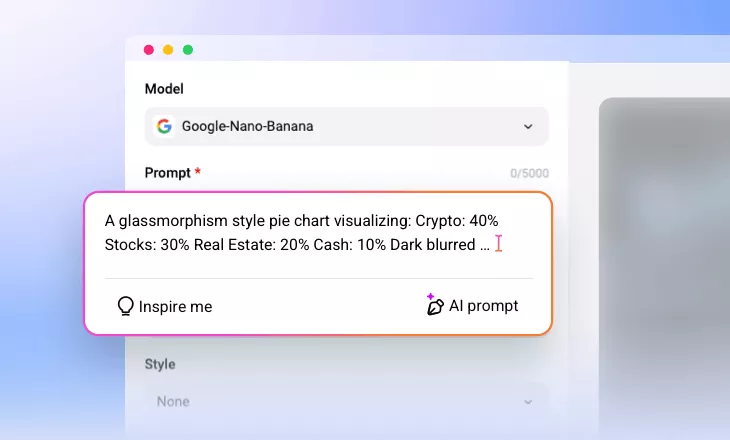
AI Pie Chart Generator
Turn spreadsheets and numbers into stunning pie charts in seconds at FlexClip.
Why Use FlexClip’s Pie Chart Generator

Easy AI
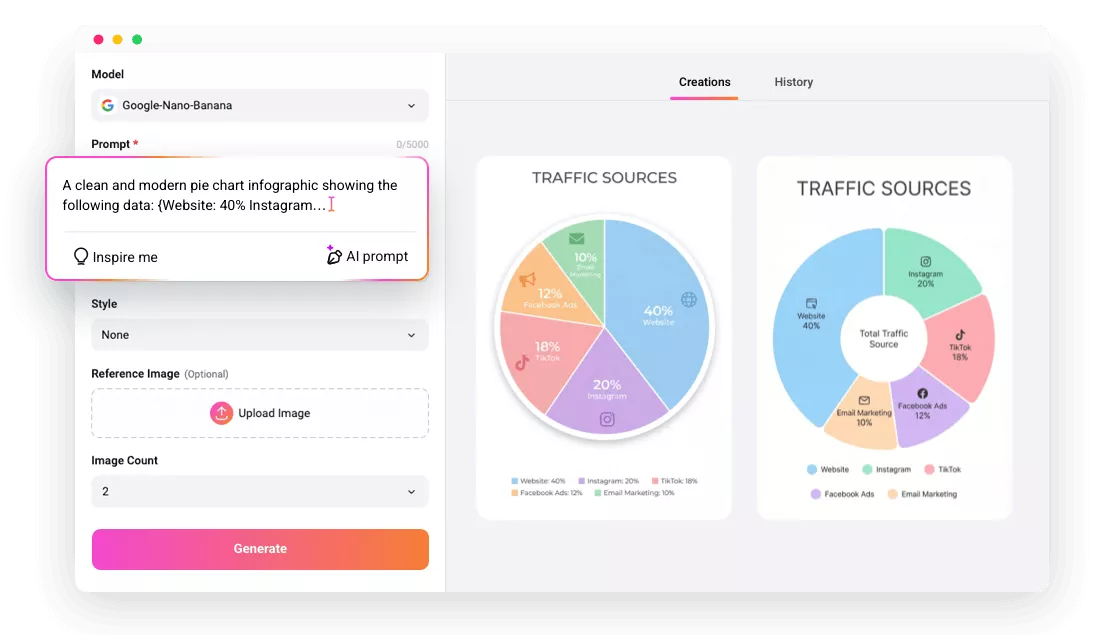
Enter your data or paste your spreadsheet, FlexClip automatically generates a clean, accurate pie chart in seconds. No design experience or technical skills are required.

Fast Generation
FlexClip’s AI Pie Chart Maker transforms your raw data into a fully designed pie chart almost instantly, eliminating long loading times and manual adjustments.

Cross-Platform Compatibility
You can create pie charts anywhere, any time you like. FlexClip works on Windows, Mac, and mobile devices, ensuring a smooth experience for both individuals and teams alike.
please input title
Professional-Level Pie Chart for All Purposes
When we say professional-level pie charts, we are not only talking about high resolution, but also balanced proportions, accurate typography and visually appealing layouts. Powered by the most advanced model Google Nano Banana, it optimizes all details to ensure every chart is aesthetic suitable for business presentations, academic reports, marketing materials, and creative projects of any scale.
Make a Pie Chart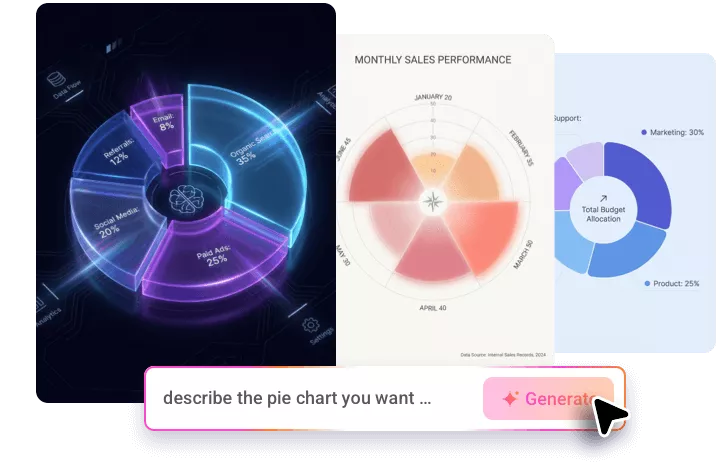
Further Customization on Statistics & Style
FlexClip generates satisfying pie charts in one time. But in case users need to fine-tune data presentation or visual style, there are customization options. Upload an existing pie chart image, you can adjust values, percentages, labels, color palettes with precision. Tailor every pie chart to your specific project goals.
Customize Pie Chart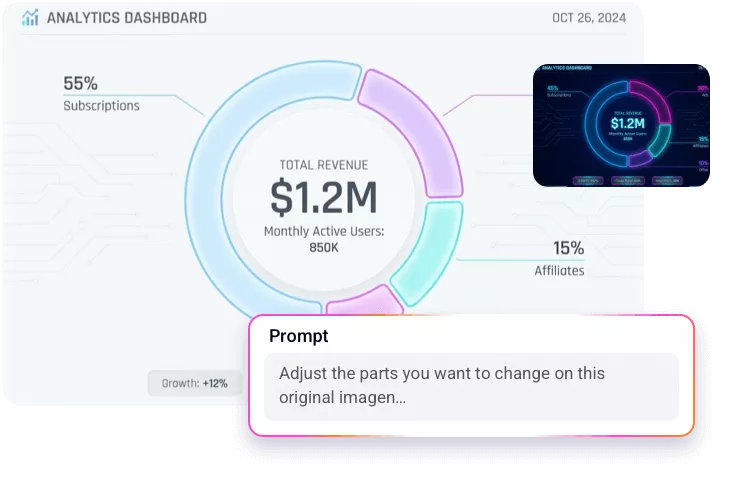
Transparent Pie Charts for Videos, Reports and More
You will need transparent pie charts that blend seamlessly with different visuals without distracting borders or color blocks. Turn to FlexClip’s AI Background Remover tool, where AI gets rid of the background. The result is clean, sharp and can be perfectly integrated into any media format.
Remove Pie Chart Background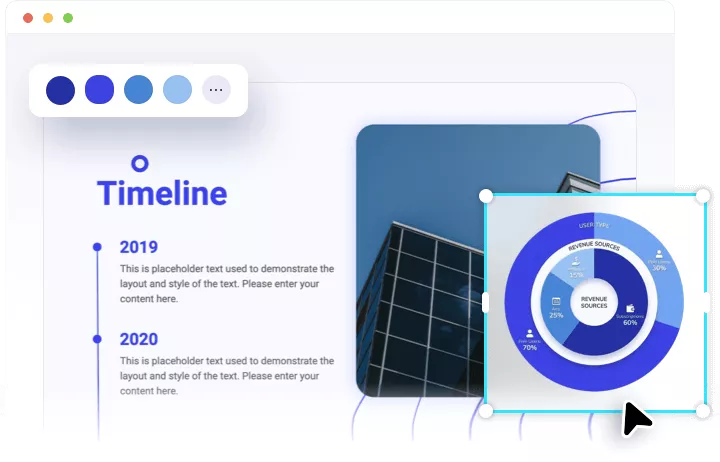
How to Use FlexClip’s Pie Chart Generator
- 1
Enter a Prompt
Access FlexClip’s Text to Image tool, select the Google Nano Banana model, enter a detailed prompt describing the data that you want to visualize.
- 2
Make Setups
Make other setups like image aspect ratio, style, resolution. Hit Generate. You will get pie chart outputs within several seconds.
- 3
Export & Share
Save the generated pie charts to a local folder, post to social media, or use them on your next video project.