AI Macro Photography
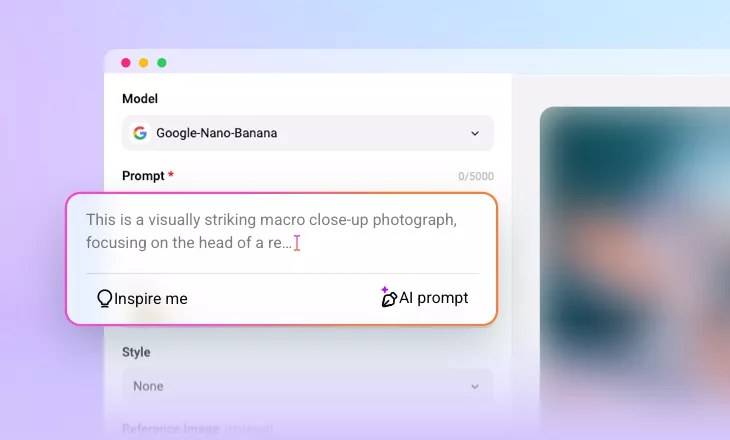
Effortlessly create detailed, close-up images that capture intricate beauty in macro style using just a text prompt with our AI Macro Photography Generator.
Why Use FlexClip to Generate Macro Photography Image?

Generate with AI
Integrated with advanced AI models, like Nano Banana Pro and more to help you create stunning macro art in seconds.

User-friendly
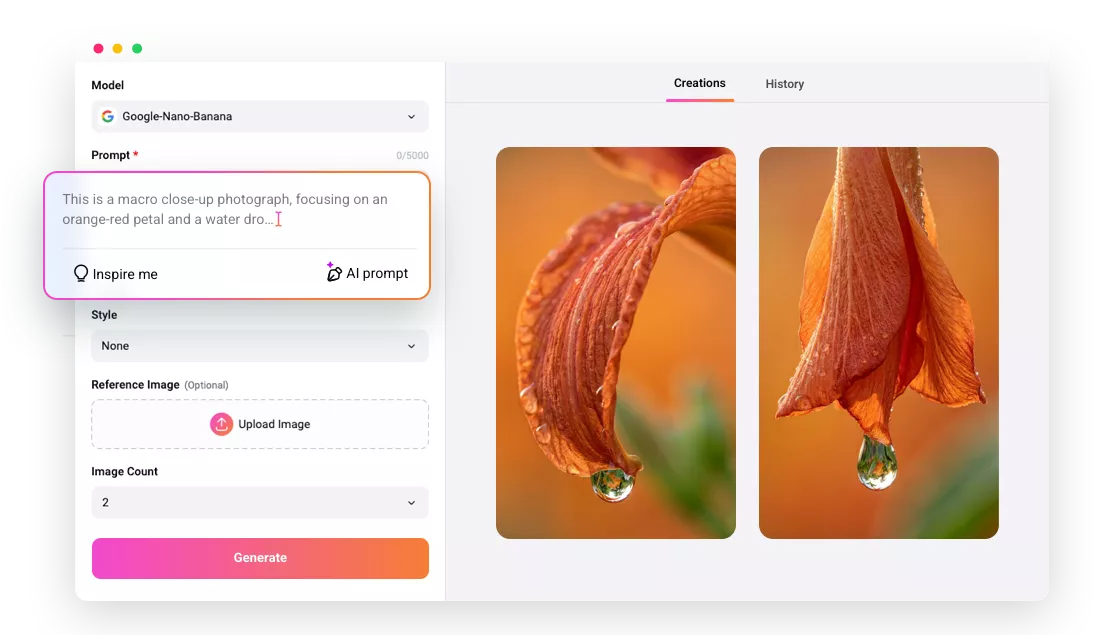
No curve learning required! You can enjoy creating any macro art with AI. Just type your desired description, and you can get the extreme close-up art instantly.

High Quality Results
Powered by cutting-edge artificial intelligence, our AI macro photography image generator allows you to create high quality images with details that match your prompt.
please input title
Generate Stunning Macro Photography Image from Text Prompt
Forget the hassle of manual shooting! Just describe the macro photography image you envision with a text prompt, adjust the settings, like style, ratio, and image count, and let AI bring your ideas to life as breathtaking macro art in seconds. Experience the magic of AI-driven macro photography without the fuss!
Generate Macro Art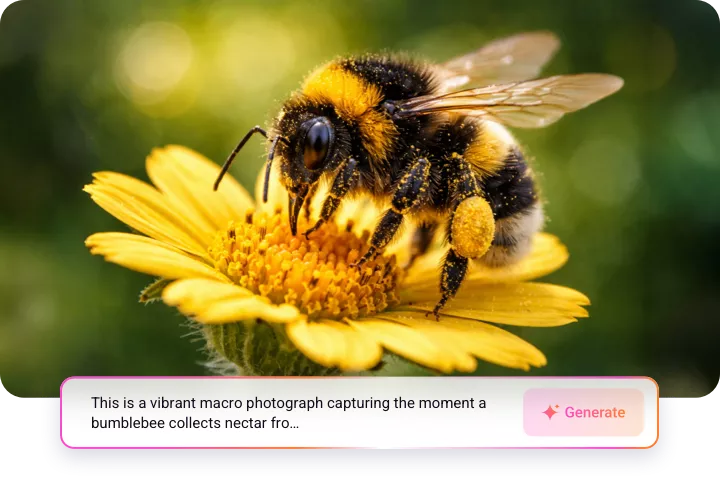
From Realism to Fantasy: Generate Macro Art in Any Style
With AI-powered macro photography, you can generate nearly anything you can imagine, all in stunning close-up detail. Whether you're looking for hyper-realistic photos, abstract art, or even fantasy landscapes and character designs, the possibilities are endless. No matter the style or concept, you can bring your imagination to life with incredible precision and artistry.
Generate Macro Art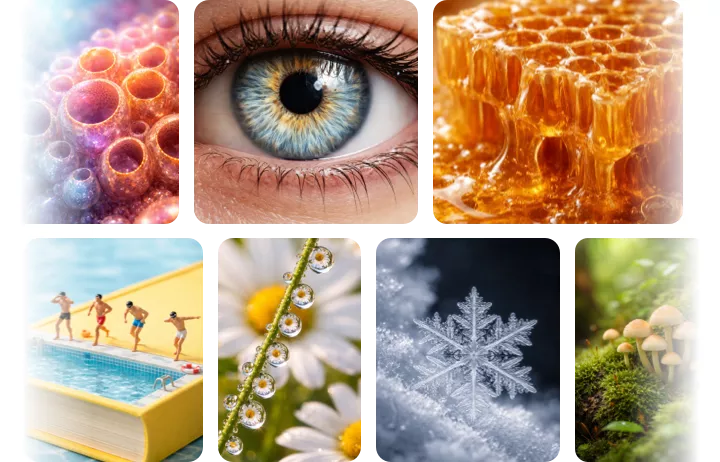
Perfect for a Range of Projects and Purposes
Unlocking the full potential of AI in macro photography opens up exciting possibilities for a wide range of projects and applications. From capturing nature’s smallest wonders to creating advertising visuals or conducting detailed scientific studies, our AI delivers unparalleled flexibility and precision, making it versatile for any project or purpose.
Generate Macro Art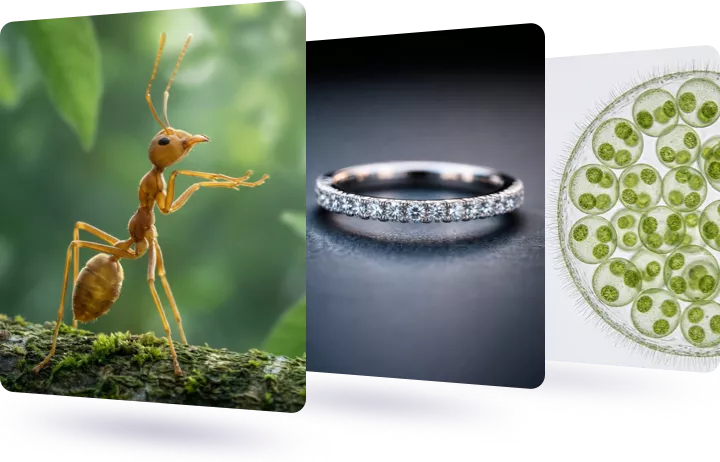
How to Generate Macro Photography Image with FlexClip AI?
- 1
Craft Your Macro Prompt
Write the text prompts that describing the subject you want to capture in macro detail. Be specific about textures, lighting, and the overall mood.
- 2
Adjust the Settings
Choose a preferred style for your AI macro photography image, select the ratio, image number and visibility. Then click the "Generate" button to get your AI macro photography image.
- 3
Generate & Download
Now, the AI will craft a high-detail macro image based on your description. Once it's done, you can preview, download, or share the image directly.