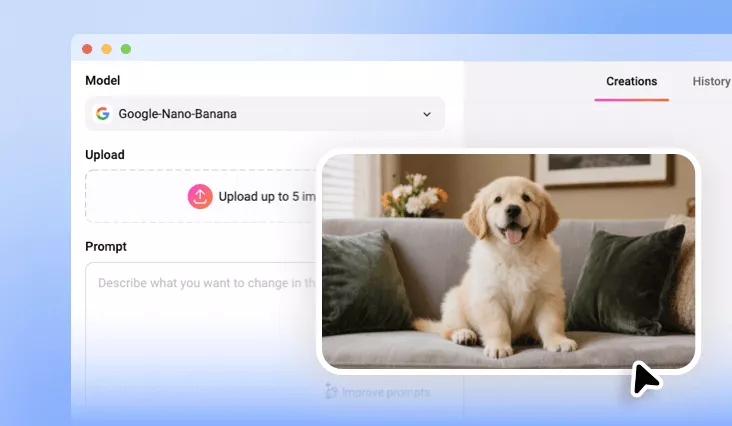
X-Ray Effect Photo
Try FlexClip’s AI X-ray photo effect to instantly transform any photo—portraits, full-body shots, group photos, or pet images—into a realistic X-ray-style image in seconds.
Why Choose FlexClip for Fake X-Ray Effect Photo?

AI-Powered Precision
Advanced AI captures precise skeletal structures and poses, letting you turn any photo of humans or animals into a realistic X-ray image instantly.

Quick, Easy, Efficient
The intuitive text-prompt feature enables ultra-fast x-ray effect photo generation. One-click transformation, no design skills needed. Download your X-ray image in seconds

Complete Privacy
Your images are encrypted, processed securely, and never shared with anyone unless you choose to make your project available to our AI community.
please input title
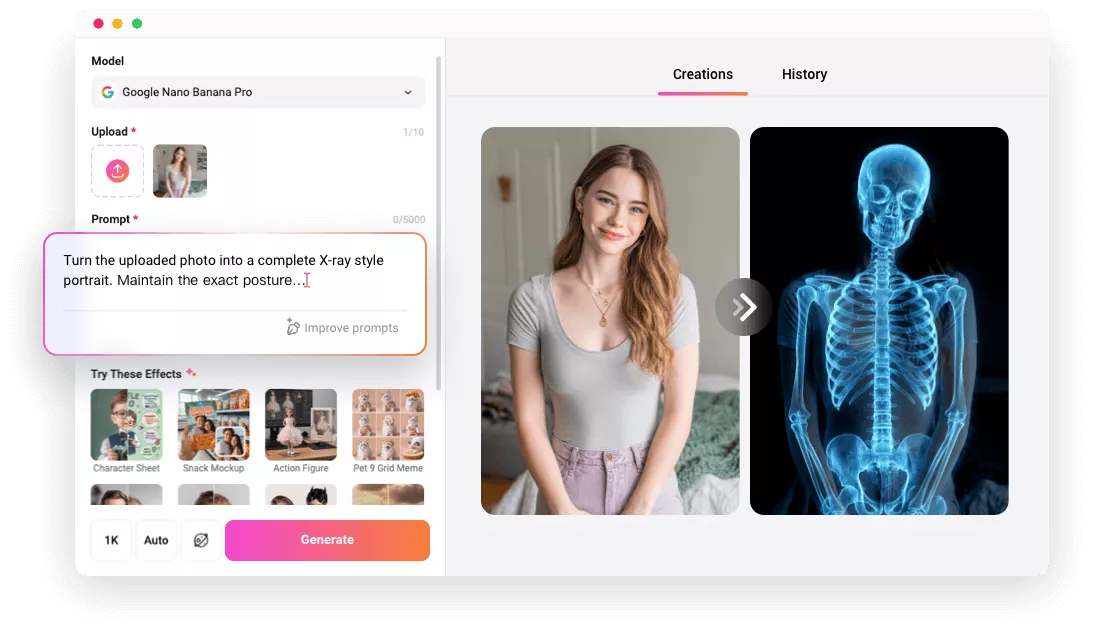
Turn Your Photo into X-Ray Effect in Simple Clicks
Instantly convert your photos into realistic X-ray skeletal images with our advanced AI in just a few clicks. Upload your photo, enter the AI X-ray photo prompt, and our AI will immediately apply the X-ray effects to your photo. No waiting, no complicated editing. Just our AI doing its thing. Enjoy the magic of the AI X-ray effect without any hassle!
Create X-Ray Effect Photo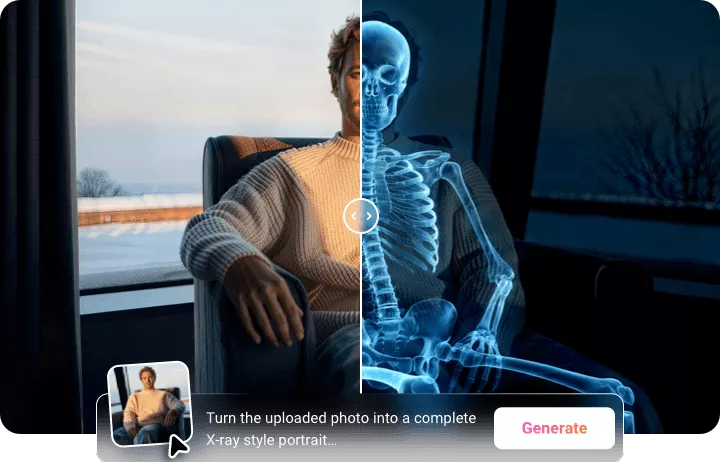
High-Quality X-Ray Effect That Retains Every Detail
Transform your photos into breathtaking X-ray effect images that retain every subtle detail. From facial expressions to intricate poses, each high-resolution image highlights the hidden beauty beneath the surface, offering a striking blend of realism and artistic depth. Enjoy stunning, high-resolution X-ray images now! Perfect for printing or sharing online.
Create X-Ray Effect Photo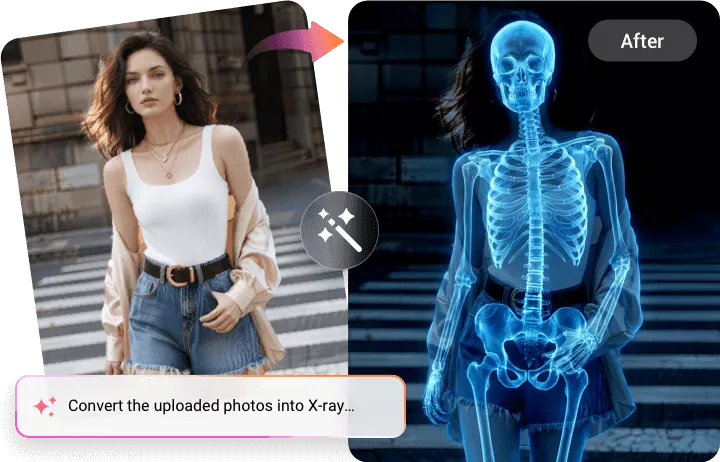
AI X-Ray Effect for Human, Pet, or Any Animal
Transform photos of individuals, groups, pets, or any animal with accurate skeletal structures using our AI-powered X-ray photo effect photo generator. You can upload any human or pet photo and watch as our AI technology reveals the bones beneath, perfectly preserving the original pose, facial features, and even clothing outlines.
Create X-Ray Effect Photo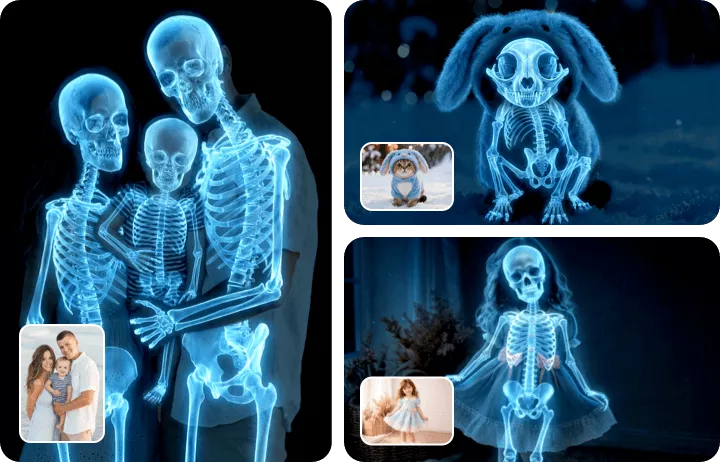
How to Make a X-Ray Image with FlexClip AI?
- 1
Upload Your Photo
Simply drag and drop or click to upload the photo you'd like to convert into a X-ray image.
- 2
Enter AI X-Ray Effect Prompt
Enter precise prompts to guide the AI for your X-ray image, then adjust the settings, like resolution, ratio, and visibility.
- 3
Generate and Download
Click the Generate button, and the AI will automatically turn your photo into a X-ray image. Once it's done, you can preview, download, or share your image directly.