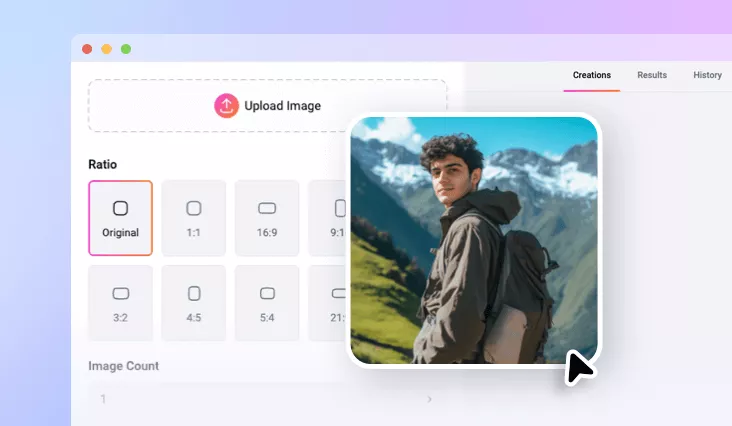
Uncrop Image Online with AI
Easily expand your image to the desired ratio using FlexClip's AI image uncropper.
TRUSTED BY
Why Choose FlexClip’s AI Image Uncropper?

AI-powered
Uncrop your images effortlessly with AI, preserving the quality and detail of image while giving you the freedom to adjust the canvas size as needed.

Expand Image Online
Use this online image uncropper to instantly expand images in desired aspect ratios - no downloads or installation required!

Precise & Fast
FlexClip’s AI precisely outpaints your image borders, delivering high-quality uncropped results in just seconds.
Easily Uncrop Image with AI in One Click
Thanks to FlexClip’s AI image uncropper, you can now uncrop images in any direction within seconds. The AI intelligently adjusts the aspect ratio with generative content while preserving the original details of your photo. Simply upload an image and let AI expand it to your desired size.
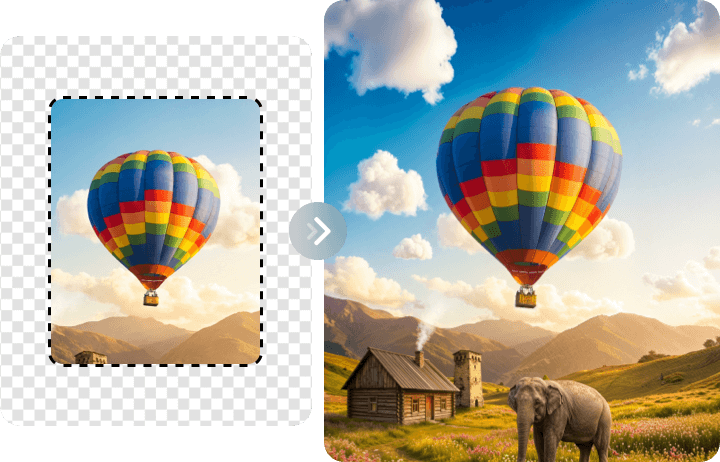
Edit Images to Any Aspect Ratio
With FlexClip’s AI image uncropper, one image fitting all social media platforms becomes a reality. Whether you want to expand photos to include more background or outpaint portraits for a more aesthetic look, FlexClip lets you reframe images so your content shines in any aspect ratio.
Uncrop Image with Creative Touches
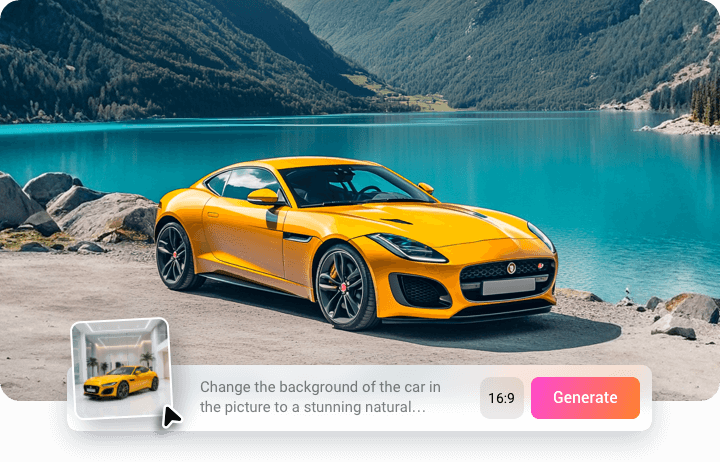
Looking for a more creative and personalized way to uncrop images? FlexClip’s AI Photo Editor lets you expand photos to any aspect ratio and fill the borders with AI-generated content based on your ideas. Upload your image, describe what you want, select the ratio, and watch AI outpaint your image with stunning, realistic results.
More Than Just An Uncrop Tool
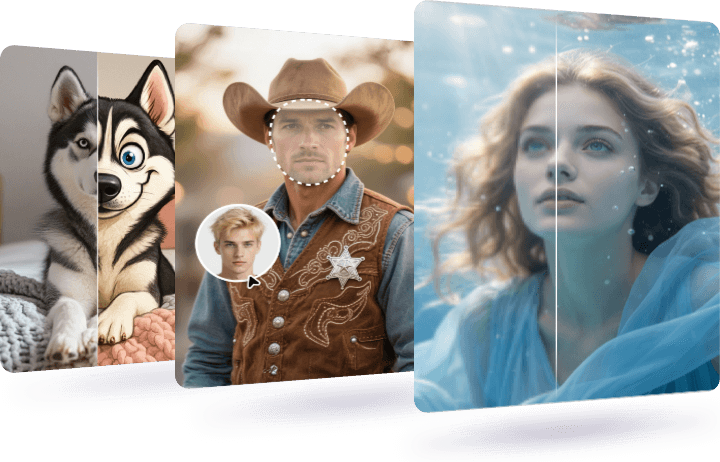
FlexClip goes beyond than a simple image uncropper. Using FlexClip, you can enjoy photo restoration, upscaling, face swapping, style changing and more AI tools in one place. Upload your uncropped image and explore endless creative possibilities with FlexClip.
How to Uncrop Image Using FlexClip’s AI
- 1
Upload a Photo
Access FlexClip’s AI image uncropper, drag and drop the photo you want to expand.
- 2
Uncrop the Image
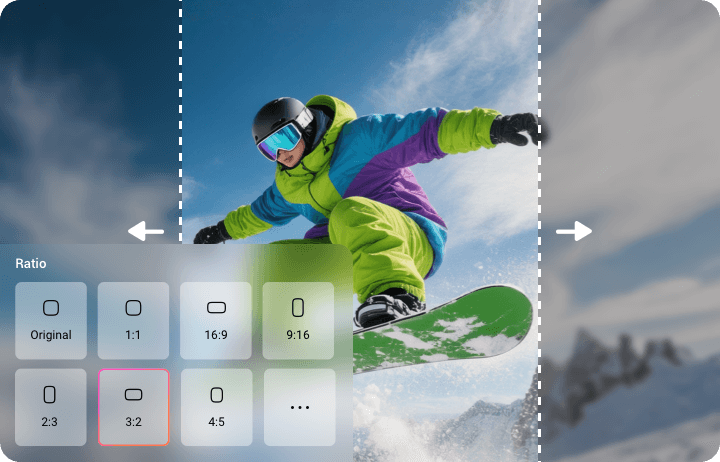
Select the desired aspect ratio or drag its edge to adjust and then AI will auto fill it.
- 3
Download and Share
FlexClip will finish uncropping in seconds. Once satisfied, click on Download to save your uncropped image or seamlessly share across social media platforms.