AI Stencil Maker
Generate printable stencil arts for tattoos, spray painting, signage, or DIY projects at ease.
What Makes FlexClip a Great Stencil Maker

Powerful AI
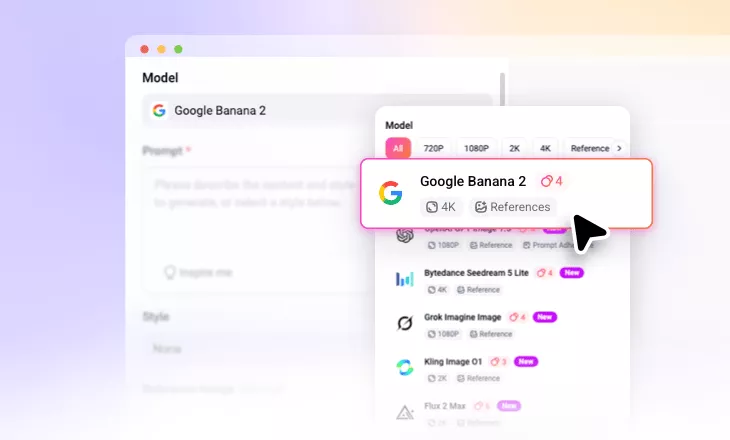
FlexClip is backed up with the most advanced image generation models like Google Nano Banana, Seedream, OpenAI. You can always have the best AI stencil outputs.

Fast Generation
FlexClip saves you from endless waiting. Within several seconds, you get a satisfying stencil art that stays true to the prompt and the reference image.

Multiple Devices
Create stencil art wherever and whenever you love. FlexClip works on both computers and mobile devices.
please input title
Turn Prompt into Stencil Art
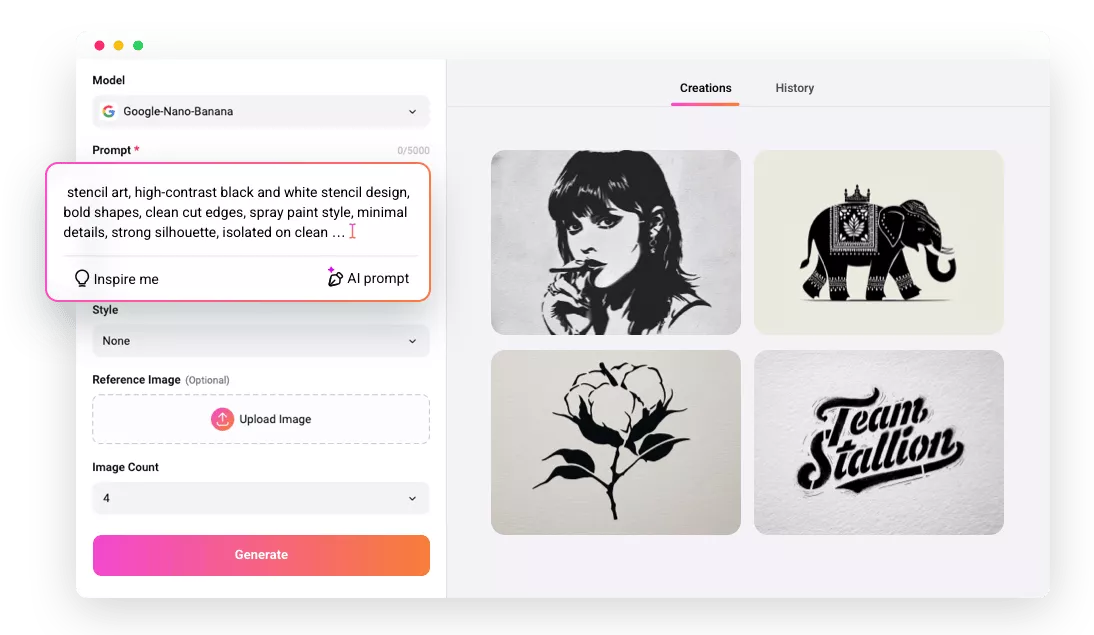
Describe an object, symbol, or scene, FlexClip will generate a stencil-style design based on the description. Thanks to the advanced AI, FlexClip is able to understand the prompt, the stencil style features, and create unique stencil designs for printing or cutting. It opens creative possibilities for anyone without drawing or graphic design skills.
Prompt to Stencil Art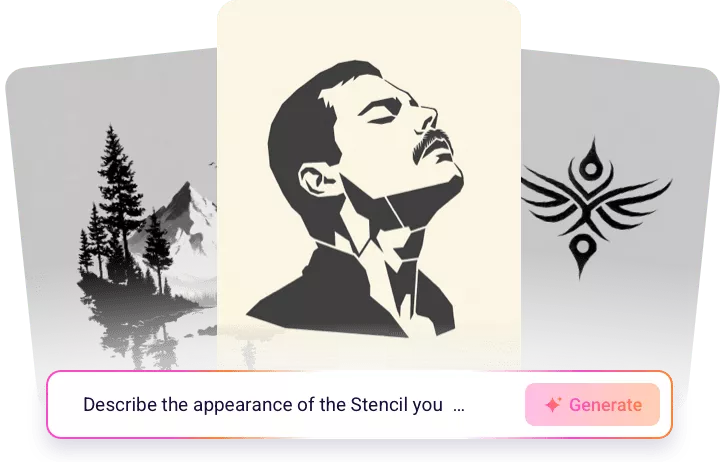
Convert Photo to Stencil
Upload a photo, and let FlexClip convert it into a stencil instantly. The AI detects edges, reduces unnecessary details, and transforms the photo into a clean stencil outline. You can even be specific on the stencil detail, line thickness, and contrast in the prompt to achieve the best result for your project.
Convert Photo to Stencil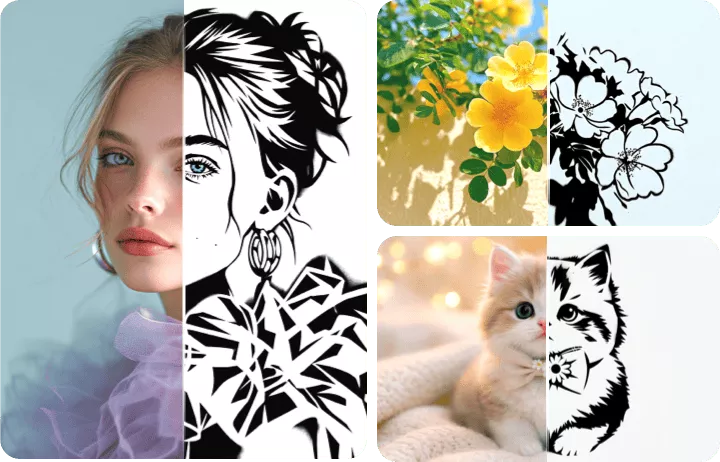
Customize Stencil Output
FlexClip is able to adjust the stencil output based on your needs. Users can modify the detail level, stencil complexity and more just by entering a prompt in the same page. Customization also helps users to add more details to simple designs, or eradicate less satisfying details. This level of control makes FlexClip suitable for anyone who wants precise stencil design results.
Customize Stencil Output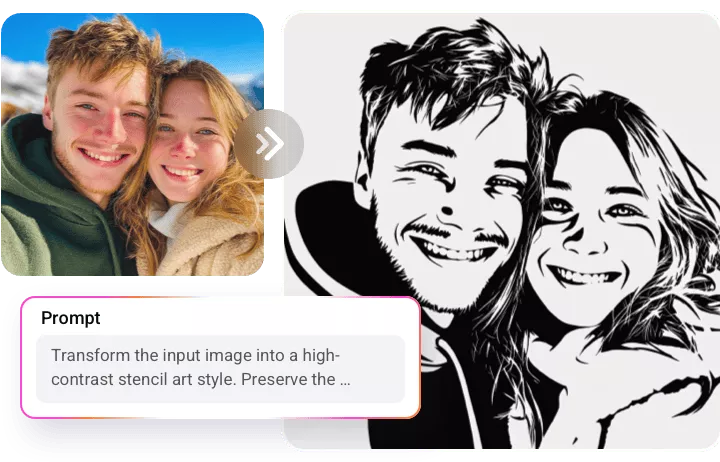
Effortlessly Share Stencil Art
FlexClip makes it easy to share stencil art with others after creating a design. You can download stencil files in common formats, share projects through links, or post to social media directly. This is extremely useful for teams, design projects, or craft communities where stencil designs need to be shared quickly.
Craft Stencil Art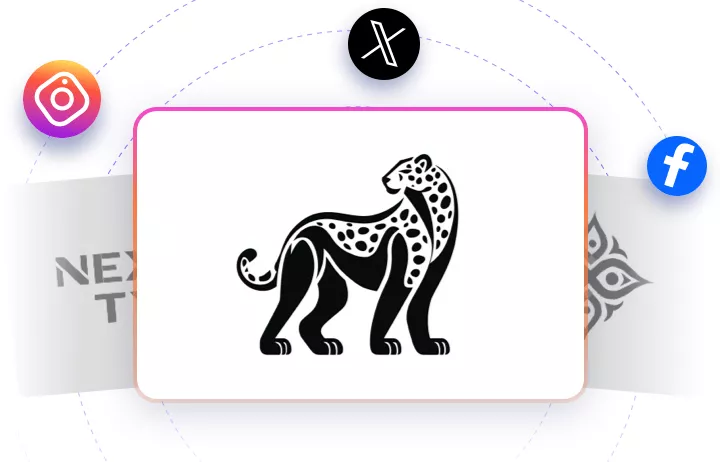
How to Generate a Stencil
- 1
Pick a Model
Access FlexClip’s image generation tool, pick an AI model you love to get started.
- 2
Enter a Prompt/Upload Reference Image
Enter a prompt to describe the stencil art you need, or drag and drop a reference photo to FlexClip. Hit Generate.
- 3
Export & Share
FlexClip finishes generation within several seconds. Once you get the satisfying output, save it to a local folder, share via a link, or post to social media.