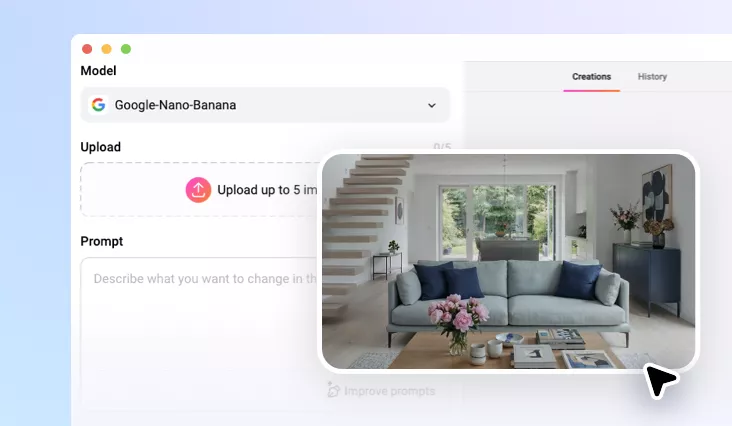
Relight Photo Online with AI
Easily fix or recreate your photo’s lighting online with FlexClip’s AI Photo Relighting tool.
TRUSTED BY
Why Use FlexClip to Relight Photo?

Beginner-friendly
FlexClip’s AI makes it easy for everyone to adjust photo lighting—no Photoshop skills or downloads needed.

Photo-realistic Results
AI analyzes your image and applies physically accurate lighting adjustments to maintain photo-realistic results.

Privacy Protection
Your privacy comes first. Unless you make it public, every image you upload or generate is exclusively visible to you.
Relight Photo with AI in One Tap
With FlexClip’s AI photo relighting tool, you can now brighten a dark photo or recreate a photo’s lighting with just a single prompt. The AI intelligently analyzes your upload and automatically applies lighting that mimics real-world conditions. Every result is photo-realistic, with all original details preserved. Upload and let AI recreate lighting for you!
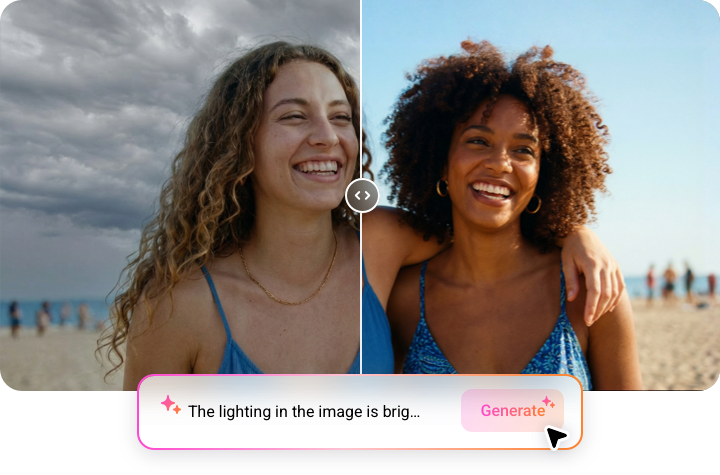
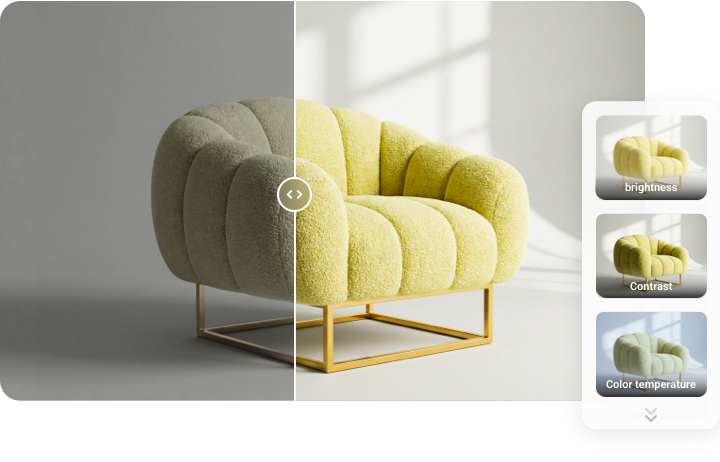
Precise Customization in Photo Relighting
While AI handles the photo relighting, you remain in full control of customization. Whether it’s brightness, contrast, shadow depth, highlight intensity, or even the color temperature of the light source, FlexClip adjusts the lighting exactly as specified in your prompt.
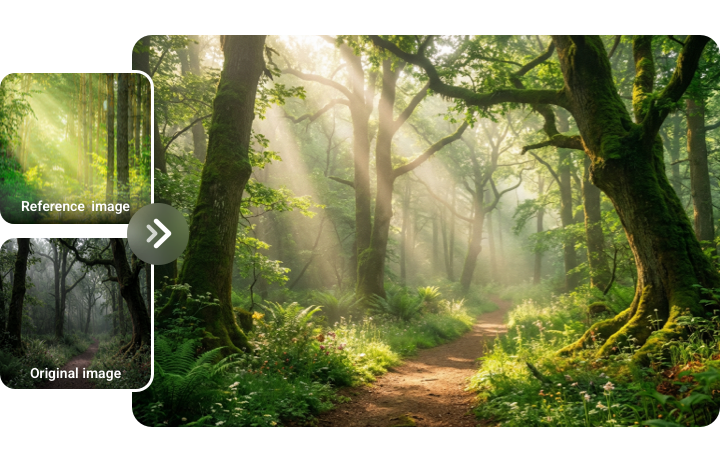
Instantly Replicate Photo’s Lighting from Reference Image
Want to mimic the lighting of a photo but find it hard to describe? It’s easier than you think. Simply upload it as a reference image, and AI will replicate its brightness, direction, contrast, and overall vibe in your own content. Upload your reference image and start your creative journey today!
More Than Just Photo Relighting
FlexClip goes beyond than relighting photos. Using FlexClip, you can change image backgrounds, remove unwanted objects, swap faces, apply style transformations, and add many other creative touches—all in one place. Upload your relighted picture and unlock endless creative possibilities with FlexClip.
How to Relight Photos with FlexClip’s AI
- 1
Upload a Photo
Access FlexClip’s AI photo editor, drag and drop the image you want to relight to FlexClip.
- 2
Enter Photo Relight Prompts
Enter a prompt describing where and how you want the lighting to be fixed or recreated, such as brightness, lighting direction, intensity and more.
- 3
Export and Share
FlexClip will finish relighting in seconds. Once satisfied, click on Export to save your relighted image or seamlessly share across social media platforms.