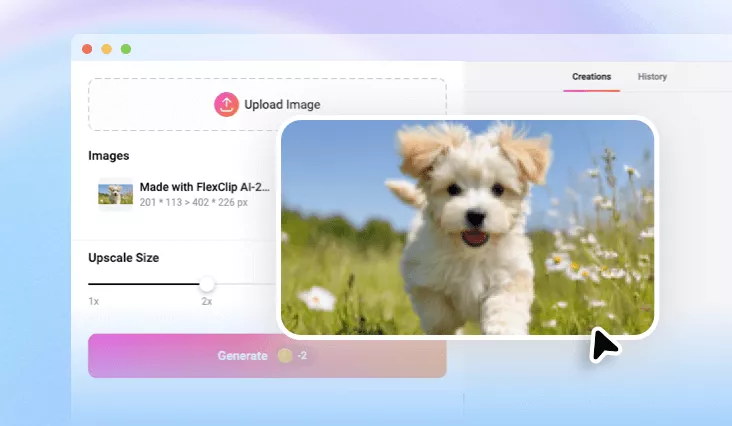
AI JPEG Artifacts Removal
Clean up imperfections resulting from compressing your images and make them look sharper with AI JPEG artifacts removal.
Why Choose FlexClip AI JPEG Artifacts Removal?

Fast JPEG Artifacts Removal
Since integrating with the latest AI technology, FlexClip will make the AI JPEG artifacts removal process faster.

100% Online
No installation needed—simply open your browser, upload your photo, and use our AI JPEG artifacts removal to make it look sharper.

Secure and Private
Your privacy comes first. Unless you make it public, every image you upload or generate is exclusively visible to you.
please input title
Get JPEG Artifacts Removal Results Easily
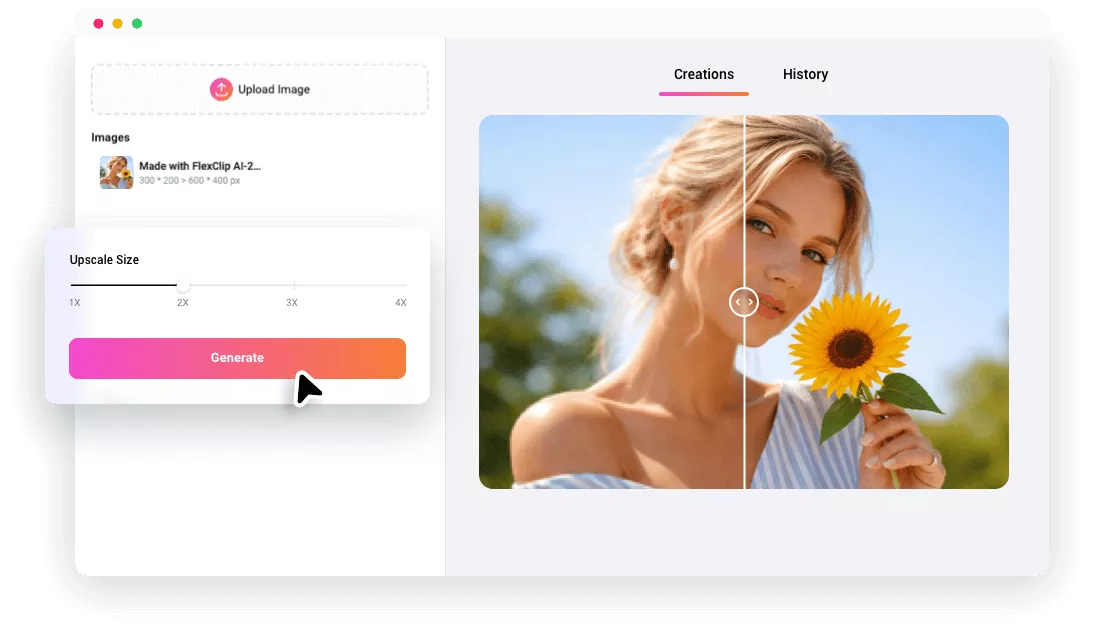
FlexClip will offer you a simple and intuitive interface for quickly cleaning up imperfections resulting from compressing your images without any technical knowledge required. Its AI will process your image automatically. With the help of FlexClip’s advanced AI technology, its AI JPEG artifacts removal can remove artifacts caused by over-compression in a few seconds and just one click, resulting in restoring the image's sharpness and details, and clearer picture edges.
Try AI JPEG Artifacts Removal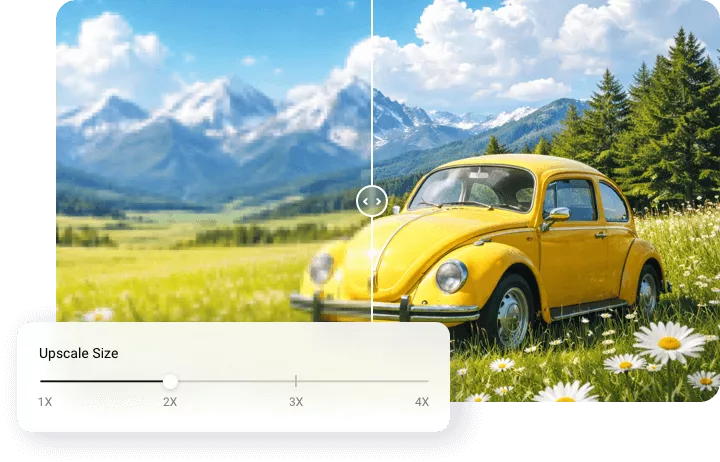
More Clear Image Quality by AI
You can choose to remove unwanted artifacts and compression noise from your images with AI. FlexClip’s smart AI JPEG artifacts removal will fill in the missing pixels during the AI image editing process. Even when you zoom in on the upscaled image, it remains sharp and clear. Simply upload the blurry or corrupted photo after compression and let FlexClip handle the rest online with AI. Let’s rediscover the beauty of crisp, clear images in seconds and experience the ease of image restoration like never before.
Try AI JPEG Artifacts Removal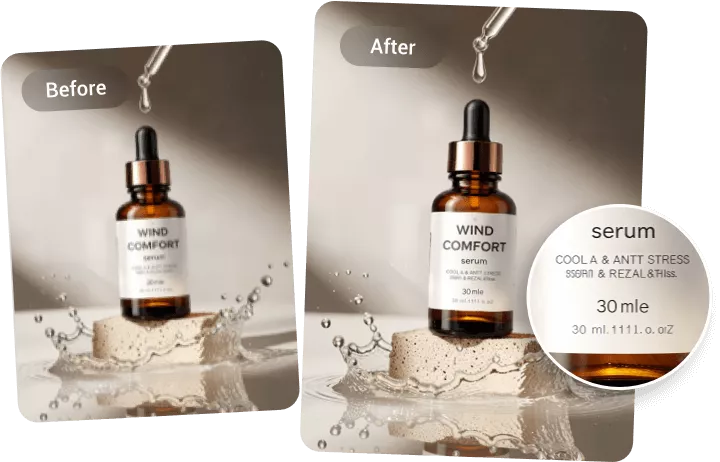
Save Your Time on JPEG Artifacts Removal
No need to clean up JPEG artifacts from your images in a hassle! FlexClip’ s AI will make the process smooth and fast. You can quickly clean up JPEG artifacts from your images while preserving quality, all in just a few clicks, saving a lot of time and effort. Moreover, FlexClip also allows you to process these uploaded images in a batch. It can remove JPEG artifacts from multiple images at once, enhancing their quality without needing to process each image individually. Here, you can remove JPEG artifacts up to 10 images at once instantly using FlexClip’s AI JPEG artifacts removal.
Try AI JPEG Artifacts Removal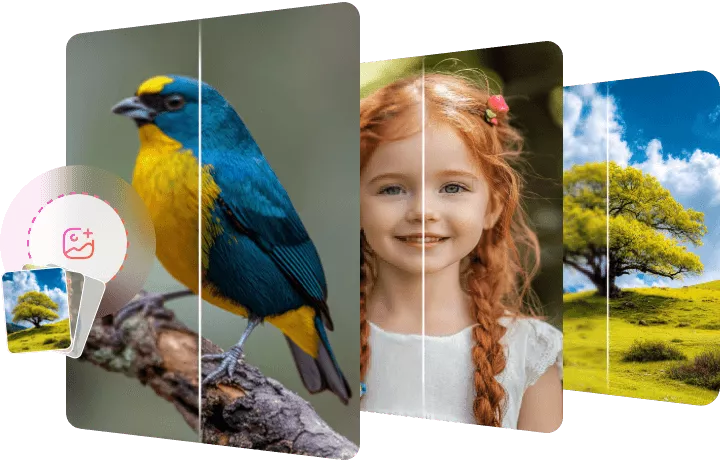
How to Use FlexClip’s AI JPEG Artifacts Removal?
- 1
Upload Your Photo
Upload an image or several images from your computer.
- 2
Remove JPEG Artifacts from Image
Choose the upscale size and start improving the resolution of the image with AI.
- 3
Download Image
Save the image, directly share it, or customize it with more AI image editing tools.