Game Art Generator
Try the leading game art generator to begin content creation for game studios.
Why Choose FlexClip’s Game Art Generator?

Safe & Secure
FlexClip values your information security and never shares your project with any third parties. All the work is done locally in your browser. It's fast and secure, too!

100% Online
No installation needed—simply open your browser, upload your photo, and use our online tool to create AI game asset.

Save Time
Designing game assets manually can take hours, but AI speeds up the process dramatically. Our AI game art generator brings your game art ideas to life instantly within seconds.
please input title
Build a New Game World
FlexClip’s game art generator enables you to discover new ideas for your next indie or AAA game. You can choose it to inspire you to build a new game world. Its game art generator allows you to create detailed characters, items, scenes, and environments that are perfect for your desired game world from text descriptions. Whether you want to adjust facial expressions, textures, outfits, environments, or other elements, every tweak will stay aligned with your vision.
Create Game Art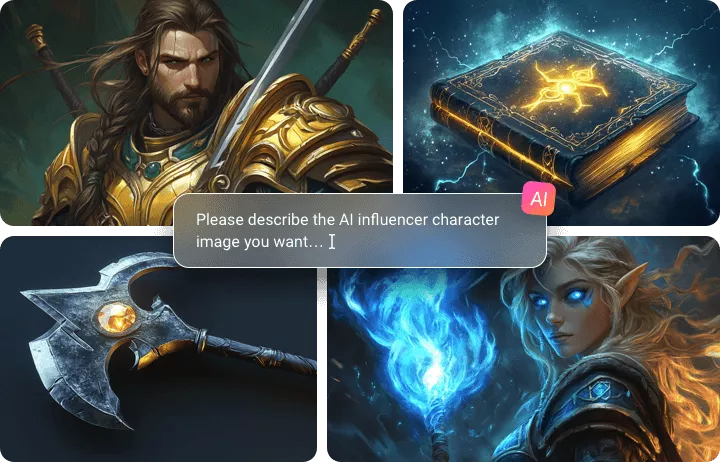
Various Game Art Styles for You to Select
FlexClip offers a wide range of game art styles to choose from. Create endless game art assets in pixel, manga, 3D, and other creative styles. Whether you need any kind of game art design, simply select your preferred style and let AI bring your imagination to the game.
Create Game Art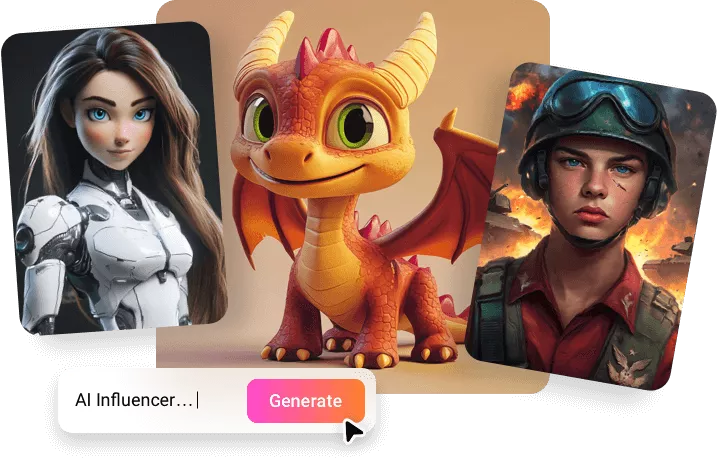
Add Animation to Game Art
FlexClip can cut game asset animation production time by 50%. Its AI video generator will allow you to take full control over character movements from text. You can generate any animations by describing the movement you want, such as walking, running, and attack animations. Moreover, create perfect character rotations with a single click.
Level Up Your Game Art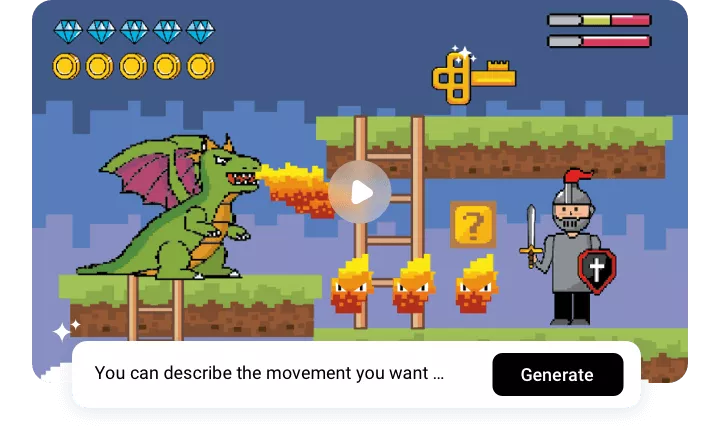
How to Use Game Art Generator?
- 1
Enter Text Prompts
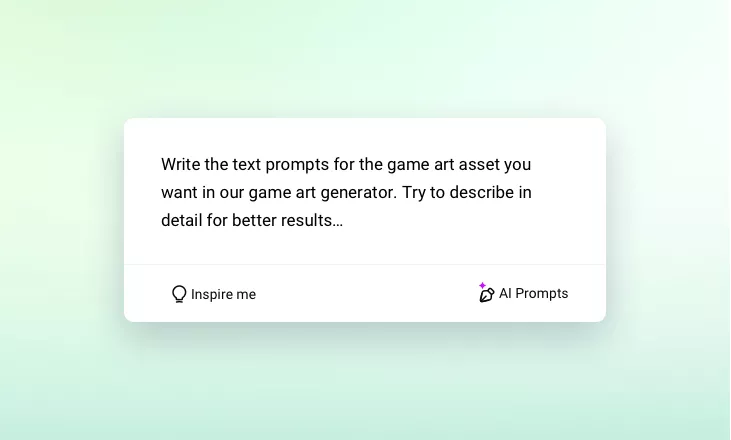
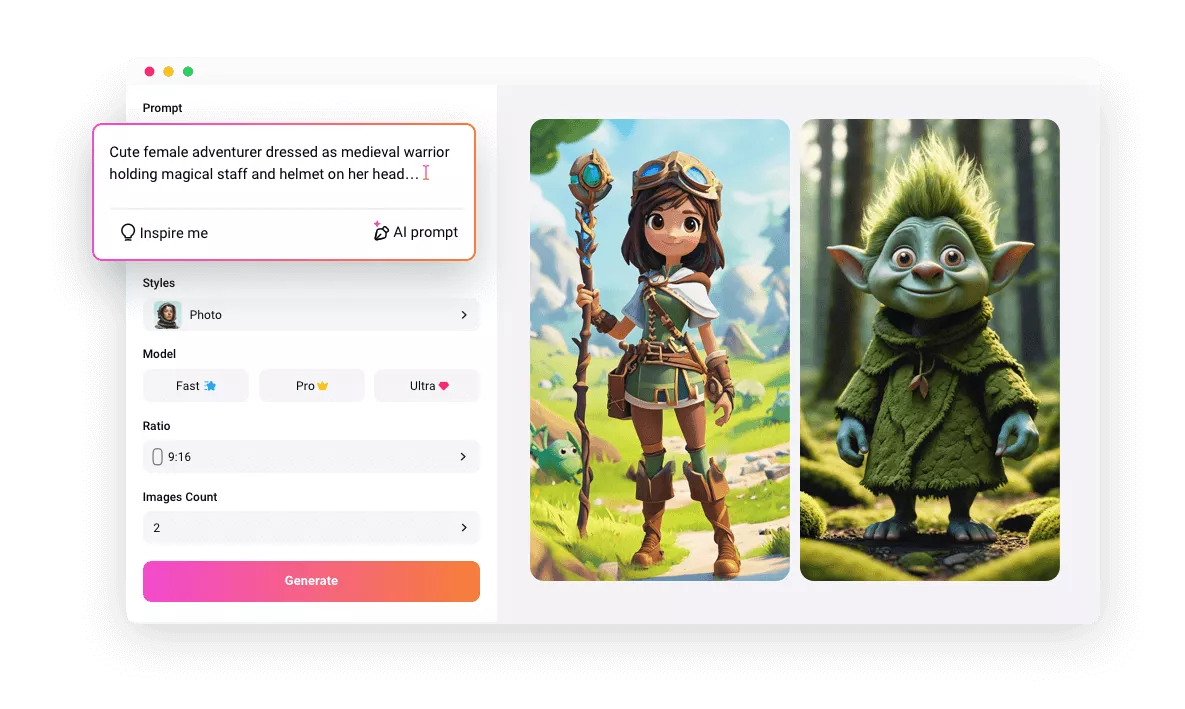
Write the text prompts for the game art asset you want in our game art generator. Try to describe in detail for better results.
- 2
Generate Game Art Asset
Choose a preferred style for your AI game art asset results, and remember to adjust the number and aspect ratios. Then click the "Generate" button to get your images.
- 3
Generate and Download
Once you’re satisfied with the generated AI game art asset results, you can download it to use or share.