AI Fish Eye Filter
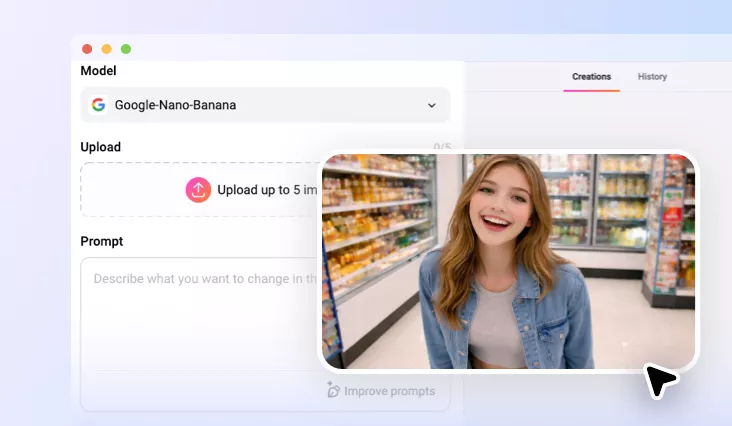
Let’s add a unique distortion effect to your photo using FlexClip’s AI fish eye filter in one click!
Why Choose FlexClip’s AI Fish Eye Filter?

100% Online
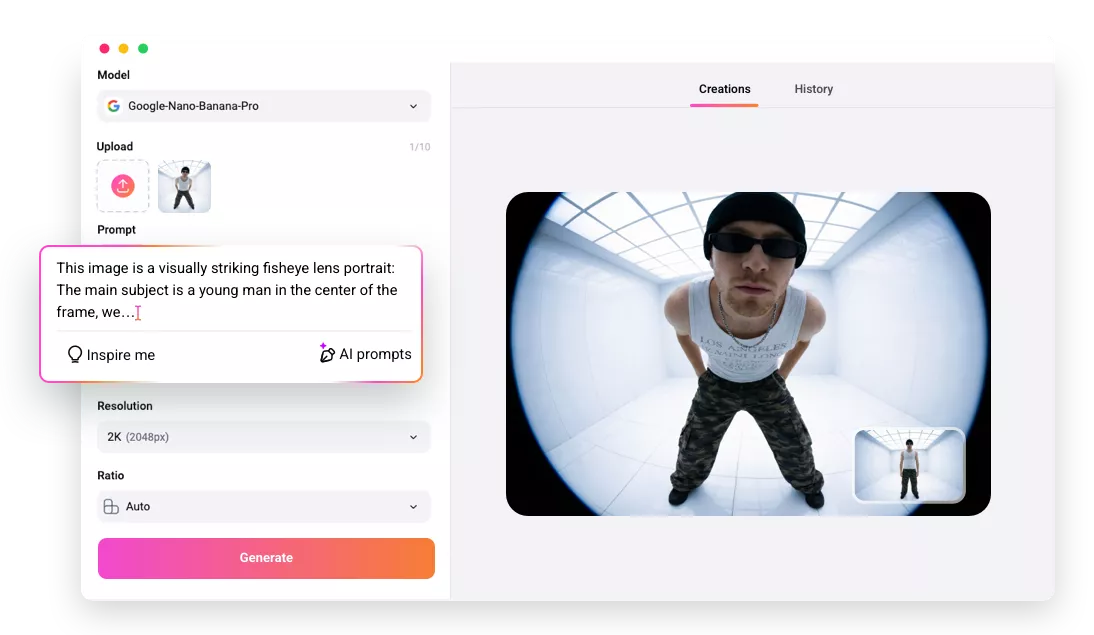
No installation needed—simply open your browser, upload your photo, and use our AI fish eye filter to get a wider viewing angle in your photo. And there is also no need to have professional skills in image editing.

Quick Generation
FlexClip’s AI fish eye filter lets you add fish eye lens effect to your photos in just one click. Simply upload your image, and the tool will detect your image and add fish eye lens effect to it quickly.

Secure and Private
Your privacy comes first. Unless you make it public, every image you upload or generate is exclusively visible to you.
please input title
AI-powered Fish Eye Filter for You
Why not try to experience the captivating and funny fish eye perspective? Nowadays, FlexClip provides AI-powered fish eye filter for you to add fish eye lens effect to your photo automatically. It can help you instantly see what your photos would look like with eye-catching fish eye lens effect online. You don’t need to manually adjust the fish eye effect anymore. This AI-powered fish eye filter will empower you to create a fish eye perspective in a couple of clicks without any design skills. And FlexClip’s fisheye filter is fully web-based and will work seamlessly on your devices.
Try AI Fish Eye Filter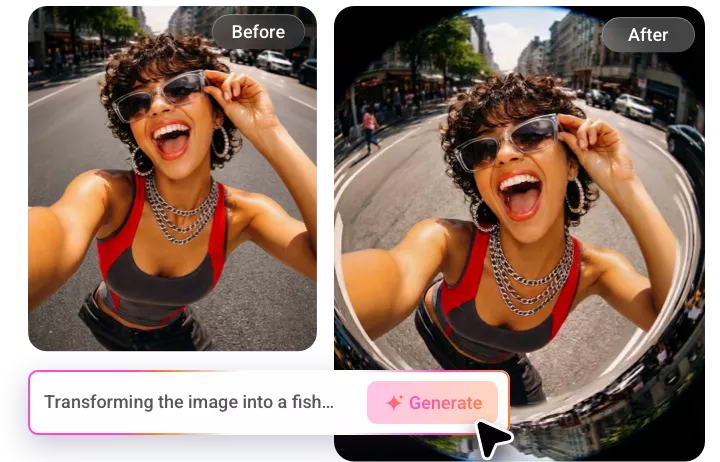
Eye-Catching Fish Eye Lens Effect
A fisheye lens effect creates a wide, curved view of a scene, making everything look distorted and exaggerated. Therefore, many photographers and content creators will use the fisheye filter to stand out and show a new perspective. It can change the way a visual looks for your photo. You can apply this eye-catching fish eye effect to your portrait, vlog thumbnails, or Instagram selfies with FlexClip.
Try AI Fish Eye Filter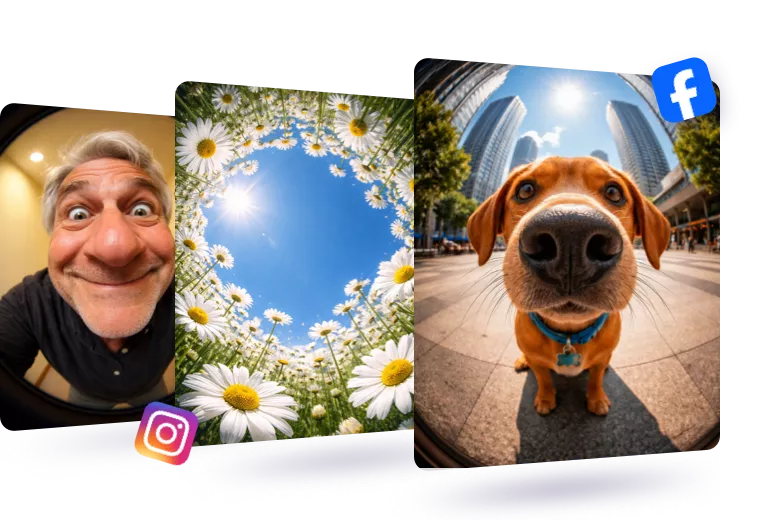
Go From Photo to Video for Ultimate Fun
In addition to adding fish eye lens effect to your photo, you can also take your still photos to the next level by turning them into dynamic videos. After adding the eye-catching fisheye lens effect, you can seamlessly transform it into a lively video. With FlexClip, bringing your static images to life is a breeze, allowing you to create unique, eye-catching moments that captivate and engage your audience in an entirely new way.
Level Up Fish Eye Filter Image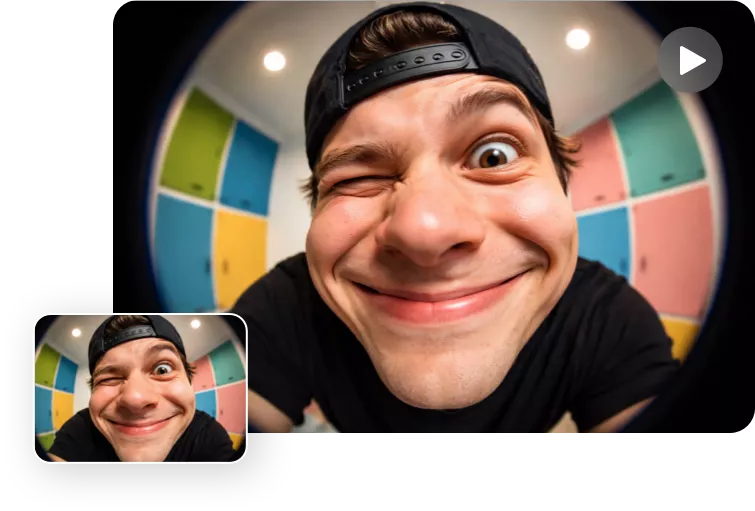
How to Apply AI Fish Eye Filter?
- 1
Upload Your Photo
Enter FlexClip’s AI photo editor and upload a clear, well-lit photo where the subject is visible, and begin AI image creation.
- 2
Enter Text Prompts
Type in prompts about adding what kinds of fish eye lens effect, and then hit the Generate button, and let the AI do the magic.
- 3
Download the AI-generated Photo
Check the AI-generated results and see if you are happy with them. Download and share this new image according to your needs.