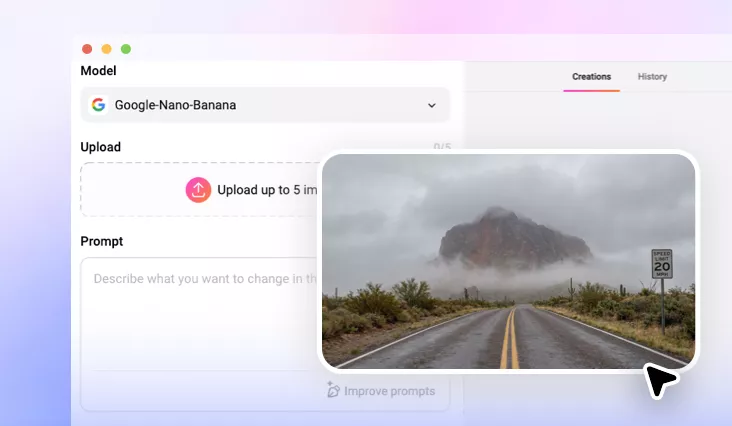
AI Dehaze Photo
Remove fog, smog, glare from photo, bring back sharp details and vibrant colors.
TRUSTED BY
FlexClip AI Dehaze Tool Top Features

AI Haze Removal
With one prompt, AI identifies areas affected by haze, then restores lost clarity and natural definition automatically. No manual edit is required.

Fast Processing
FlexClip is designed for creators who need quick, high-quality results. The AI analyzes and enhances hazy photos within several seconds.

Various Format
FlexClip supports a wide range of photo formats like JPG, PNG, WebP, HEIC, saving you the trouble of doing format conversion.
High-Quality Dehaze Output
High-quality dehaze output doesn’t only mean high resolution, but also means crisp, balanced, and realistic visuals. FlexClip’s removes the haze, strengthens color depth, recovers fine details while preserving the authenticity of the scene. This level of quality can truly add a professional finish that stands out across platforms.
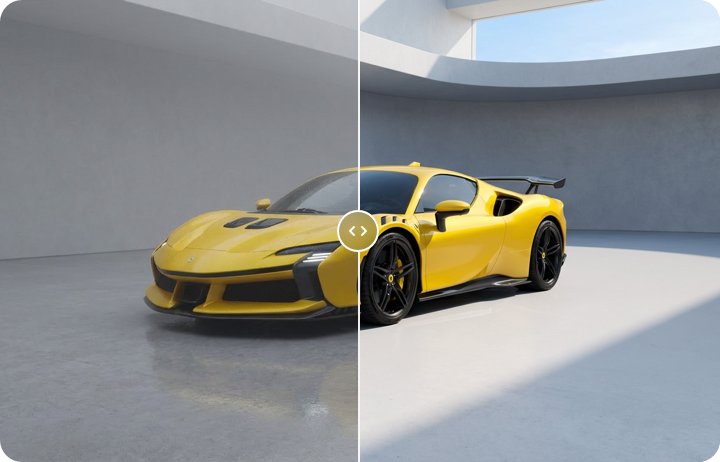
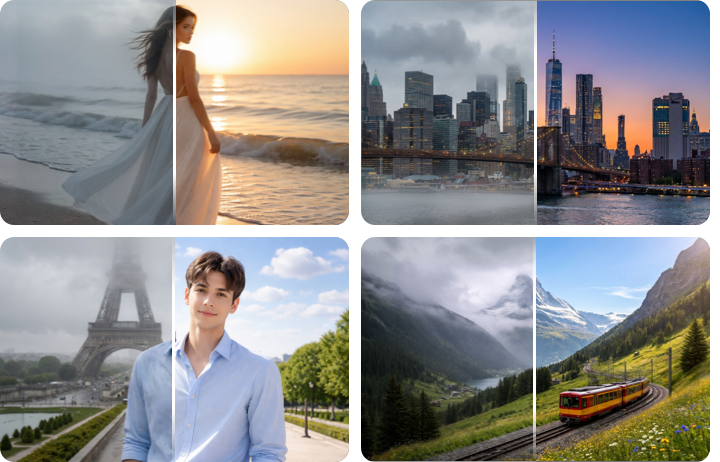
Dehaze for Any Photos
FlexClip’s AI photo dehaze tool works beautifully on all photos. Whether it is a photo of landscapes, skylines, travel shots, underwater scenes, backlit images, and even portraits affected by glare or haze, FlexClip identifies the haze source and removes it intelligently. This wide adaptability makes FlexClip essential for creators needing reliable restoration across diverse photography styles.
Easy Fine-Tuning the Dehaze Output
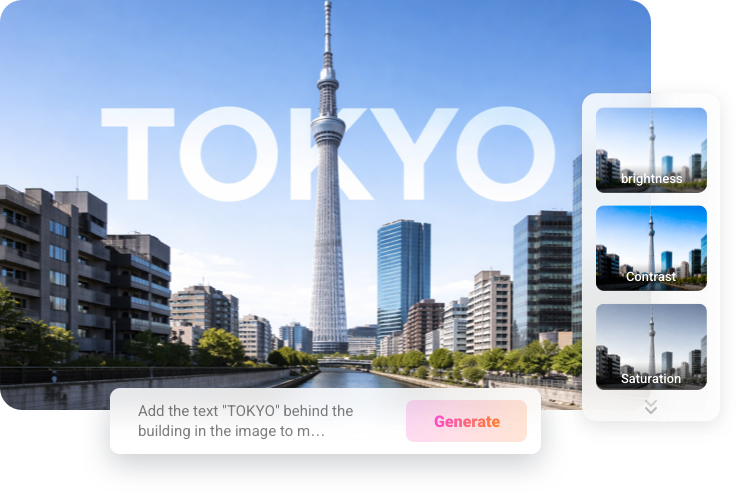
After the AI performs the automatic dehaze enhancement, you can further fine-tune and tailor the results to your style. You can adjust the lighting, contrast, vibrancy, bring in text, sketches to create a cinematic look all in one prompt. Enjoy smooth, flexible, and satisfying photo enhancement experience.
How to Remove Haze from Image
- 1
Upload a Hazy Photo
Access FlexClip’s AI Photo Editor, drag and drop your hazy photo to the upload section.
- 2
Remove Haze from Image
Enter a prompt describing how you want to edit the photo, like remove haze from the image while keeping other elements sharp.
- 3
Export & Download
The clear photo should be generated within several seconds. Save it to a local folder, post it to social media, or use it for your next video project.