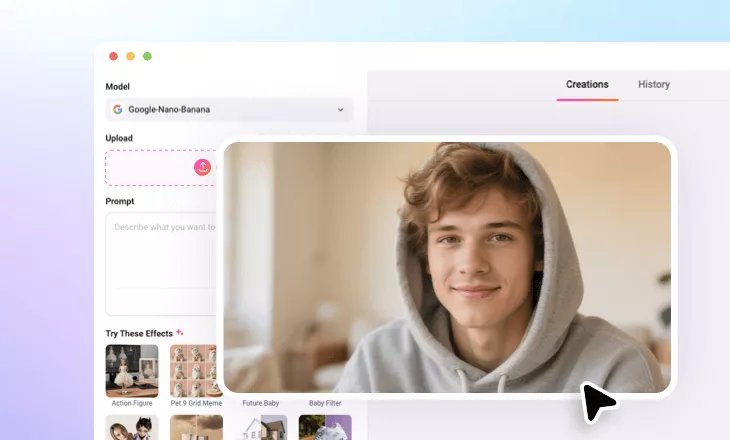
Change Image Texture
Refresh any shots by applying brand new textures to the whole image or the key object.
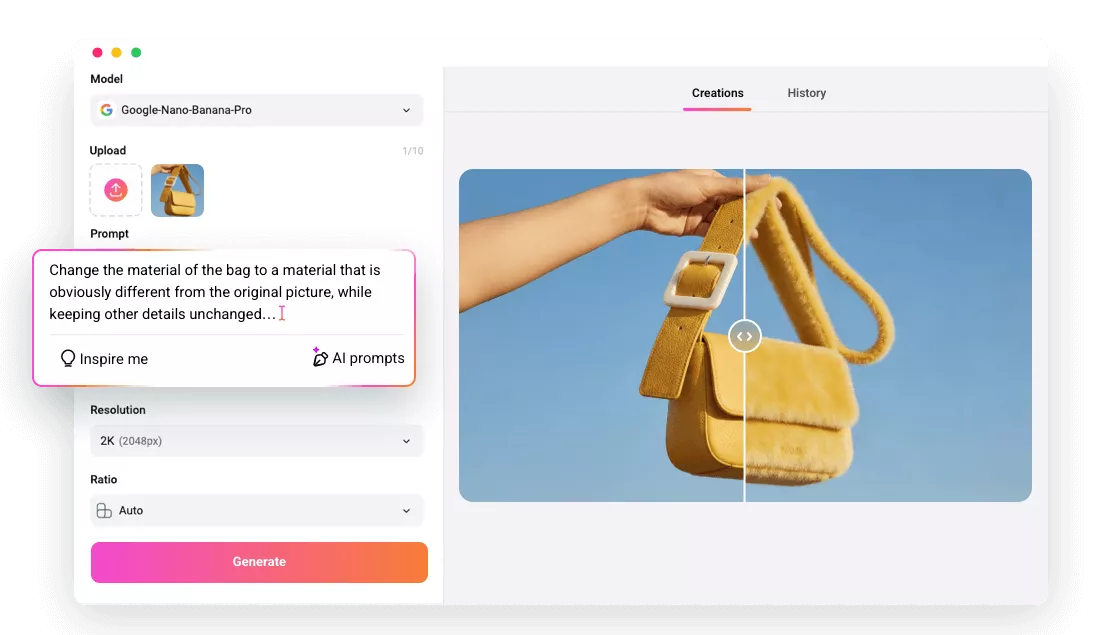
Why FlexClip is a Great Image Texture Changing Tool

Easy Texture Changing
Image texture changing is easier than ever. With a simple prompt and several clicks, you can breathe new life into the image.

Various Format Supported
FlexClip supports common formats like JPG, PNG, WebP and less common formats like TIFF, HEIC. You will not need to deal with format conversion.

Platform Compatibility
You can change image texture on computer, or right on your mobile devices. This makes things more convenient.
please input title
Enhance Portraits & Creative Headshots
Everyone wants to stylize their portraits to match trending aesthetics, such as Y2K grain, film texture, dusty matte, or soft pastel surfaces. FlexClip makes this transformation incredibly simple. You can enter a detailed prompt describing the texture you need, or upload a reference photo with textures you love, It will soon blend the new texture into your image in natural, polished, and on-trend looks.
Change Portrait Texture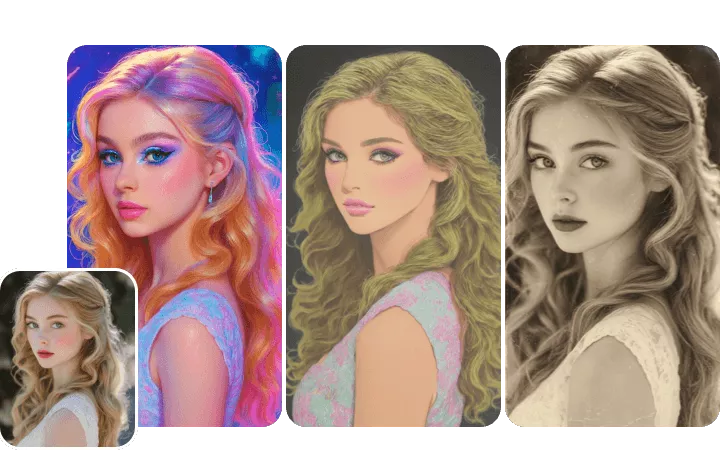
Upgrade Product Photography
Instead of arranging new photo shoots every time you need a different finish to display your product, turn to AI that’s able to handle texture changes with pixel-level precision. You can go from synthetic fabric to genuine leather, matte bottle to glossy, or any texture swap you need with ease. Enjoy well-polished, ad-ready visuals instantly!
Upgrade Product Image Texture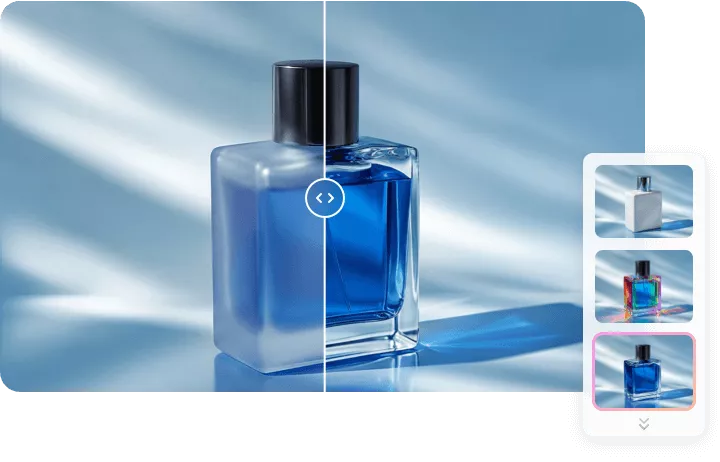
Prototyping Without 3D Modeling
Game developers, designers always need to test different skins, surfaces, or atmospheres, material ideas. AI saves the 3D modeling trouble and significantly boost efficiency. It directly applies any texture onto the whole image or just the key object within several seconds, helping you make the right decisions.
Change 3D Model Texture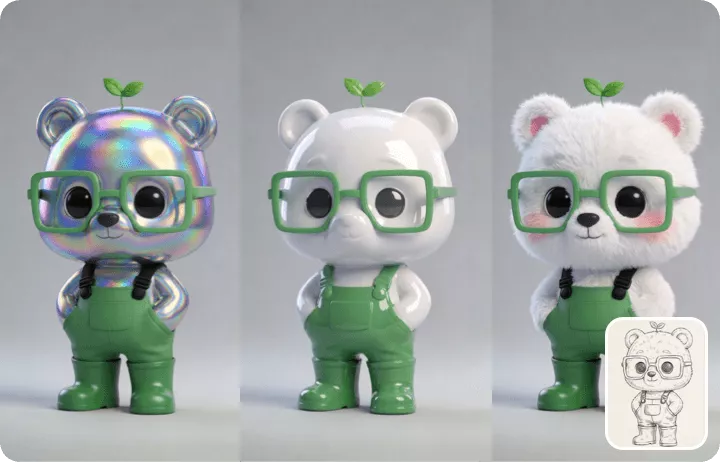
How to Change Image Texture
- 1
Upload Images
Access FlexClip’s AI Photo Editor, drag and drop your photo to the upload section. You can even upload photos as reference.
- 2
Enter Prompt
Use a simple prompt describing the style you want to transfer your image into. Hit Generate.
- 3
Export & Share
Preview the output photo. If you are happy with the output, save to a local folder or post to social media instantly.