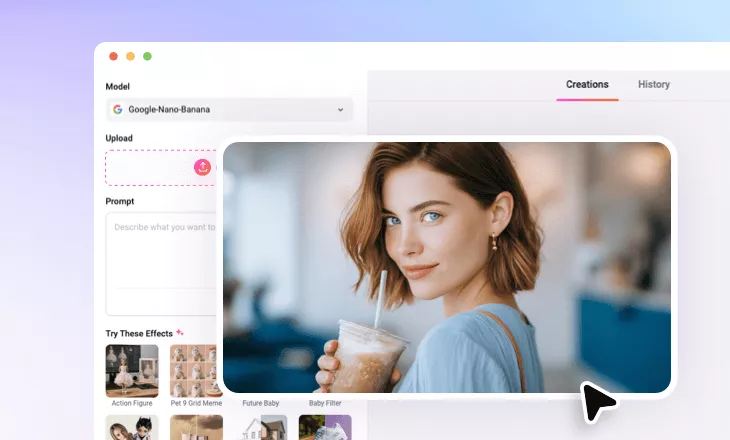
AI Bobble Head Generator
Transform ordinary photos into bobblehead characters with accurate likenesses and smooth textures.
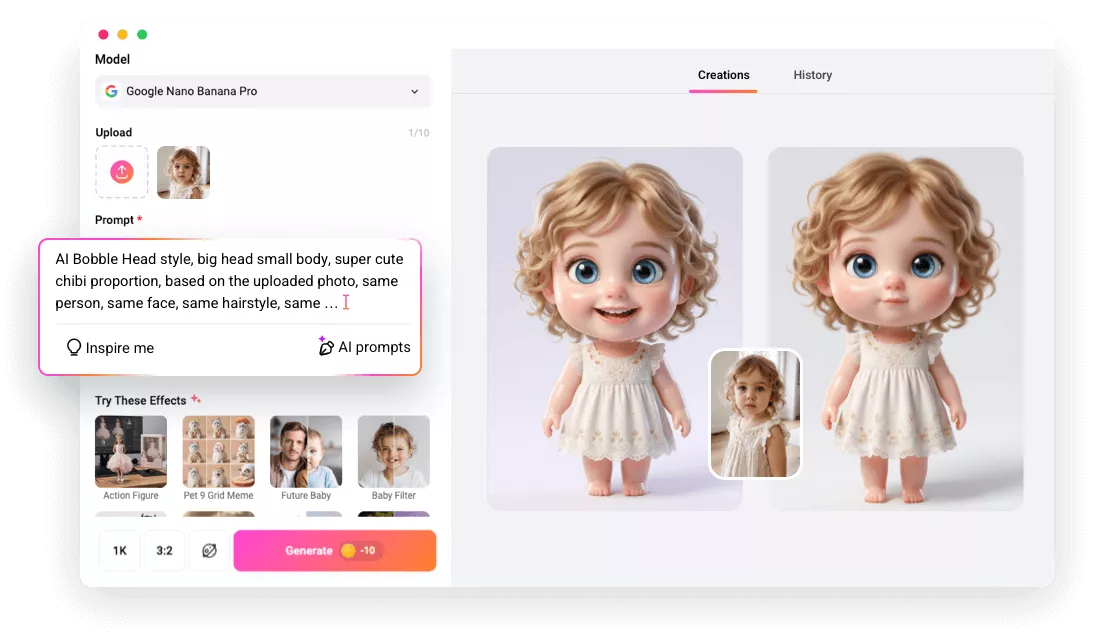
Why Use FlexClip’s AI Bobblehead Generator

Easy AI
FlexClip’s bobblehead generator is designed for everyone. People without previous design skills can generate a personalized bobblehead with ease.

High-Quality Image
Powered by the most powerful image generation models, FlexClip preserves facial details, enhances the lighting and color balance automatically.

Privacy & Safety
We handle personal data responsibly. All uploaded photos are processed securely and protected from unauthorized access. Use FlexClip with peace of mind.
please input title
Accurate Face Recognition & Likeness
The bobblehead effect is all about accurate face recognition, tweaking the proportions, and style transfer. FlexClip handles all the tasks well. Its AI analyzes facial structure, expressions, skin tone, hairstyle and accessories to precisely capture all features. Then it intelligently exaggerates proportions, creating playful, yet recognizable characters. Get a character that reflects your identity while adding creative charm and fun appeal.
Apply Bobblehead Effect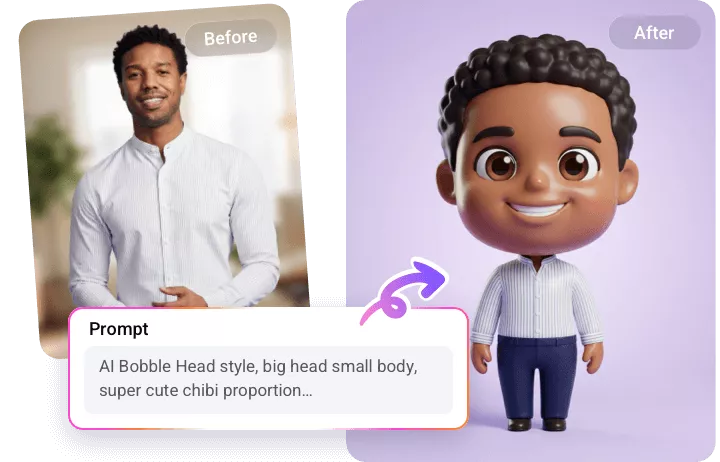
Customize Your Bobblehead Characters
You have full creative control over the bobblehead designs. FlexClip lets you adjust the head size, face expressions, outfits, background, visual styles and so much more to match your aesthetics or project goals. Instantly render among different looks, styles with simple textual prompts.
Customize Bobblehead Characters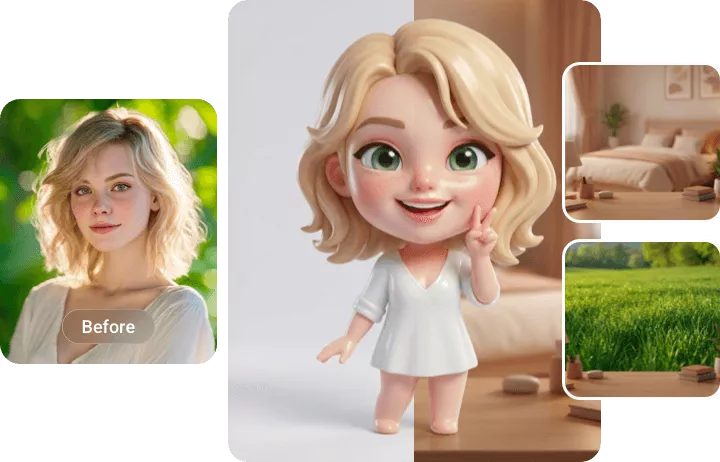
Make Bobblehead Video
Transform bobblehead images into lively animated content. With FlexClip’s Image to Text tool, you can create engaging videos by adding facial expressions, head movements, and even playful gestures. You can even add natural voiceover with lipsync under Sora 2 and Veo 3 model. Bring characters to life with simple prompts.
Make Bobblehead Video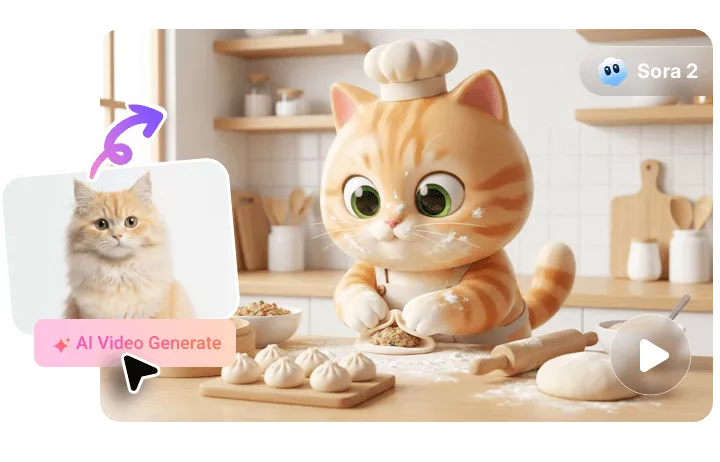
How to Apply Bobblehead Effect to Photo
- 1
Upload Your Image
Go to FlexClip’s AI Photo Editor page, drag and drop your image to the upload section. Images in any format will work.
- 2
Enter a Prompt
Enter a prompt like, transform the image into a cute bobblehead photo. Hit Generate. AI will take care of the rest.
- 3
Download and Use Your Image
Your new image should be done in several seconds. Once you are happy with the result, download the image, post to social media, or use it for your next video project.