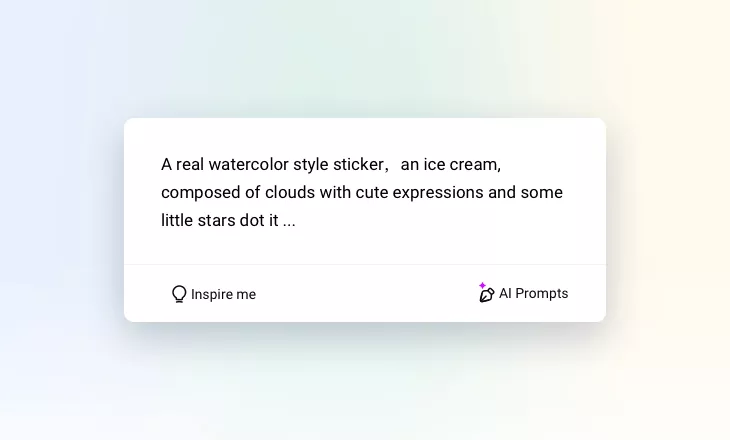
AI Sticker Generator Online
Use AI to create custom stickers based on text prompts.
Why Use FlexClip’s AI Sticker Generator?

Ease of Use
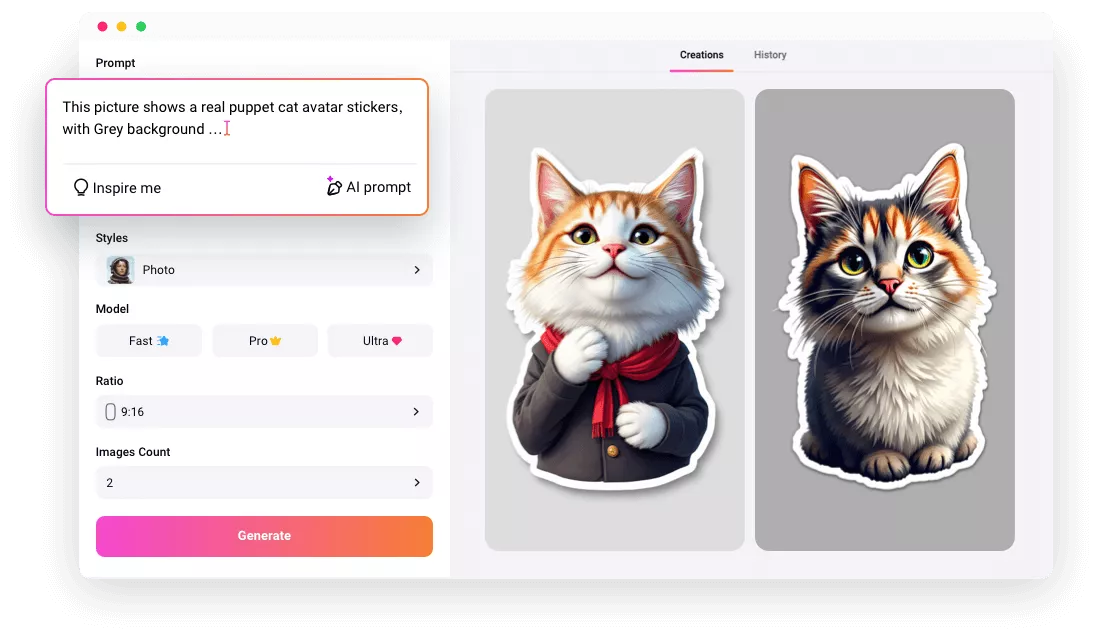
FlexClip’s AI sticker generator harnesses the power of artificial intelligence to bring your unique sticker ideas to life easily. Its AI will process your text prompts and create an engaging sticker automatically.

Secure and Private
Your privacy comes first. Unless you make it public, every image you upload or generate is exclusively visible to you.

100% Online
FlexClip’s AI sticker generator doesn’t take up any CPU or storage space on your devices. Access it via a browser and get a satisfying output.
please input title
Say Goodbye to Normal Sticker
Tired of sending normal stickers in your message? Want to express yourself uniquely and add a special flair to your conversations? FlexClip’s AI sticker generator can help you to design custom stickers that incorporats a touch of individuality. It allows you to simply enter a keyword for your sticker and enjoy the high quality print-ready stickers. And you can quickly get your own unique sticker without a watermark.
Generate Sticker Now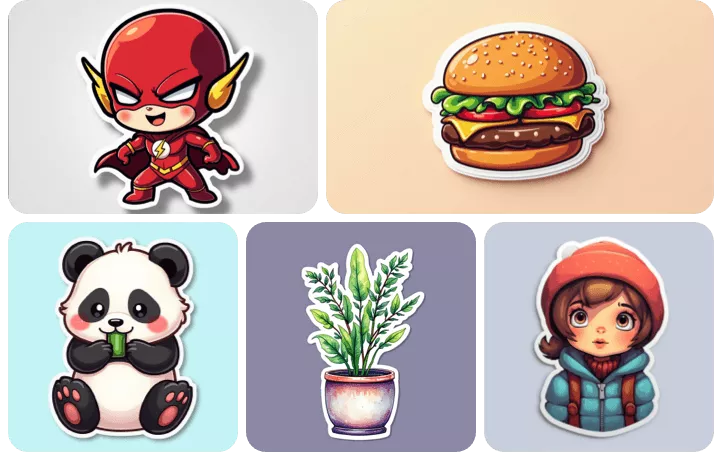
Generate Personalized Stickers from Photos
Fueled by cutting-edge AI technology, FlexClip allows you to upload a photo, and let the AI work its magic to transform your photo into diverse art styles. Then, its AI background remover can help you to make your images more like stickers by removing the background and adding a stroke outline. It’s a simple way to create die-cut face stickers in diverse art styles.
Generate Sticker Now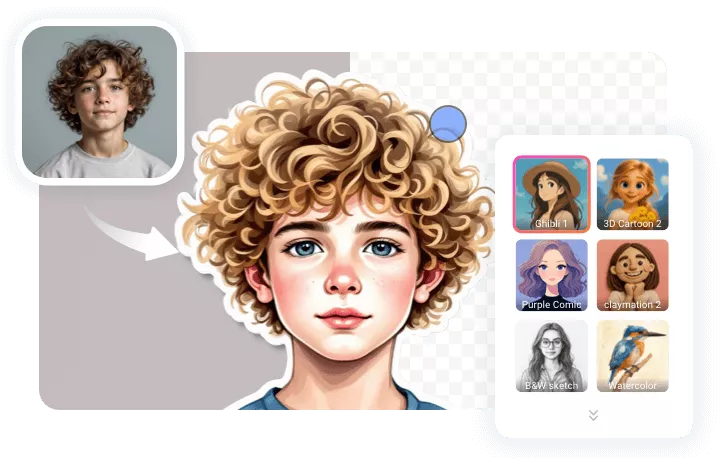
Transform Stickers into Coloring Pages
FlexClip’s AI image to image tool allows you to convert stickers into any style. With it, you can choose to easily convert AI-generated stickers into interactive coloring pages. Then you can print it to color or use a coloring tool online to have fun. In addition to message sticker, it offers other methods for you to explore endless creativity.
Explore More Creativity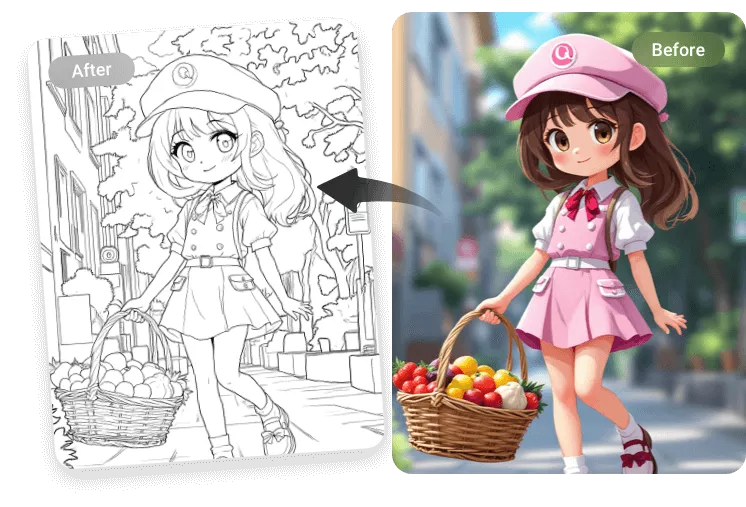
How to Use AI Sticker Generator?
- 1
Describe Your Sticker
Use text to describe what you want the sticker to look like. You can also upload a reference image to generate a similar sticker image.
- 2
Customize Your Sticker
You can choose the sticker art style and ratio, model and so on, then wait for AI to generate it.
- 3
View and Download Stickers
Once your AI sticker is ready, easily download it and share it with friends and family.