AI Interior Design Generator
Breathe new life into any room with creative design ideas and virtual furniture.
TRUSTED BY
What Makes FlexClip a Good AI Interior Design Generator

Online Interior Designer
FlexClip’s AI interior designer works right on your browser. No complicated software, no need to hire a costly designer.

Easy Designing
Creating professional-level design is possible for anyone. With FlexClip’s AI interior design tool, even beginners can bring their interior design ideas to life using simple prompts.

Design with Safety
Visualize your bold, unique interior design ideas with FlexClip. We don’t share your output or text prompt with any third parties.
From Scratch to Full Interior Design
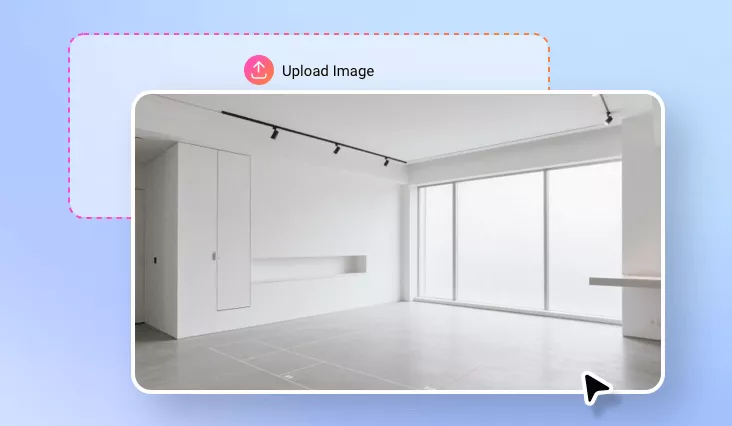
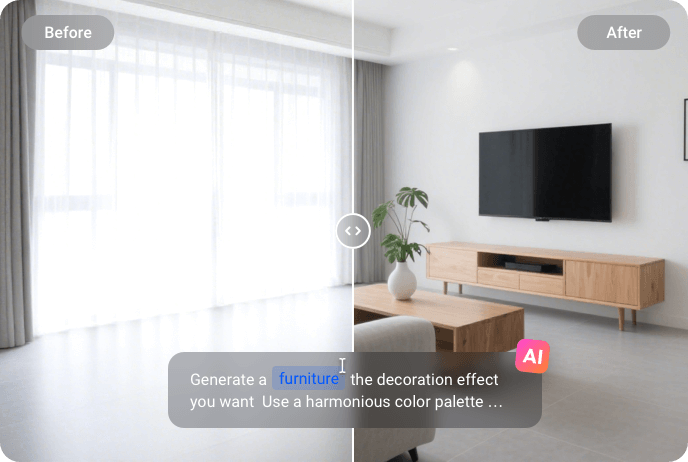
Embrace the fast, easy, and stress-free way of designing a room. Instead of relying on complicated 3D software, try FlexClip’s interior design generator, which helps you visualize different layouts, color schemes, furniture, and decor. All from a photo of an empty room and simple prompts. You can even turn a sketch into lifelike spaces and rooms. Visualize your design ideas now!
Transform Design Styles Instantly
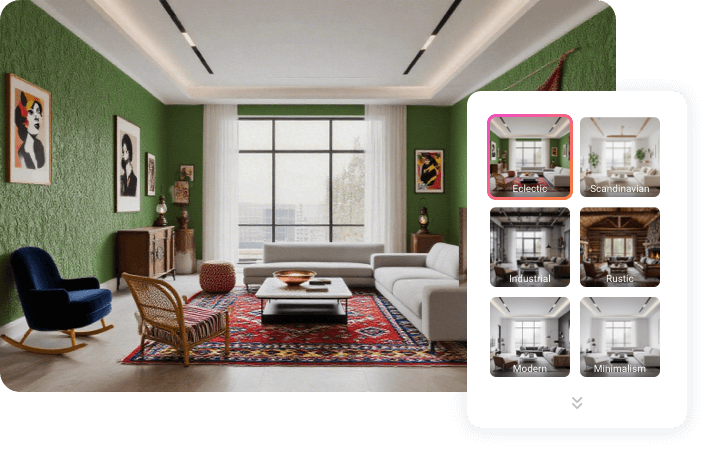
Explore endless design possibilities with great ease. FlexClip instantly helps you render among different interior design styles like modern, Scandinavian, industrial, rustic, or eclectic. You can even make small changes on the room, for example, removing the plant, changing the overall color scheme, switching the sofa texture, etc. These features are perfect for comparing looks, finding inspirations without starting over.
High Quality Rendering & Sharing
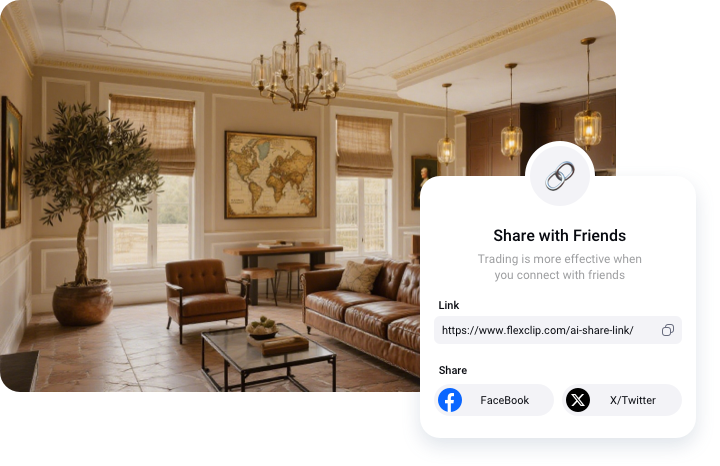
FlexClip always brings your idea to life with realistic, high-resolution outputs that capture every detail, from lighting to texture depth. Once the design is ready, easily download and share it with family, friends, or constructors so that everyone can check and collaborate on the final look.
How to Use FlexClip’s AI Interior Designer
- 1
Upload Your Room Picture
Access FlexClip’s AI Photo Editor, drag and drop your room picture to the upload section.
- 2
Enter Interior Design Ideas
Describe the interior design idea via a simple prompt. FlexClip will finish generation within several seconds.
- 3
Export & Share
Preview the interior design output, export to a local folder or directly share to social media.