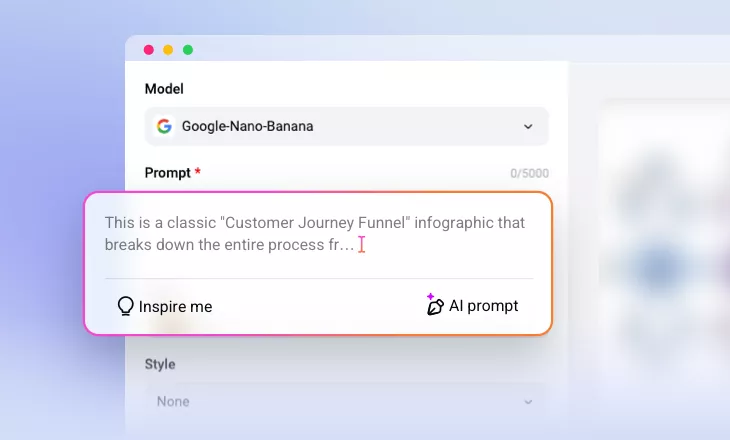
AI Flowchart Generator
Use FlexClip to generate structured flowcharts, enabling faster decision-making and improved communication.
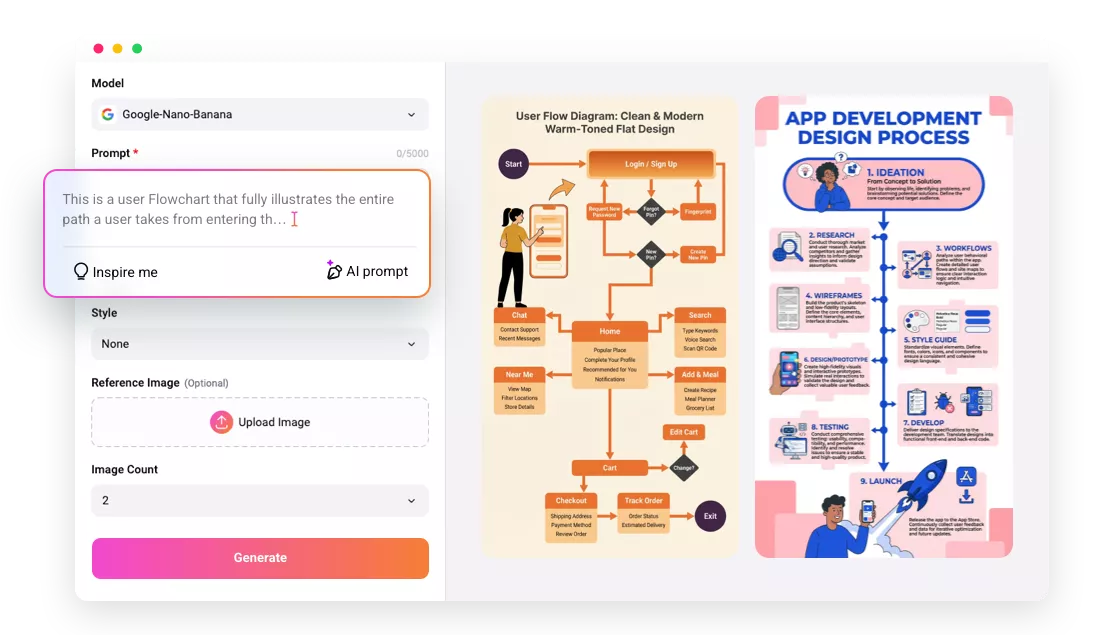
Why Use FlexClip’s AI Flowchart Generator

AI Automation
Instead of manually drawing shapes and connectors, FlexClip’s AI can understand workflow descriptions, intelligently select symbols, and arrange clear connections.

Cross-Platform Access
FlexClip’s flowchart generator is fully accessible across desktops and mobile devices without installation. Good for individuals and teams working any time, anywhere.

Privacy & Safety
All user information, prompts, and generated flowcharts are protected from unauthorized access or misuse. Feel safe creating flowcharts using FlexClip.
please input title
Accurate Logic Handling
Text and logic interpretation had been a nightmare for AI. That’s no longer the case now. Powered by Google Nano Banana, FlexClip understands conditions, loops, dependencies, and parallel actions, ensuring every word, every connection flows correctly. Even intricate workflows remain easy to read, helping teams communicate ideas.
Create Flowcharts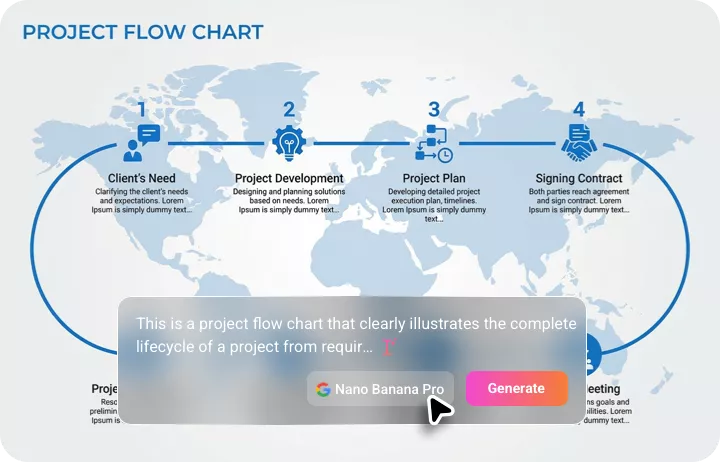
Customization on Flowcharts Using Prompts
FlexClip allows users to customize existing flowcharts. You can request changes such as adjusting layout style, color themes, font sizes, shape types, editing or translating text without manually editing each element. AI instantly applies your instructions, offering you full customization on flowcharts.
Edit Flowcharts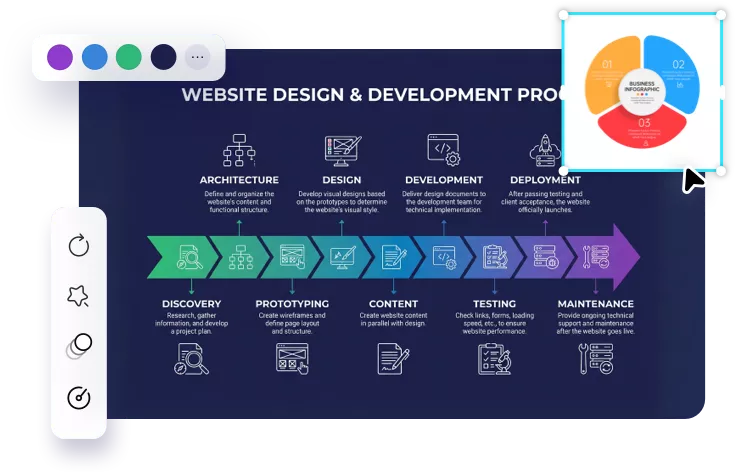
Easy Alignment Across Teams
FlexClip enhances collaboration by making flowcharts easy to share and align across teams. Creators can download the flowchart to a local folder, or share it via a short link so that everyone understands the same process or workflow.
Create a Flowchart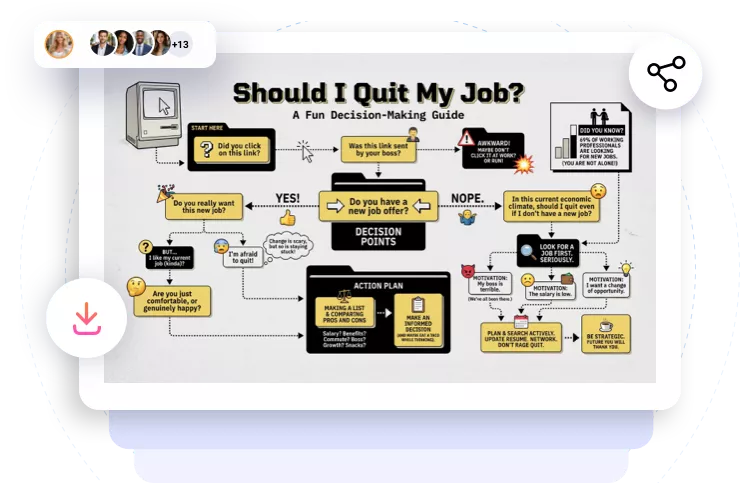
How to Generate a Flowchart
- 1
Enter a Detailed Prompt
Access FlexClip’s AI Text to Image generator, select the Google Nano Banana model, then enter a detailed prompt describing the flowchart you need.
- 2
Make Setups
Make other setups like image style, aspect ratio, image count, hit Generate. If you like, you can even upload another image as a reference.
- 3
Export & Download
Once you have the flowchart, export it directly to a local folder, post to social media, or use it for your next video project.