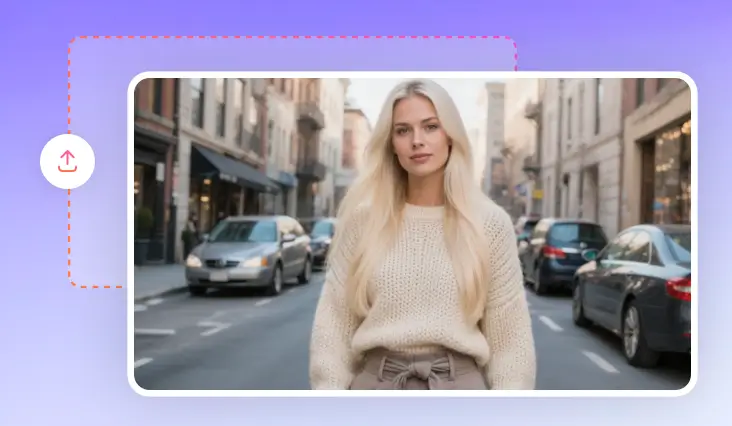
AI Fat Filter
Meet a chubbier version of any person, animal using a simple prompt and a photo.
TRUSTED BY
Why FlexClip’s AI Fat Filter

Beginner-Friendly
FlexClip’s AI fat filter makes it easy to visualize weight gain, without Photoshop skills. You can adjust body pose, add weight in several clicks.

AI-Powered Realism
FlexClip’s AI doesn’t only make someone appear bulkier, but also changes the lighting, shadows, clothing so that every detail looks natural and consistent.

Online Access
FlexClip’s AI fat filter runs right in your browser, so you don’t need to download any software or install any launcher.
Become Chubbier In Clicks at FlexClip
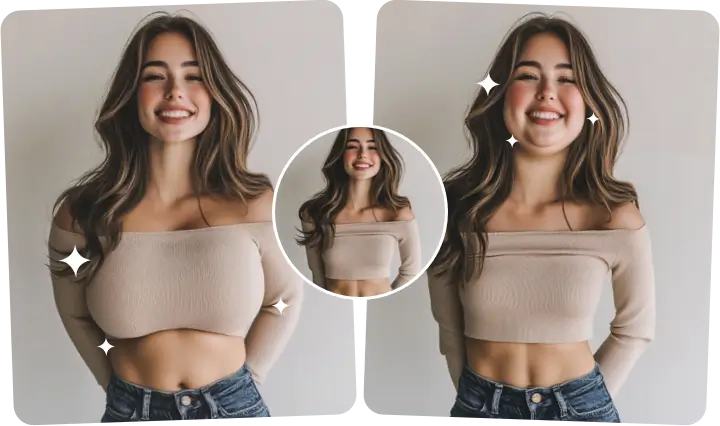
Thanks to FlexClip’s advanced AI, you can use a single prompt to plump up the face, enlarge the body size without distorting key features. In the meantime, FlexClip automatically enhances skin shading, lighting, and even clothing folds to keep the entire fatten transformation seamless and realistic. Whether you need a photo for playful edits or fun storytelling visuals, FlexClip will meet all your needs.
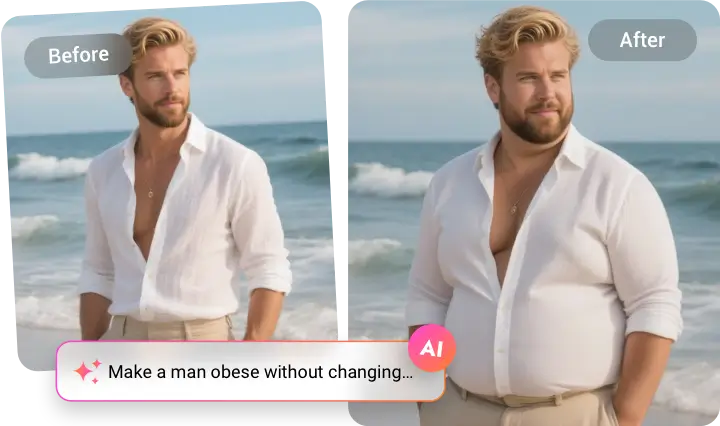
Customized & Precise Fatten Transformation
Don’t want to fatten up the whole body? FlexClip’s AI fat filter gives you precise control over which body parts to transform. In another word, you can experiment with subtle or dramatic transformations on target areas such as waistline, cheeks, or thighs while keeping other parts untouched. Explore different looks and styles instantly!
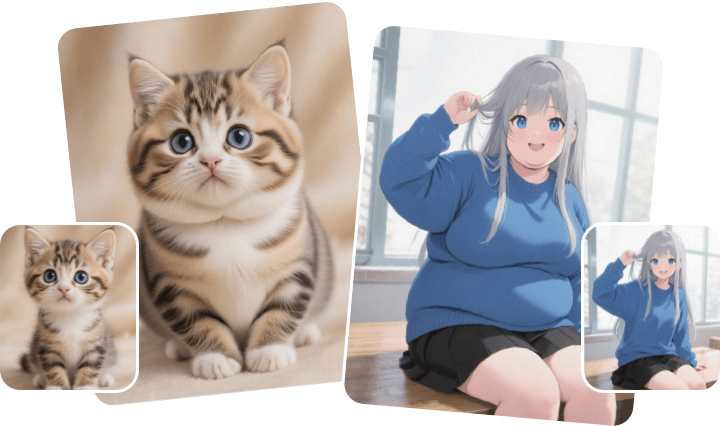
Make Anything Bulkier
You are not limited to portraits. FlexClip’s AI fat filter helps bulk up other things too. You can give anime characters, animals, virtual idols, game avatars a chubby new look. Ignite your creativity, reshape any elements in your image, make them bigger, or bulkier in seconds.
Add More Elements to Chubby Photo
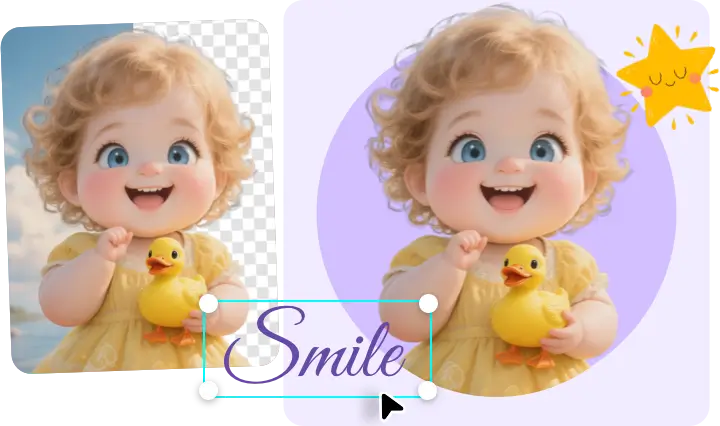
FlexClip is like a complete toolkit to personalize your photo. After creating a chubbier look, you can decorate the image with stickers, overlays, text, remove any unwanted elements, or swap in a new background. Enhance your photos in ways you want!
How to Use FlexClip’s AI Fat Filter
- 1
Upload a Portrait
Access FlexClip’s AI Photo Editor tool, drag and drop a photo to the upload section.
- 2
Apply Fat Filter
Pick a generation model and then enter a detailed prompt describing the fatten area and intensity. Hit Generate.
- 3
Export & Share
FlexClip will finish generation within several seconds. If you are happy with the fatten output, save to a local folder or post to social media.