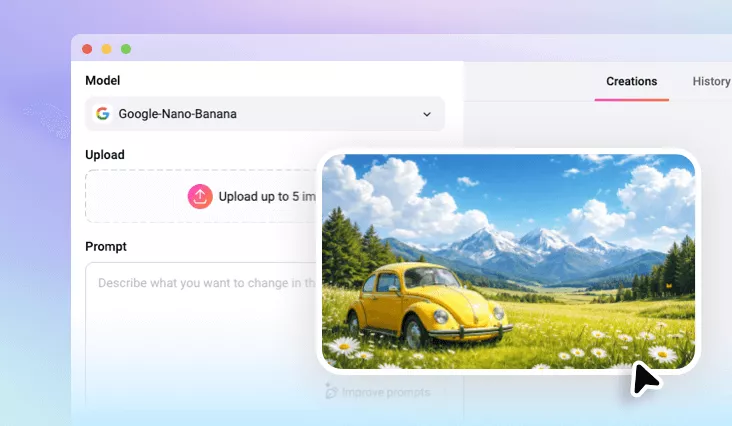
Add Rainbow Filter to Photo Online
Enhance your landscapes, selfies, and everyday photos with vibrant rainbow effects using our AI rainbow filter.
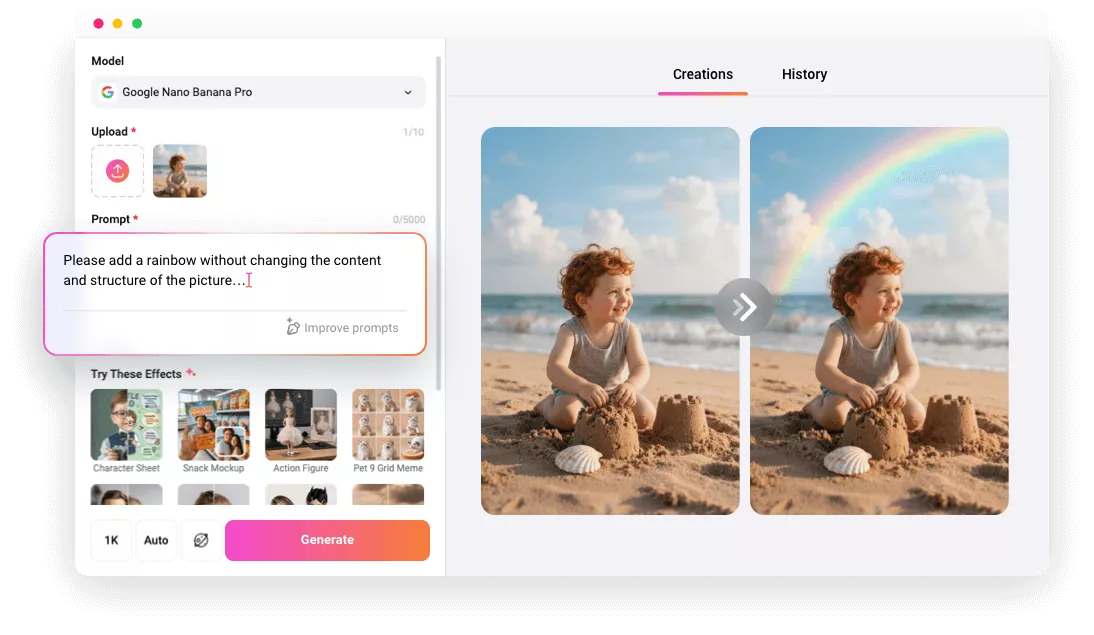
Why Use FlexClip to Add Rainbow to Image

AI-powered Rainbow Filter
No more manual edits. This AI rainbow filter can automatically detect, add and enhance photos with captivating rainbow effects in seconds, be it a beginner or professional.

Fast Generation
Adding a rainbow to your photo takes just seconds, allowing you to preview and share your creative masterpiece instantly—no long waits required

Photo-realistic Results
We are confident that rainbow images generated by our AI rainbow filter will stand out, for its sharp details and realistic texture.
please input title
Add Rainbow Aesthetic to Your Landscapes
Want to make your mountain scenery glow with magic? Elevate ordinary landscapes with FlexClip’s AI Rainbow Filter. Whether you’re aiming to add a natural rainbow over majestic peaks or a dreamy splash of color to serene views, this rainbow filter, you can bring your landscapes to life and immerse them in a stunning spectrum that radiates wonder and charm.
Apply Rainbow Filter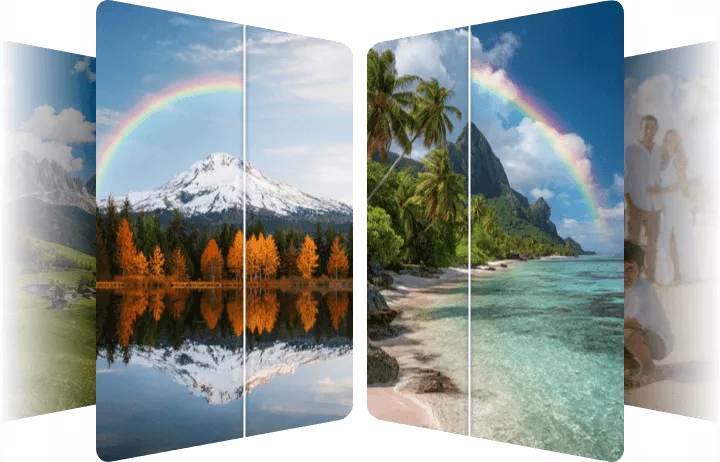
Enhance Portraits with Rainbow Effects
Elevate your portrait with vibrant rainbow artistry. From bold color bursts across your face to soft spectrum tones that glow throughout the image, FlexClip’s AI Rainbow Filter transforms every shot. It analyzes your photo's existing lighting, shadows, and colors to create a rainbow that looks like it was really there. Simply share your vision and let AI bring a radiant rainbow touch to life.
Apply Rainbow Filter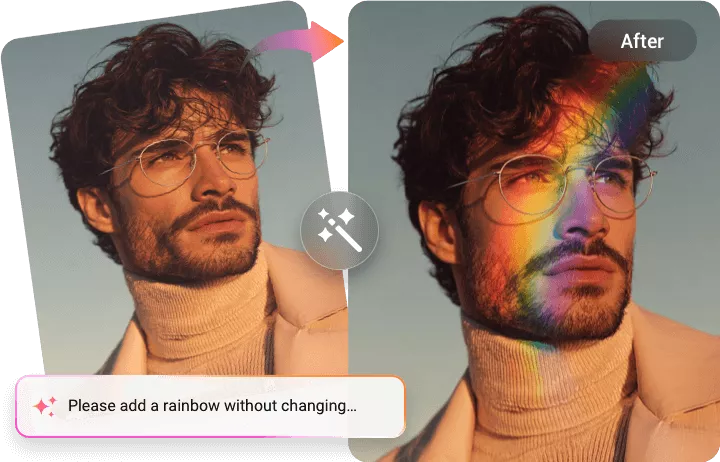
Fully Customizable Rainbow Effects
FlexClip delivers more than a simple rainbow overlay. Powered by AI, it lets you fully customize the look and feel of your rainbow effect. Describe anything you imagine — from a soft, distant arc to a bold double rainbow lighting up the sky. Adjust the placement, intensity, and style to match your vision, then let AI bring your perfect rainbow to life with stunning precision.
Apply Rainbow Filter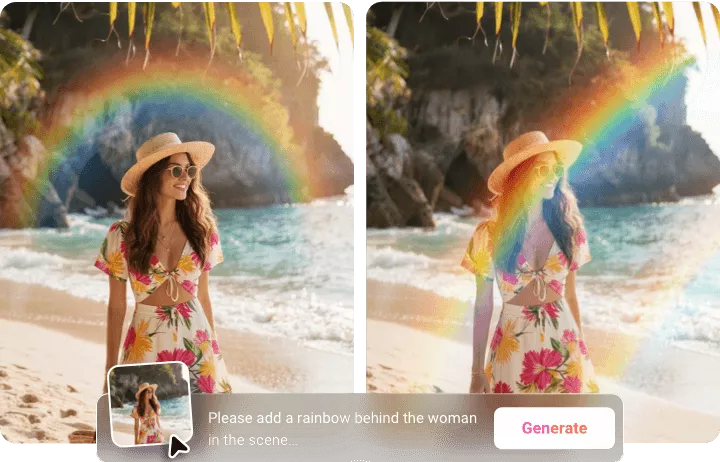
How to Add Rainbow to Photo Using AI
- 1
Upload a Photo
Open FlexClip’s AI photo editor and upload the image you want to edit.
- 2
Enter a Prompt
Input a prompt describing the vibrant rainbow effect you need.
- 3
Generate & Download
Click Generate and AI will automatically apply the rainbow filter in seconds. After that, download and share with ease.