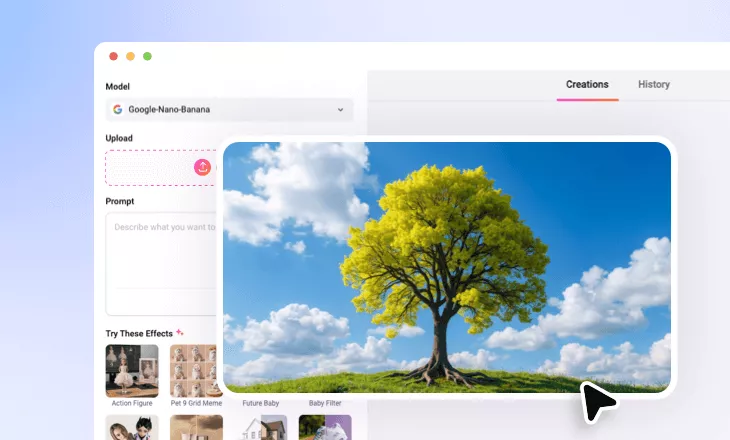
Add Lightning to Photo Online
Easily add lightning effects to landscapes, cityscapes, and certain portrait photos for a bold, dramatic look.
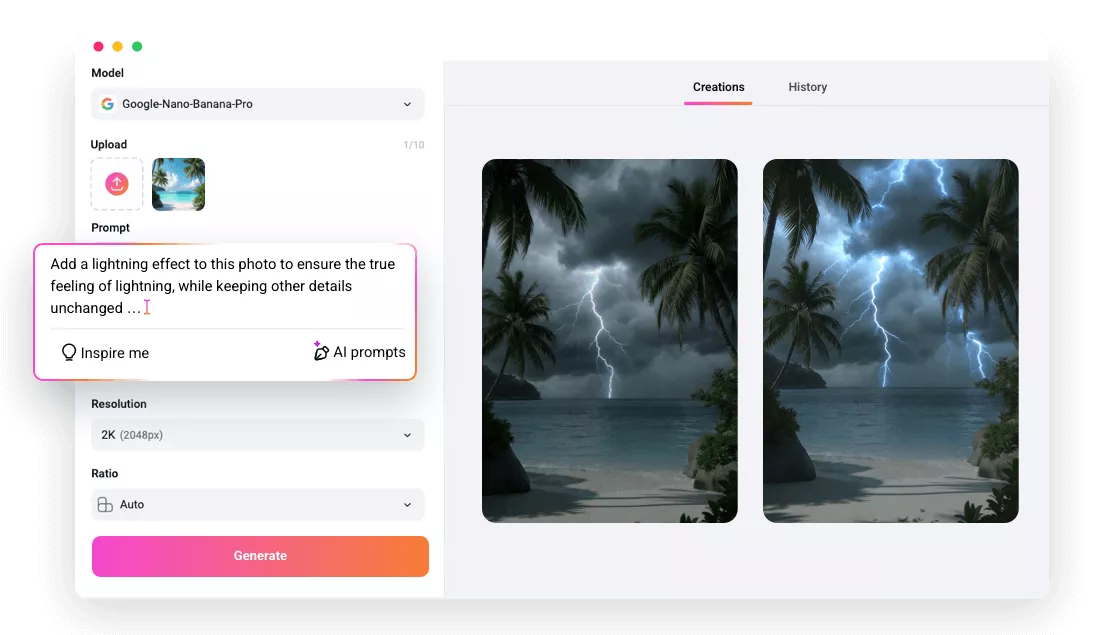
Why Use FlexClip to Add Lightning to Photo?

100% Online
FlexClip makes adding lightning effects easy, right in your browser. No downloads or installation will be needed.

AI-powered Realism
FlexClip’s AI not only adds lightning effects to photos, but also adjusts lighting, shadows, and color to ensure every detail looks natural and realistic.

Fast Rendering
The lightning editing process finishes in seconds, and you can download the electrifying result with just one click.
please input title
Dramatic Lightning Effect to Photo in One Click
Thanks to FlexClip’s advanced AI technology, you now can use a single prompt to add electrifying lightning effect to photo. Additionally, it intelligently adjusts lighting, shadow and color to deliver natural and realistic results with enhance moody atmosphere. Whether you want to inject energy into your photo or create a dark, scary mood, FlexClip meets every creative need.
Add Lightning Effect to Photo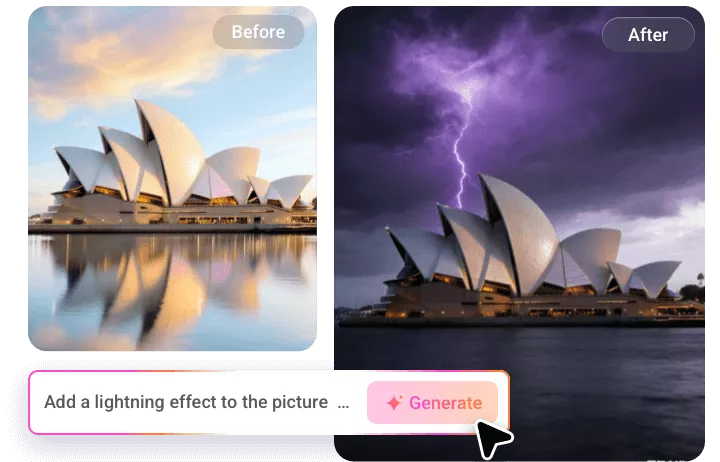
Customize & Control Lightning Transformation
Want full control over how lightning appears in your photo? FlexClip gives you complete control over the lightning transformation. You can choose where the lightning appears, adjust its intensity, and fine-tune the angle and opacity to match your scene naturally. Explore different lightning effects now.
Add Lightning Effect to Photo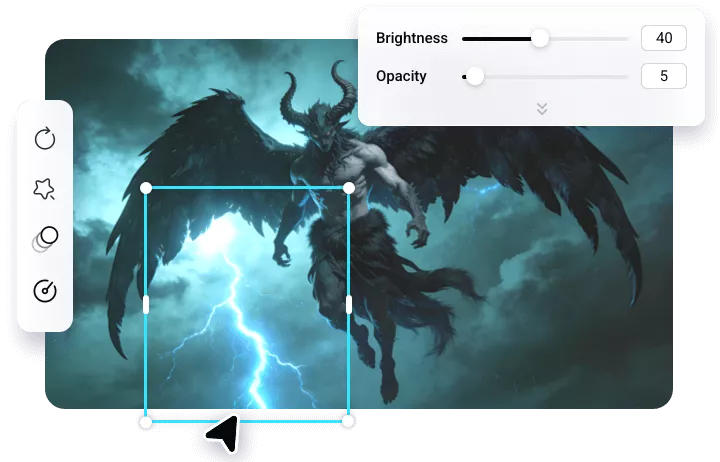
Animate Lightning Photo for Amazing Look
Wondering if you can animate your lightning photo? With FlexClip’s AI image-to-video tool, you can transform static lightning effects into dynamic videos with just one tap. The moving lightning adds drama, making your visuals more engaging and striking.
Animate Lightning Photo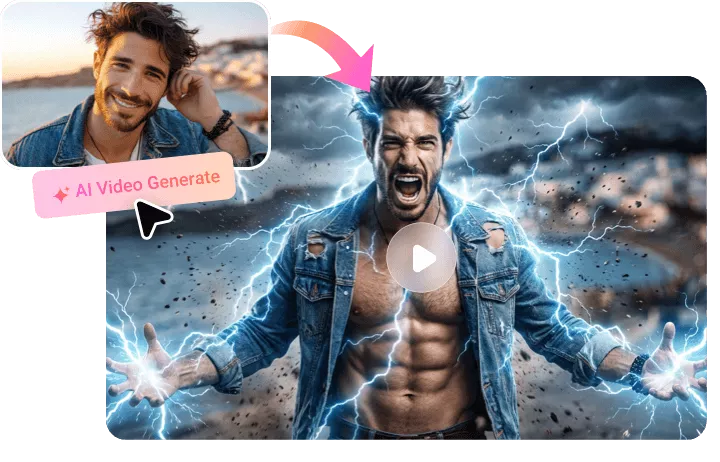
How to Add Lightning to Photo Using FlexClip
- 1
Upload Your Photo
Import the image you want to add lightning effect to FlexClip.
- 2
Add Lightning Effect
Pick a generation model and enter a detailed prompt describing the area and intensity you’d like to edit.
- 3
Dowload and Share
FlexClip will finish the generation in seconds. Once satisfied, export your electrifying photo to local or share to social media.