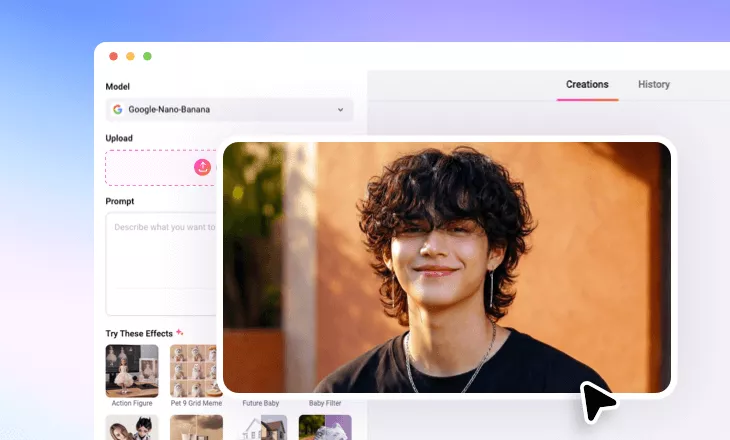
Add Cat Ears to Photo
Easily add cat ears to photo for a feline fun with FlexClip’s AI cat ears filter.
Why Use FlexClip’s AI Confetti Filter?

Smart AI Technology
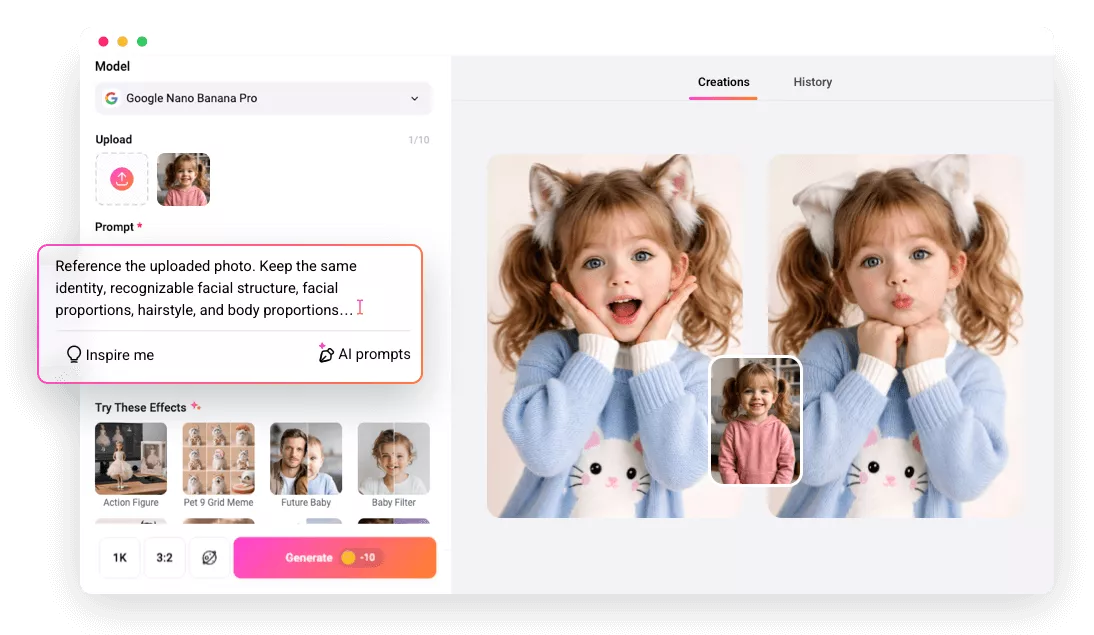
Powered by smart AI technology, FlexClip allows you to position and resize cat ears in various styles with precise, AI-driven accuracy in just a few clicks.

Realistic Result & Fast Delivery
Trained on millions of real images, we’re proud to say FlexClip can detect faces and seamlessly matche realistic cat ears, delivering a perfectly catified photo in just seconds.

Support Various Formats
FlexClip supports various photo formats including JPG, PNG, WebP, HEIC, saving you the trouble of doing format conversion.
please input title
Apply Realistic Cat Ears to Photo with AI
No more awkwardly placed or poorly sized ears! With FlexClip’s AI cat ears filter, you can get perfectly matched furry ears in seconds. Simply upload your image and let the AI do the rest—automatically detecting the face, precisely positioning the ears, and adjusting the lighting for a seamless, realistic finish.
Add Cat Ears to Photo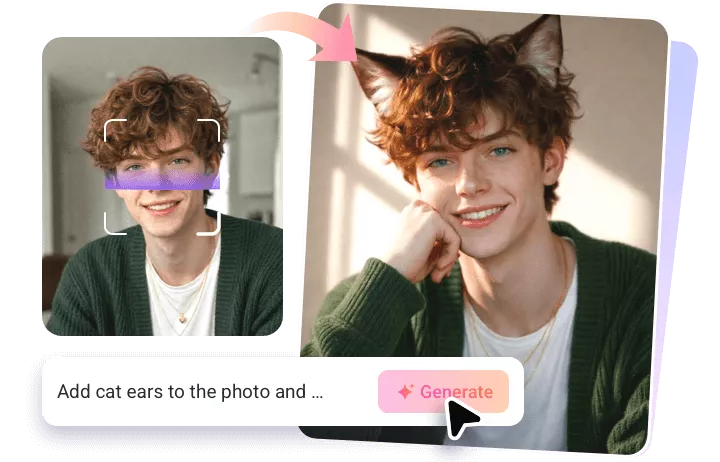
Various Cat Ear Styles to Match Every Whimsical Idea
With FlexClip, creativity is always at your fingertips. Whether you want adorable cat ears for a cartoon character, fluffy ears for your portrait, or a realistic feline touch for your lovely pet, this tool brings your imagination to life—no matter how creative your idea may be. Simply share your cat ears concept, and let AI make it happen.
Add Cat Ears to Photo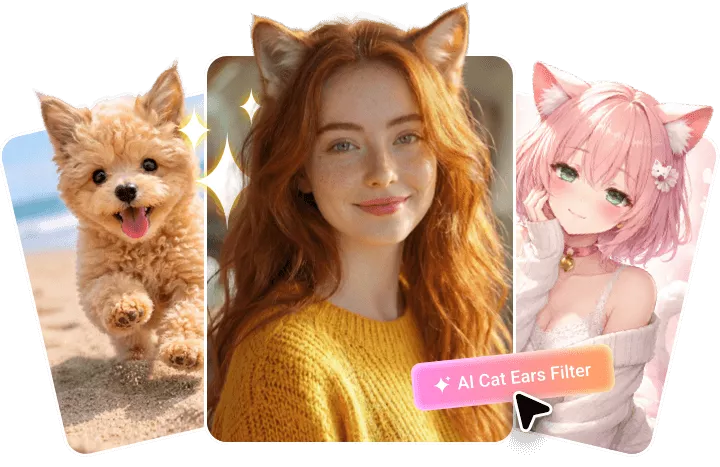
Customize the Feline Look Your Way
While AI handles the process, you stay in full control of every detail. From ear color, texture, size, and angle to fun extras like whiskers or even a fluffy tail, you can personalize every element to match your vision. You can also enhance the overall vibe by refining lighting, expressions, or background elements for a perfectly cohesive feline transformation. Design it your way, preview instantly, and create a cat-inspired look that’s uniquely yours.
Add Cat Ears to Photo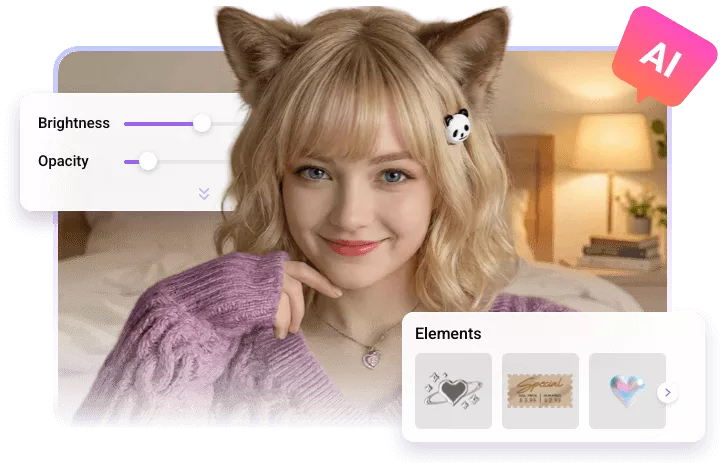
How to Use AI Cat Ears Filter in FlexClip?
- 1
Upload Your Photo
Visit FlexClip’s AI photo editor and upload your portrait, pet photo, or any image you’d like to enhance with a cat ears effect.
- 2
Add Cat Ears to Photo
Enter your prompt and AI will automatically detects faces and precisely places the cat ears for a natural and realistic look.
- 3
Download & Share
Once you’re happy with the result, download your feline-inspired photo and share it with friends or post it directly on social media.