Talking Head Video Generator
Turn any script or audio into a lifelike talking head video with lip-sync movement. No filming. No editing skills required.
TRUSTED BY
Why Choose FlexClip’s Talking Head Video Generator?

Preset Avatars
We offer 100+ preset avatars in several styles, including professional presenters, educators, UGC avatars, and 3D cartoon characters.

Commercial Usage Rights
Whether you're creating a talking head video for advertisements, marketing campaigns, or social media content, it is licensed for commercial use.

Multi-language Support
Make your avatar speak in different languages and create talking videos localized for global audiences.
Natural Talking Head Video from Photo or Video
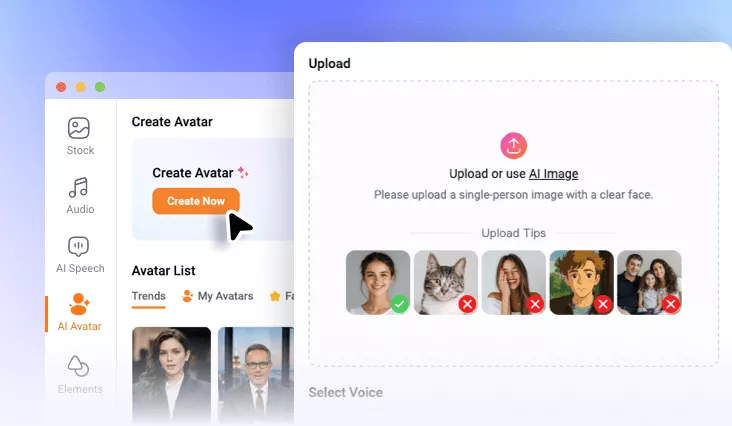
You only need to upload just one image/video of anyone, and FlexClip’s AI will instantly convert it into a speaking character with realistic facial motion and expressions. Its advanced AI can analyze facial structure, head position, and expression patterns to create a lifelike talking head video.
Ultra-Realistic Lip-Sync Animation
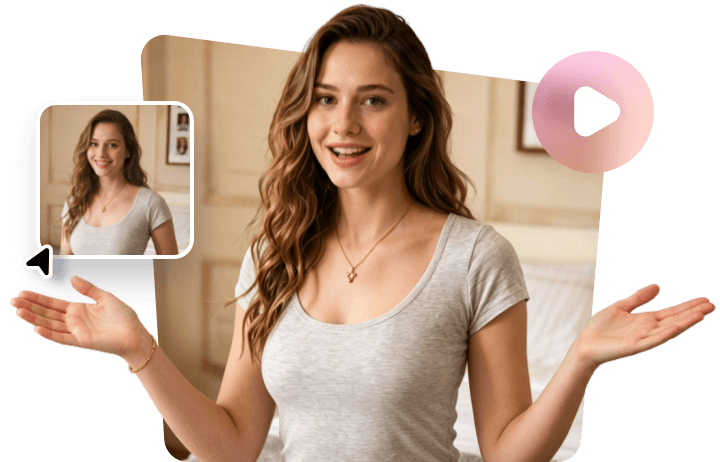
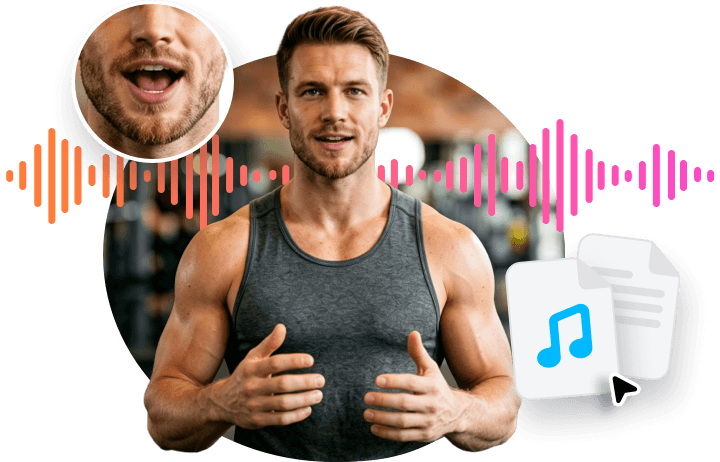
You can paste any script or upload your own audio recording, and then FlexClip’s talking head video generator can turn it into a speaking video. Its advanced AI synchronizes mouth movements with speech with high precision, making every sentence feel natural and believable.
Perfect for Content Creators, Marketers, Educators
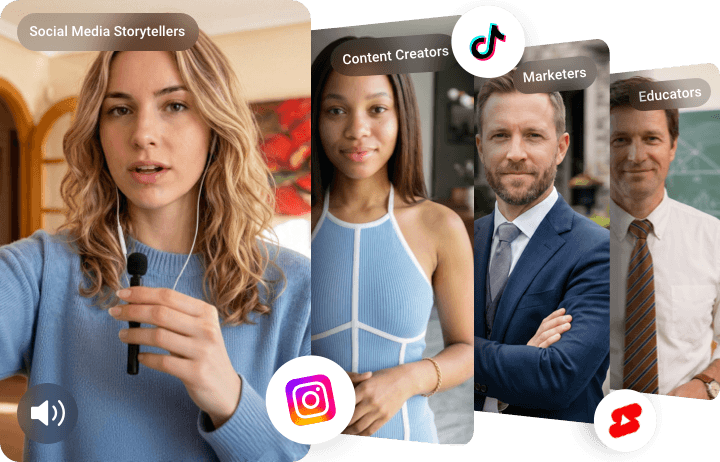
Talking head video is perfect for content creators, marketers, educators, and social media storytellers who want to produce engaging video content without cameras or actors. FlexClip’s talking video generator eliminates the need for live filming while still delivering studio-quality results. With just a few clicks, your static media becomes an engaging, professional talking head video ready for TikTok, Instagram Reels, YouTube, and more.
How to Create AI Talking Head Video?
- 1
Upload Talking Presenter
Enter FlexClip’s AI avatar page and upload an image or video to generate your own talking avatar.
- 2
Generate Talking Head Video
You can paste the script or upload an audio recording to let your AI-generated talking head speak it. Then you can customize the ratio, subtitle style, and background as you like.
- 3
Download AI Talking Head Video
Once you are happy with this AI talking head video, tap the Download button to save it, or you can switch to FlexClip’s editing page to do more edits on it.