AI Actor Generator
Use FlexClip to create professional video clips with a realistic AI actor. Perfect for UGC videos, video ads, or movie clips.
TRUSTED BY
FlexClip AI Actor Clip Generator’s Top Features

Beginner Friendly
FlexClip removes the filming process and steep learning curve associated with traditional video editing. Creators now can easily get AI actor clips just by uploading the resources.

Fast Generation
FlexClip accelerates the process in a matter of minutes, which is significantly faster than the traditional production process and even other AI video generation tools.

Commercial Safety
No more worries about copyright issues and talent permissions. FlexClip provides a 100% commercially safe environment for corporate branding, product launches, ads, etc.
Ultra Realism & Accuracy
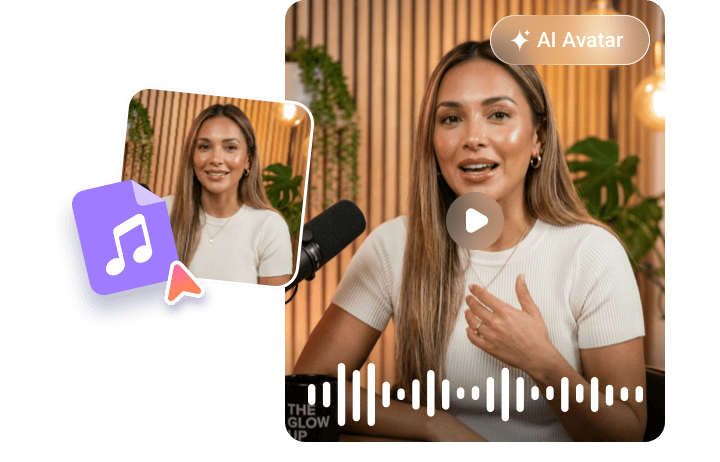
FlexClip prioritizes high-fidelity neural rendering. It utilizes advanced AI models to ensure pixel-perfect lip-sync accuracy of the AI actor. Additionally, it also adds natural micro-expressions, subtle shoulder movements, and contextual gestures that closely mirror human behavior. Align every detail with the script or uploaded audio.
Create Digital Twins
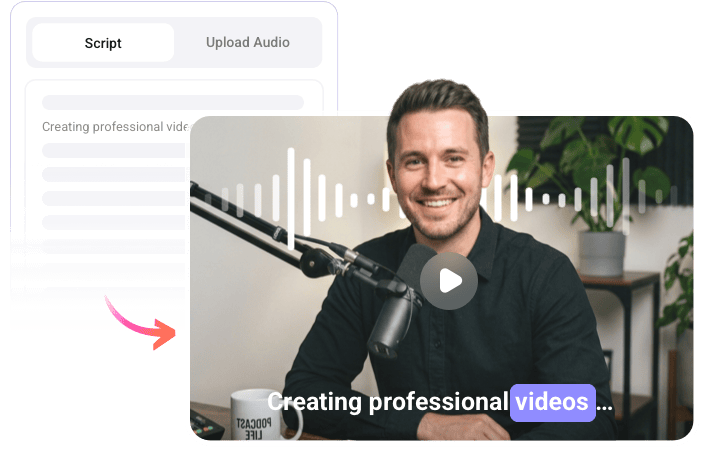
Need a unique AI actor? FlexClip gets it and lets you scale your likeness effortlessly through custom digital twins. By uploading a short video or just a front-facing photo, AI constructs a precise digital replica of anyone. To make the digital human clone truly authentic, you can even upload a voice sample to replicate specific vocal tones, pitches, and natural speech patterns.
Localize AI Actor Clips
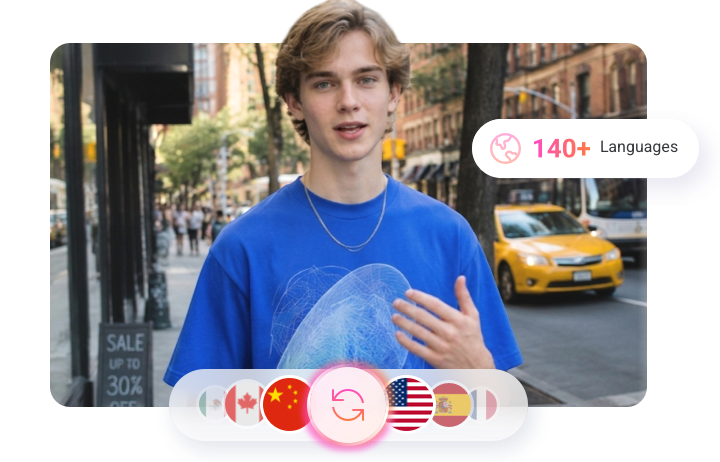
Expanding your video reach requires adjustments in voiceover, captions, and even lip movements. FlexClip handles all these tasks well. It supports creating AI actor videos in 30 languages, and translates transcripts, voiceovers into 140 languages. Create content that’s tailored to local audiences worldwide.
All-in-One Workflow
To achieve the best result, you might need to further polish the AI actor clips. FlexClip eliminates the trouble of switching between tools. After the generation, you can directly access the easy timeline to merge, trim, apply transitions, add captions or brand kits, etc. This unified setup maximizes creative focus and boosts production efficiency.

How to Generate AI Actor Clips Using FlexClip
- 1
Pick/Generate an AI Actor
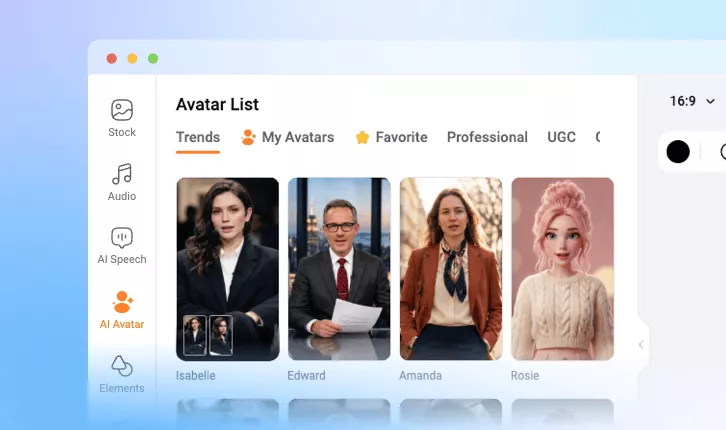
Access FlexClip’s avatar library, pick an AI actor you like, or upload an image/video to create a customized AI actor.
- 2
Generate Audio
Enter the information you want the AI actor to say, or directly upload an audio file. Hit Generate.
- 3
Export & Share
You will be able to get a professional-level AI actor clip within several minutes. Save it to a local folder or use it for your next video project.