AI Singing Photo
Produce realistic singing performances with accurate lip sync and expressive character movements using only one photo. No animation skills needed.
TRUSTED BY
FlexClip: Transform Images to Singing Videos

Easy-to-Use Interface
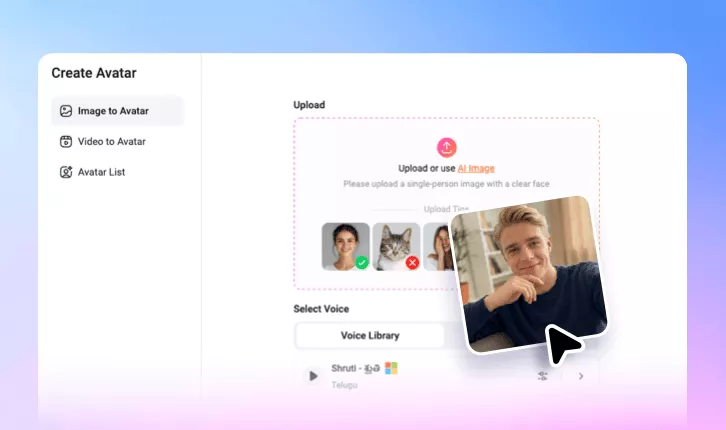
Creating a singing photo should be easy, and FlexClip makes the entire process effortless. Upload an image, add a song file, AI will generate realistic singing animations automatically.

Fast Generation
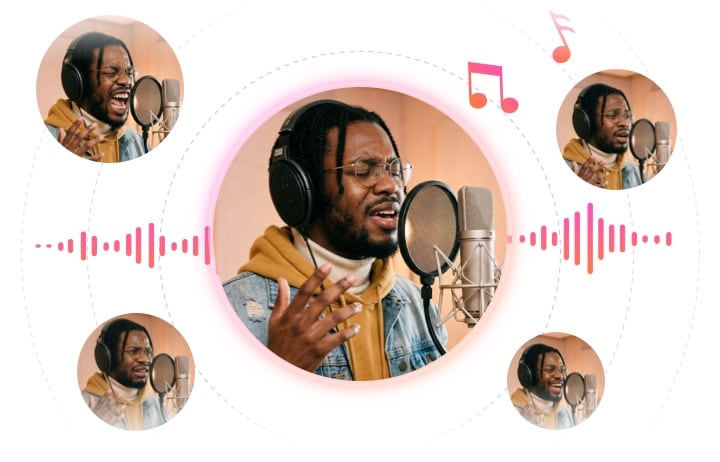
FlexClip adds perfect lip sync and body movements with remarkable speed while maintaining high-quality. Produce more content in less time.

Commercial Usage Rights
FlexClip is a commercial-friendly solution that creates content for social media, advertisements, etc. All singing photos generated from FlexClip can be used for commercial purposes.
Accurate Lip Animation that Syncs with Music
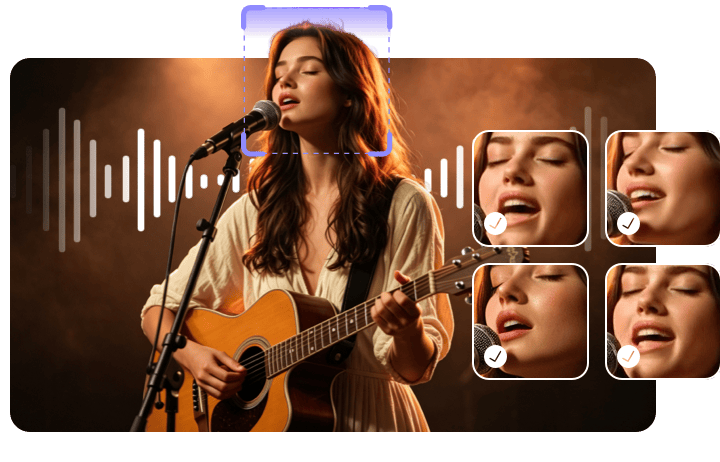
A great singing photo largely depends on whether the mouth movements match the music. FlexClip uses advanced AI technology to generate precise lip animations that synchronize naturally with vocals, lyrics, and rhythm. Every mouth movement is carefully aligned to create a realistic singing performance that feels believable and engaging.
Natural Facial Expressions
Singing is not all about moving lips, but also delivering the right emotion using facial expressions and body movements. FlexClip enhances generated performances by adding subtle facial expressions that reflect the energy and mood of the song. They will make singing videos feel more realistic and engaging for viewers.
Stylish Lyric Captions
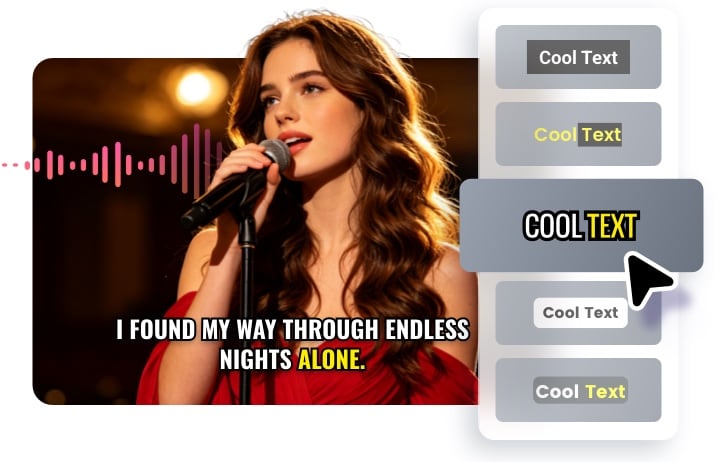
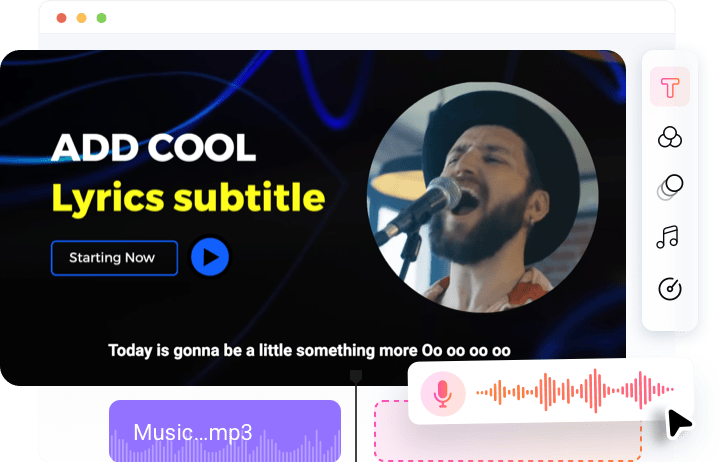
FlexClip automatically generates captions that display song lyrics clearly and professionally throughout the performance. Choose from a variety of fonts, sizes, colors, animations, background colors to match your singing video’s theme and your branding.
Make Easy Edits to Singing Video
Besides generating a singing video, FlexClip gives you powerful editing tools to customize every detail. From trimming clips, adjusting timing, adding transitions, applying branding elements, you can make all edits within one platform.
How to Create an AI Singing Photo
- 1
Upload a Photo
Access FlexClip’s AI Avatar tool, upload a photo to get started. A single-person image with a clear face is preferred.
- 2
Upload a Singing Audio
Drag and drop a singing audio to FlexClip. (min 10 seconds, max 100MB) Hit Generate. A singing clip will be generated within several minutes.
- 3
Edit & Share
Make easy edits on FlexClip’s timeline. When all details are perfect, save the video to a local folder, share via a short link, or post to social media.