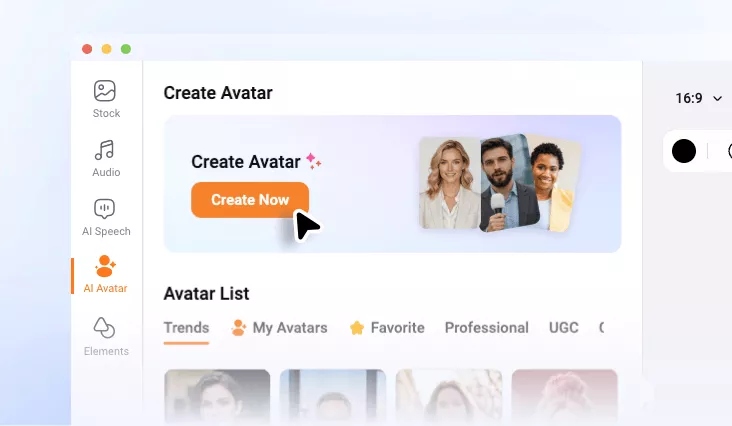
AI Lip Sync Video Generator
Match any voice to a photo or video with realistic lip movements. No need for filming or animation expertise.
TRUSTED BY
Why Use FlexClip’s Lip Sync Video Generator

Ease of Use
Creating realistic lip sync videos has never been easier. FlexClip is designed with simplicity in mind, eliminating the complexity of traditional animation processes.

Powerful AI
FlexClip’s powerful AI produces natural lip animations, as well as facial expressions based on the script you entered, making the video feel more human and engaging.

Fast Generation
Speed matters when creating content. Instead of spending hours on processing, FlexClip’s AI lip sync video generator delivers results in minutes. Enjoy efficient video creation now!
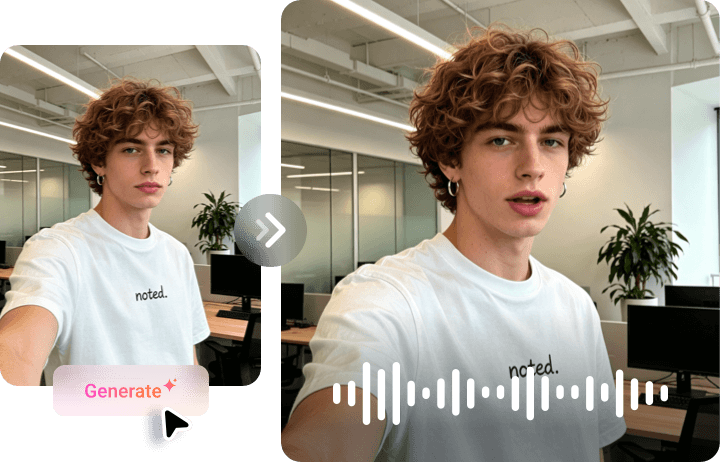
Photo to Lip Sync Animation
Bring any portrait to life using FlexClip. It creates a realistic talking video by adding accurate, synchronized lip movements to the photo. Additionally, FlexClip adds natural facial expressions, blinking, head movements to make static photos appear animated and expressive. No animation skills required. This feature is perfect for creating virtual presenters, educational content, entertaining social videos, and creative storytelling projects.
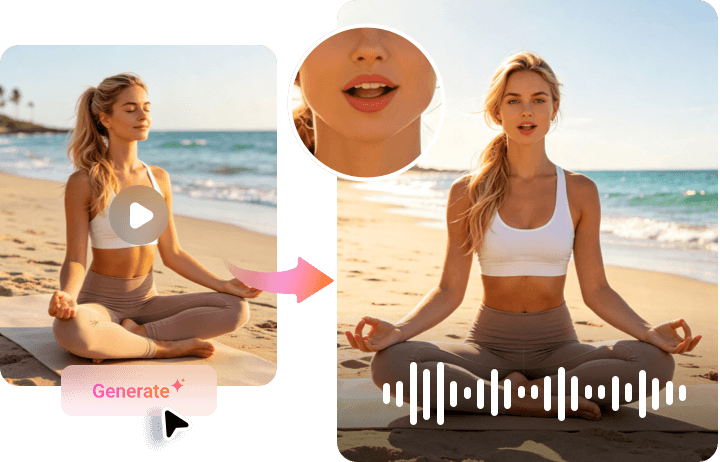
Video to Lip Sync Video
Already have a video? Rather than manually editing mouth movements frame by frame, you can achieve seamless synchronization with minimal effort. Upload it to FlexClip, it will automatically adjust lip movements to match the new voiceover without changing the body movements. The result maintains visual consistency while delivering a perfectly matched audio experience for viewers worldwide.
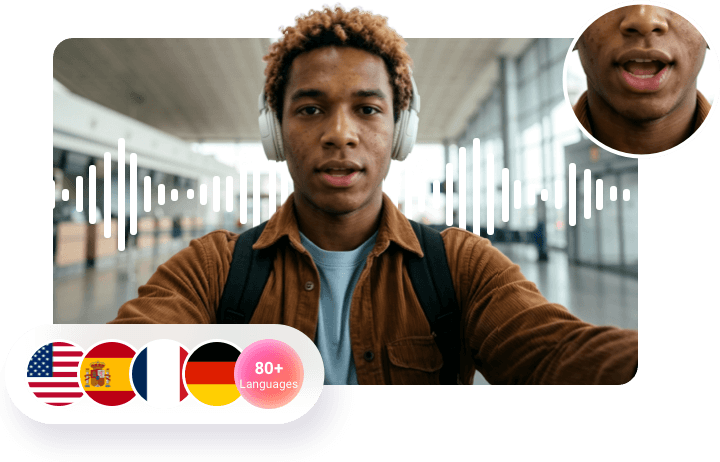
Multi-Language Support
Think about the possibility of reaching audiences around the world without hiring another presenter or recording a voiceover. FlexClip supports multiple languages, generates localized videos with natural voiceovers and smooth lip movements. Improve audience engagement, expand your reach, and connect with international viewers more effectively.
Manual Editing Freedom
While AI automates the lip sync process, FlexClip still gives you the freedom to fine-tune every detail. After generating your video, you can easily trim clips, add captions, incorporate branding elements, and bring in widgets right on FlexClip’s timeline. Whether you need minor adjustments or extensive customization, the flexible editing environment allows you to optimize content with great ease.

How to Generate an AI Lip Sync Video
- 1
Use an Avatar
Access FlexClip’s AI Avatar page, pick an avatar you love most. Instead, upload an image or video and set it as a personalized avatar.
- 2
Upload an Audio File
Upload an audio file you want to sync with the avatar. Hit Generate. The video will be done in minutes.
- 3
Export & Share
Preview the lip sync video. Save it to a local folder, share via a short link, or post directly to social media.