AI News Anchor
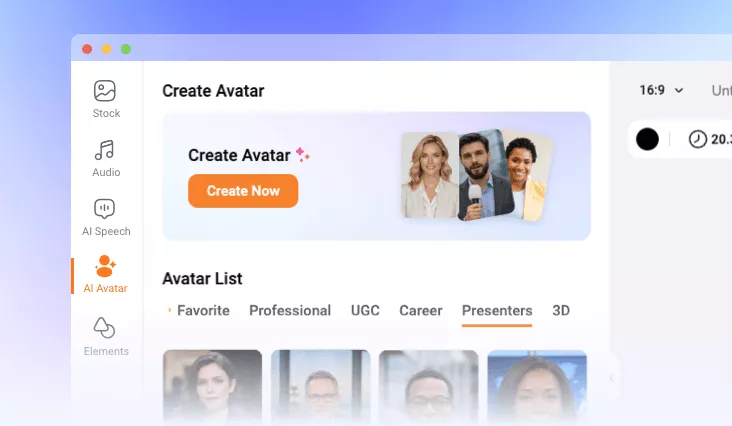
With FlexClip's AI news video generator, you can apply news anchor figure to create different kinds of news broadcast videos in minutes.
TRUSTED BY
Why Choose FlexClip’s AI News Video Generator?

Low Cost
FlexClip’s AI news generator significantly reduces the overall cost of creating professional news videos, as users can generate high-quality broadcast videos entirely through AI.

AI Captions
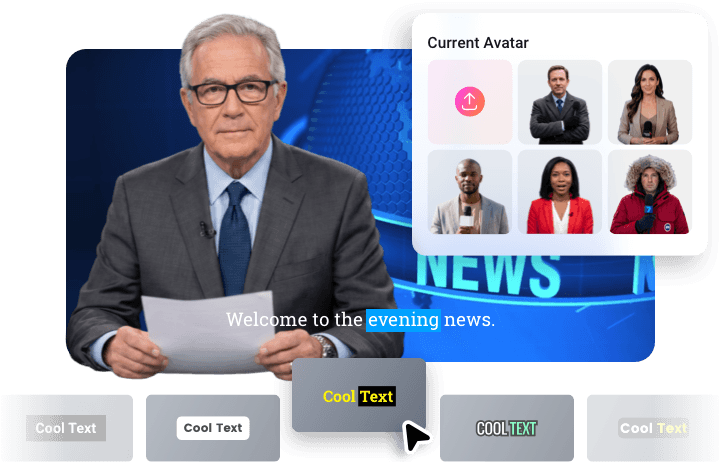
Automatically generate accurate subtitles for your news videos to improve accessibility. Many subtitle styles are available.

Multilingual Support
Generate natural AI voices for your news anchor in multiple languages and accents. Easily create localized news content for global audiences.
Lifelike AI News Avatars with Lip-sync Movement
FlexClip’s AI news video generator will bring your digital news avatars to life with cutting-edge AI lip-sync technology. This powerful feature accurately synchronizes mouth movements, facial expressions, and speech patterns with your news script or audio input, creating a highly realistic AI news video.
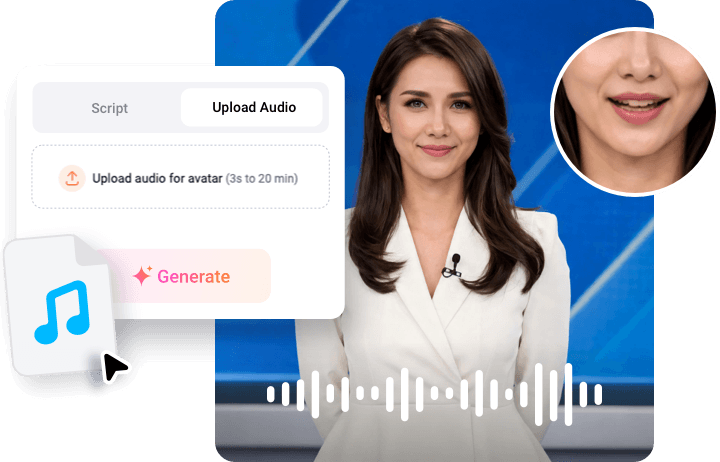
Custom AI News Video Broadcasters
You can choose from FlexClip’s preset AI news anchor library or upload a news avatar portrait to convert it into an AI news anchor. To better match different reporting scenarios, you can further customize the news avatar by changing outfits, such as formal suits, business attire, or presenter uniforms, and replacing backgrounds.
Suit for Social Media Platform
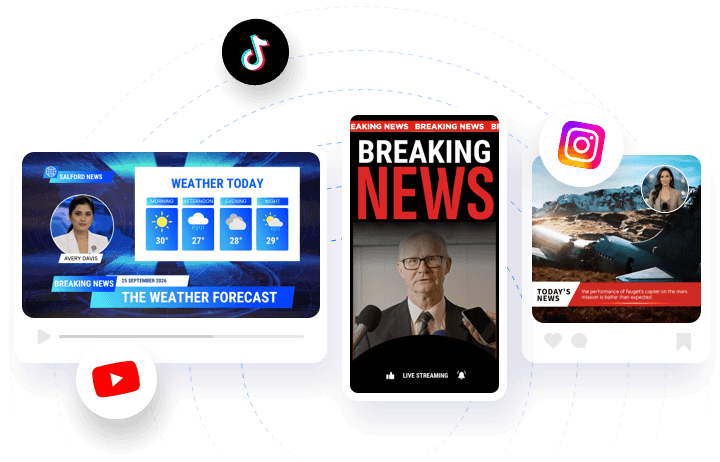
With FlexClip’s AI news generator, you can easily create engaging, ready-to-share vertical or horizontal videos optimized for Instagram, TikTok, and YouTube. Whether you're reporting trending topics, brand updates, or daily headlines, the AI ensures your news videos are concise and engaging.
How to Create AI News Video with Avatar?
- 1
Choose AI News Anchor
Enter FlexClip’s AI avatar page > Presenters and choose a favorite news anchor avatar. Or you can upload a new image to generate your own news anchor avatar.
- 2
Generate AI News Video
You can paste the press release in the script box to let your chosen AI news anchor speak it. Then you can customize the ratio, subtitle style, and background as you like. Or you can upload audio directly to let AI clone your audio content easily.
- 3
Download AI News Video
Once you are happy with this AI news anchor video, tap the Download button to save it, or you can switch to FlexClip’s editing page to do more edits on it.