AI UGC Ad Generator
FlexClip helps brands create UGC videos with lifelike presenters, natural speech, and customizable messaging. Improve engagement, boost conversions, and accelerate production at scale.
TRUSTED BY
Top Features of FlexClip’s AI UGC Video Generator

Powerful AI
Leverage advanced AI technology, FlexClip transforms your scripts into engaging UGC videos which feel like genuine user-generated content rather than obvious AI productions.

Fast Generation
Time is precious in marketing, and FlexClip gets it. It takes only several clicks to create high-quality AI UGC videos, saving you from lengthy production delays.

Brand Safety
Your personal information and generated UGC videos are always safe with us. No third parties can access them without your permission.
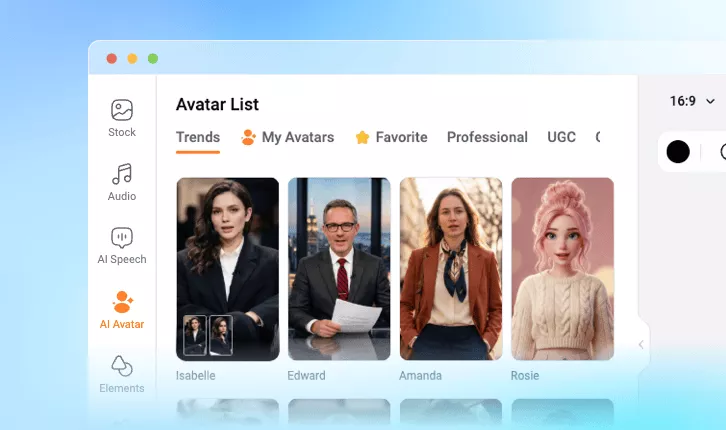
Default/Customized Avatars
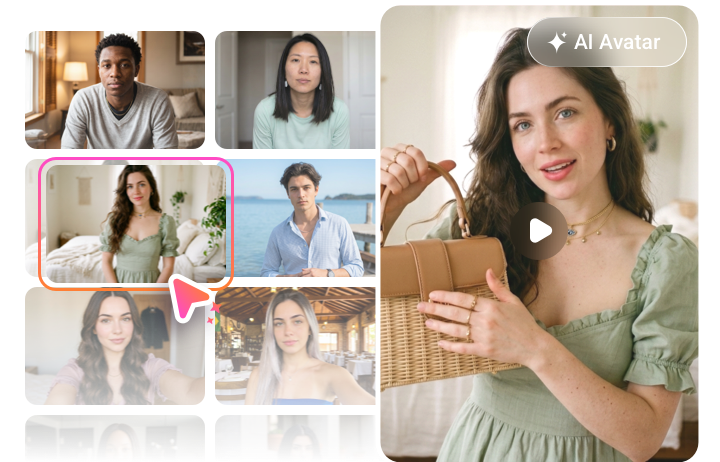
Render among FlexClip’s vast library of avatars. Presenters are designed to align with your brand style, audience preference, and ensure consistency and representation across every video.
Need a unique UGC avatar? You can upload an image or a video to create an avatar of your own. No expertise, no long training process required.
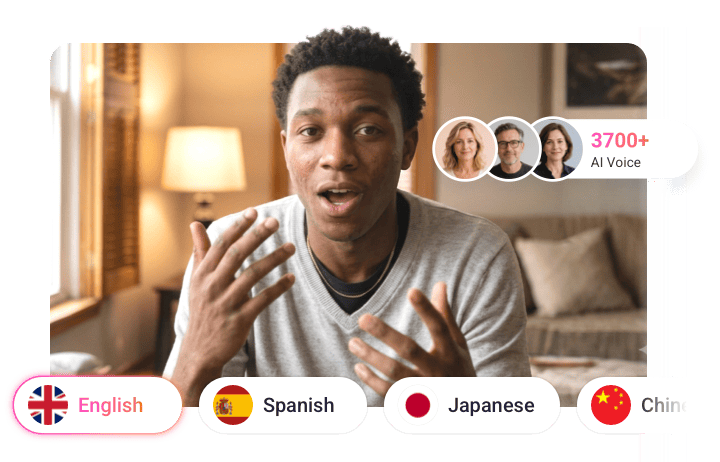
Natural-Sounding Voiceovers
UGC avatars don’t mean a thing until they go with natural voiceovers. Powered by the most advanced voice models like Minimax, Microsoft, Google, ElevenLabs, FlexClip understands 80 languages, and provides you with over 3700 voices. You can easily produce authentic voices featuring realistic pacing and make it go global.
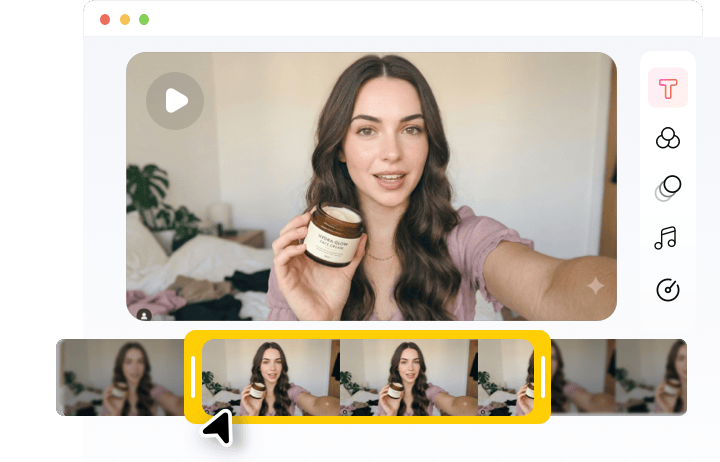
Embrace the Editing Flexibility
Fine-tune every aspect of your video, from changing script animations, to adjusting video aspect ratios for different social platforms. FlexClip’s editing timeline helps you modify content to optimize performance, test creative variations, and meet campaign goals in a much easier way.
How to Generate an AI UGC Video
- 1
Choose Your UGC Avatar
Browse FlexClip’s avatar library and use the one that matches your brand style. You can also generate your own UGC avatar from a photo or a video.
- 2
Generate Voiceover
Paste the UGC video script into the empty box, then choose a voice that connects with your audience. You can also upload a voice file to create a voice clone for the UGC avatar. Hit Generate.
- 3
Export & Share
Preview the generated UGC video. If you are happy with it, save it to a local folder, share via a short link, or directly post to your social channel.