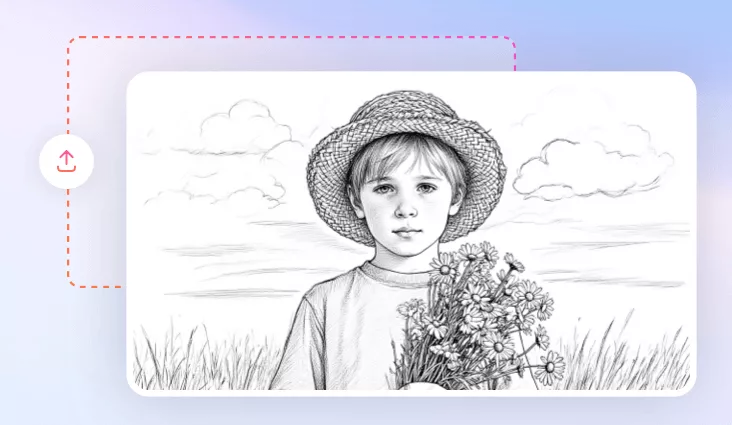
AI Sketch to Image
Upload any sketch — a budding artwork, interior design concept, or a product idea — and watch as our AI sketch-to-image effect renders it into a detailed, realistic image.
TRUSTED BY
Why Choose FlexClip to Turn Your Sketch into an Image

AI-Powered
Powered by cutting-edge AI technology, our sketch-to-image tool can instantly transform your doodles into stunning visuals with a single prompt.

Fast Transformation
With our easy-to-use AI sketch-to-image tool, you can instantly turn your simple sketch into a detailed photo in just a few seconds. Enjoy fast and seamless performance.

High-quality Outputs
We can create realistic AI images from your rough sketch. The generated images can be downloaded in high resolution, making them suitable for online sharing and offline printing.
Instantly Convert Sketch to Image with AI
From hand-drawn doodles to fully realized images, AI sketch-to-image instantly brings your ideas to life, boosting your productivity by 10x. Just upload your simple sketch and try the sketch-to-image effect to turn it into lifelike images. Easily generate detailed AI images from your sketches and watch your ideas come to life with a single click.
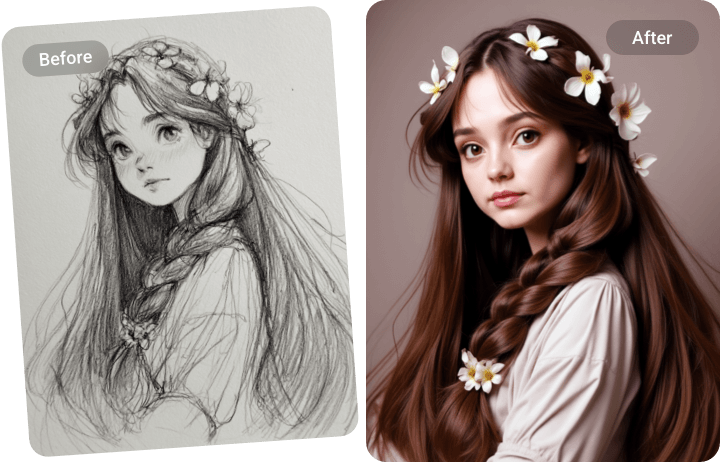
Visualize Your Concepts in Different Styles
Use text prompts to transform your rough sketches into striking visuals in any style — from photorealism and painting to cartoon, anime, or 3D renders. Your sketch defines the composition, while prompts refine the style and details, ensuring that every generated image meets your expectations. Explore endless possibilities and bring your ideas to life.
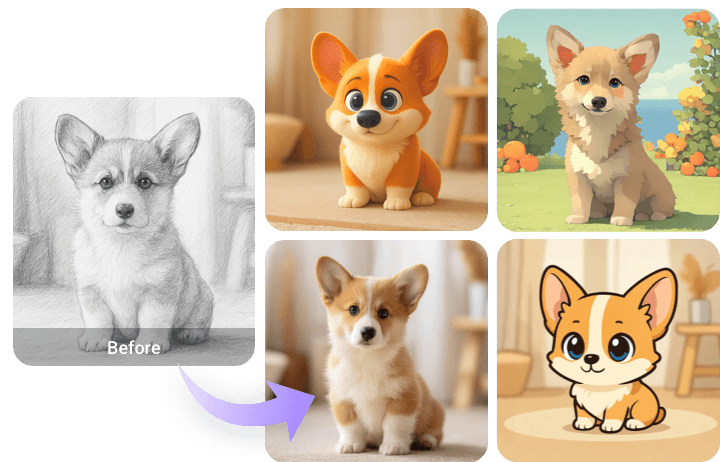
Perfect for Diverse Creative Needs
Our AI sketch-to-image tool is built for versatility — from digital illustrations and marketing graphics to product prototypes. Quickly explore ideas, refine concepts, and bring your imagination to life without limits — whether you start with a rough doodle, a detailed sketch, or clean line art. Sketch to Image is here to spark your creativity, making art both accessible and incredibly fun.
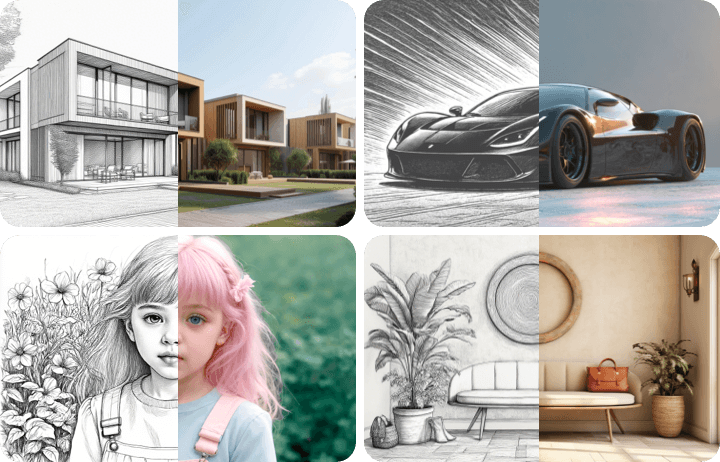
Take Your Creativity Further with AI Editing
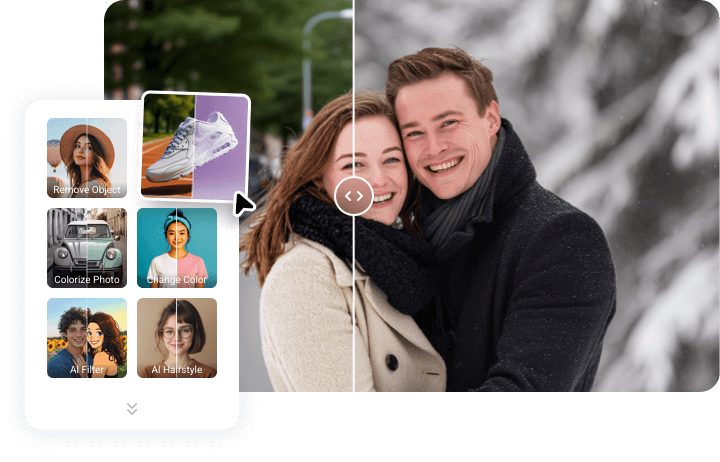
With FlexClip’s AI editor, your creativity doesn’t stop at sketch-to-image. Try different preset effects, explore fresh prompts, and refine every detail until it feels just right. Recolor photos, change seasons, switch styles, and layer on eye-catching effects — everything you need to make your art truly stand out, giving you more time to focus on ideas, not tedious editing.
How to Use FlexClip's AI Sketch to Image Effect?
- 1
Begin with Any Sketch
Use any type of sketch image to begin transforming your simple sketch into a polished photo.
- 2
Apply Sketch to Image Effect
Select the Sketch to Image effect and click Generate to let AI automatically transform the image for you.
- 3
Download the Image
Our tool will seamlessly transform your sketch into a stunning image. Once you’re satisfied with the result, download your image!