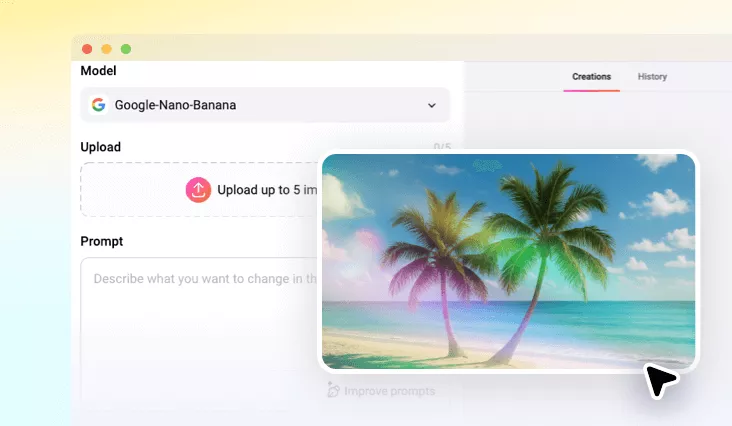
Photo Filter Remover Online
Reverse any filter at FlexClip, enhancing realism and authenticity without losing detail and original quality.
TRUSTED BY
Discover FlexClip’s Photo Filter Remover Features

AI Simplicity
FlexClip’s AI automatically reverses photo filter based on the prompt you entered. No need for editing experience or complex tools to remove photo filters.

Online Ease
Skip the downloads or plug-ins. FlexClip’s AI photo filter remover works right on your browser. Restore the natural beauty without draining your computer storage.

Safe & Secure
Your privacy always comes first. FlexClip operates with advanced data protection protocols to ensure your uploaded photo remain private and never stored or shared.
Bring Natural Lights Back to Photo
Artificial filters often adds unusual lights to the photo. FlexClip’s AI photo filter remover analyzes shadows, highlights, and restores natural lighting exactly as it should appear. The result? Output photos are always in its original resolution, but feel alive and more authentic.
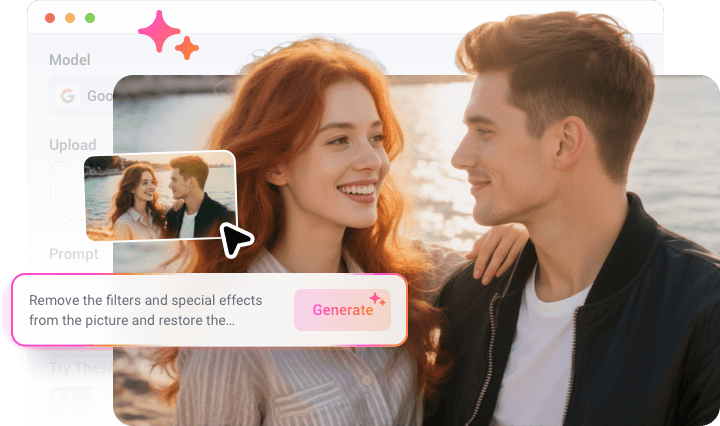
Unblur Filtered Images
Some filters tweak and blur your photo. FlexClip’s AI Photo Filter Remover helps in this case too. It scans your photo pixel by pixel, identifying grain effects that distort realism, then enhances original elements. The process is fast, and highly accurate.
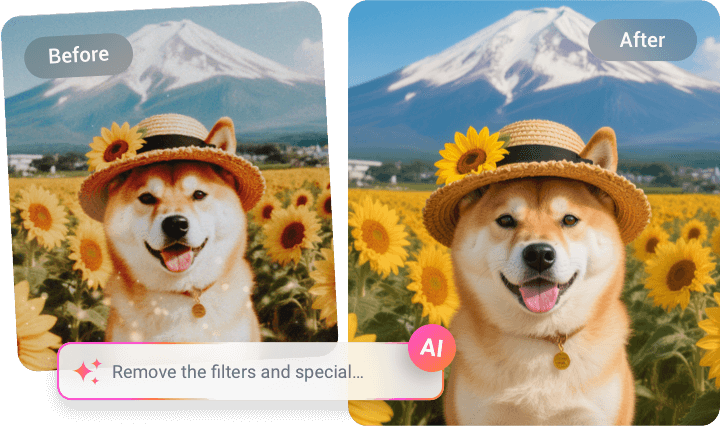
Remove Filter Elements in Photo
FlexClip’s AI photo filter remover goes beyond fixing lighting and pixels. It actively removes all traces of added elements in a photo, including those brought by filters. After studying pixels around the unwanted elements, FlexClip will start removing and recovering task for a clean, natural photo.

How to Remove Filter from Photo
- 1
Upload Your Image
Access FlexClip’s AI Photo Editor tool, drag and drop your image to the upload section.
- 2
Remove Photo Filter
Enter a prompt describing the edits you feel like making, for instance, remove the filter elements from the photo, or adjust the photo to natural gray lighting.
- 3
Export & Share
Preview the authentic image. Save to a local folder or post to social media.