Recolor Image Online
Change image color to match brand palettes, fix tones, or create artistic effects.
TRUSTED BY
Why Use FlexClip’s Image Color Changer

Online Color Changer
You don’t need any color changing software like PhotoShop. Turn to FlexClip via a browser, you can easily adjust the photo color at ease.

Easy Adjustment
Farewell, complicated color palettes and manual selection. You can invert image color just by a simple text prompt at FlexClip, thanks to advanced AI.

High-Quality Output
Changing image color will not change image resolution at FlexClip. You can always get high-quality, crystal-clear output for multiple purposes.
Enhance Image Color and Lighting
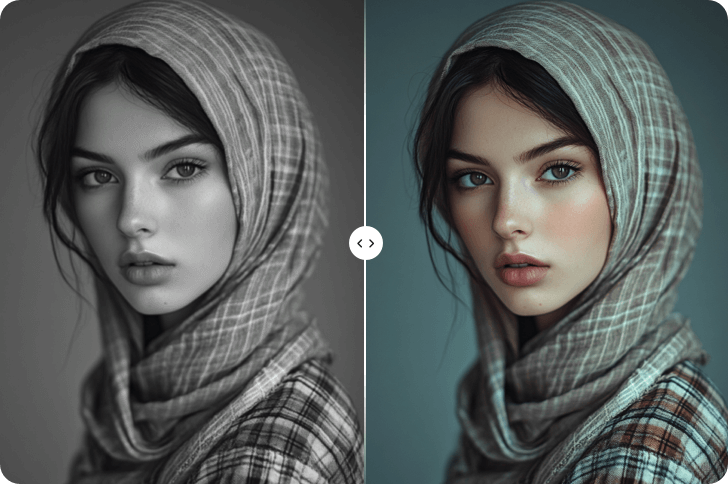
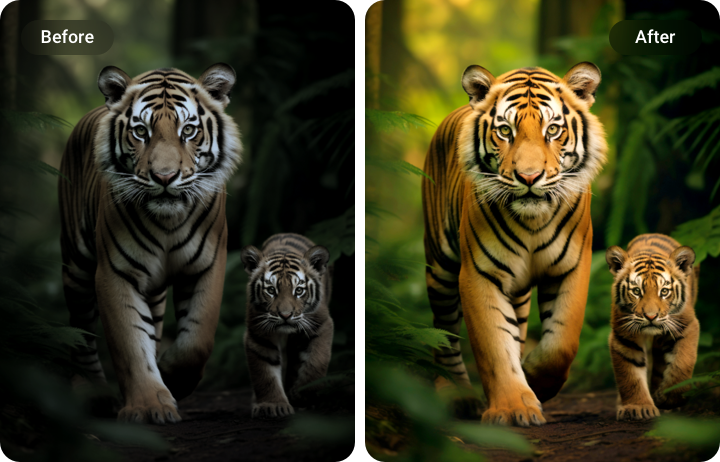
Not all photos are taken under balanced colors and perfect lighting. FlexClip’s image recolor tool lets you correct dull tones, boost vibrancy, fine-tune brightness in a photo to achieve a polished, professional look. You can certainly use it to restore old photos, fix uneven exposure, or simply give your visuals a fresh look.
Recolor the Whole or Part of the Image
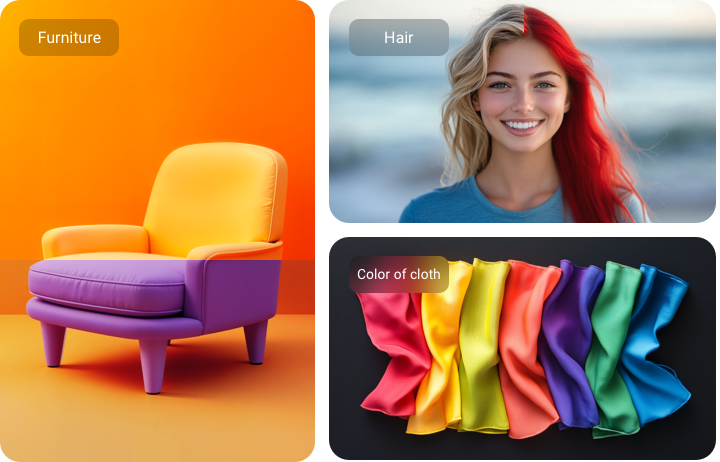
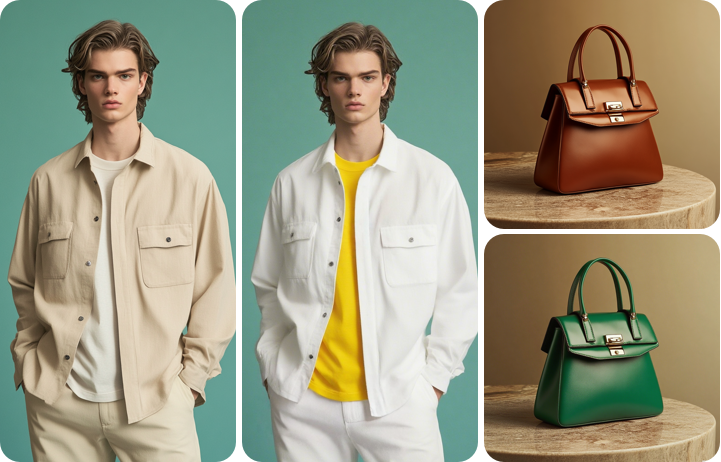
While controlling the overall color scheme is cool, FlexClip also helps you focus on specific areas. Thanks to advanced AI, FlexClip understands all elements on your image and your prompt, recolors specific elements without affecting the rest of the photo, for instance, the color of cloth, hair, furniture. This feature is perfect for artistic edits, seasonal updates, or matching a specific design idea.
Color Swap for Project Photography or Logo
As a marketing member, you will need to showcase products in different shades, align visuals with brand colors, or rebrand your logo to gain more attention from customers. FlexClip helps you in every way and ensures all recolored versions look realistic and high-quality. Start using FlexClip and let it help boost your marketing.
How to Recolor Images
- 1
Upload Your Image
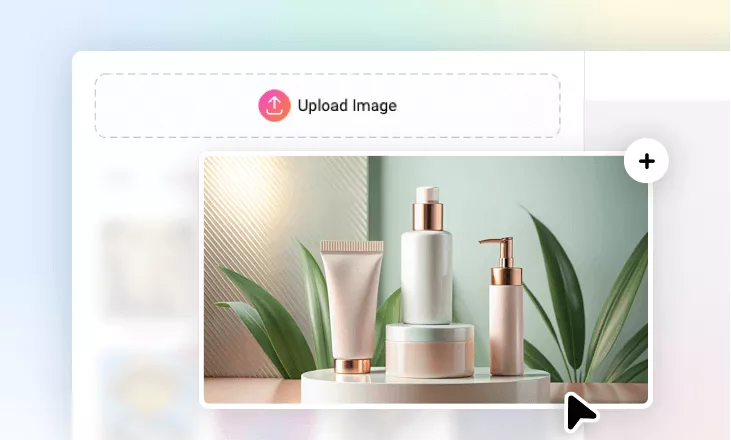
Access FlexClip’s AI Photo Editor, drag and drop your image to FlexClip’s upload section.
- 2
Enter Text Prompt
Input a prompt to tell FlexClip how you want to recolor the image. For example, change the product color to blue and white. You will get instant results.
- 3
Preview & Download
Check the results and see if you are happy with it. Download and share the output according to your needs.