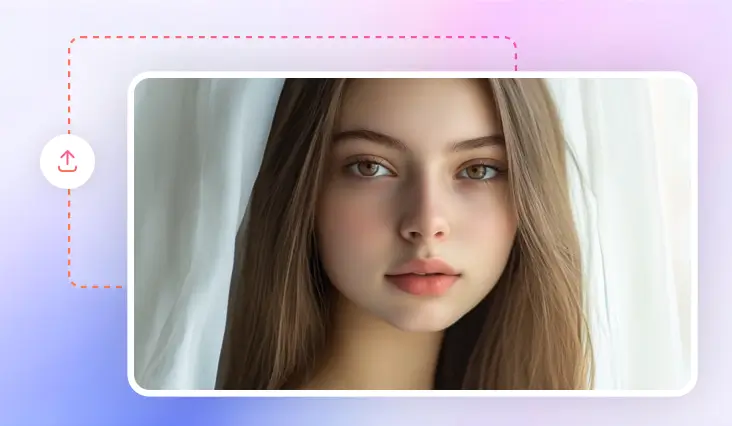
AI Makeup Photo Editor Online
Show off your beauty with a flawless makeup look using our AI-powered online makeup editor.
TRUSTED BY
Why Choose FlexClip Makeup Photo Editor?

Smart AI Technology
Our makeup photo editor uses AI to understand your makeover prompts and seamlessly apply a virtual glow that enhances your unique facial features.

High-Quality Output
With our makeup photo editor, you can easily experiment with different makeovers and save your results in ultra-realistic quality.

Privacy Protection
FlexClip always prioritizes your privacy, utilizing encrypted transmission to ensure that your image data is never misused or leaked.
Try on Different Virtual Makeup with AI Prompts
Looking for a fresh style makeover? Or just starting out and searching for the perfect beauty look? With our AI makeup photo editor, you can effortlessly try unlimited virtual styles—without the high costs. From full-face makeovers like smokey or 90’s glam to enhancing specific areas such as eyeshadow, mascara, or lipstick, simply share your makeup idea and let AI do the rest.
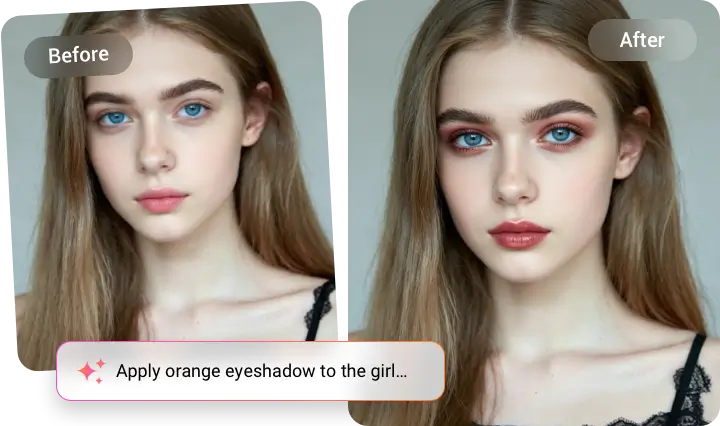
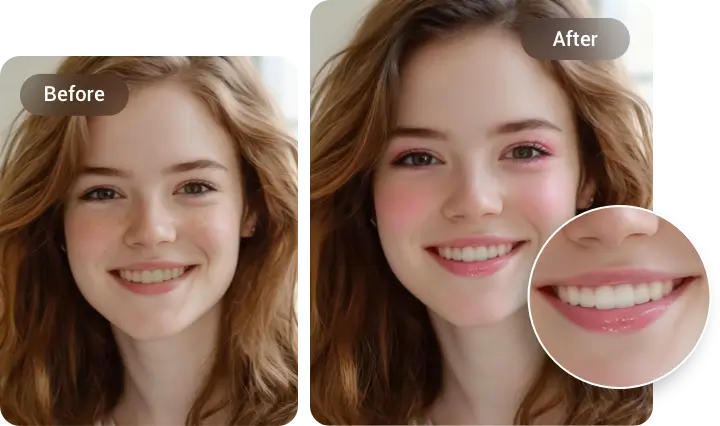
Retouch Your Makeup Photo for Flawless Makeover
Don’t let small flaws spoil your makeup photo. Whether it’s removing blemishes for smoother skin, whitening tea-stained teeth, or softening stiff expressions for the perfect shot, FlexClip’s makeover photo editor retouches your photos easily and seamlessly without losing natural texture. With FlexClip, achieving a flawless makeup look has never been such easier.
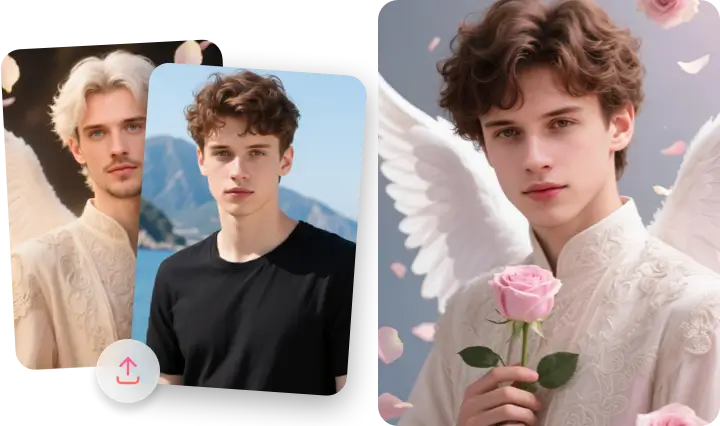
Enhance Beauty Look with Reference Image Feature
Are your fond of cosplay or not satisfied with face styling but whole beauty look? FlexClip’s AI Photo Editor lets you upload a reference image to naturally and accurately recreate a beauty look with suitable clothing and related cosmetic look. Best of all, it’s one prompt and overall adjustment. Just upload your portrait picture and let AI draw it for you.
How to Add Makeup to Photo?
- 1
Upload the Photo
Start by selecting and uploading the photo you want to apply a makeover to.
- 2
Add Makeup to Photo
Describe the makeup type to the whole face or enter virtual makeover to specific area.
- 3
Download or Keep Editing
Wait a few minutes while FlexClip accurately recognizes and applies desired makeup to the photo. Then you can download the new image or continue editing with more tools.