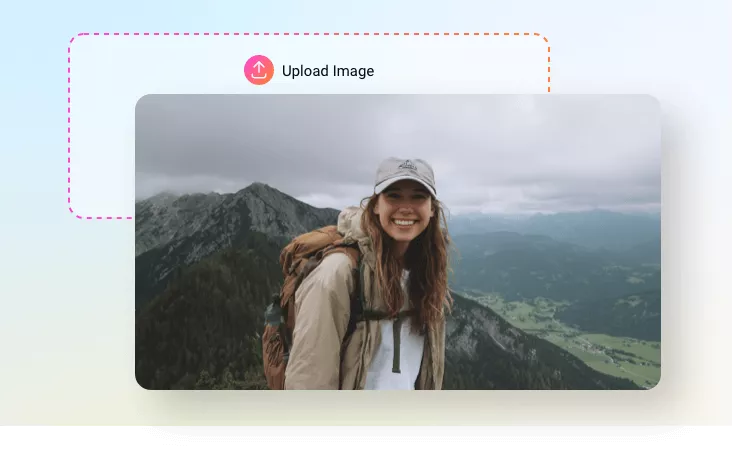
Change Weather in Photo
Change weather in photo to give your travel photo, outdoor portrait, etc an atmospheric boost.
TRUSTED BY
Why Change Weather in Photo Using FlexClip

100% Online
Weather swapping in photo should be easy. Just open your browser, access FlexClip and start editing instantly. No downloads, no installations.

AI Editing
Let AI do the heavy lifting! FlexClip’s AI photo editor automatically detects the foreground, then applys natural changes to the background.

Fast Generation
Speed matters, especially for complicated edits. FlexClip generates a natural weather-changed image in seconds. Let efficiency meet inspiration in real time!
Wide Weather Variety Plus Realistic Results
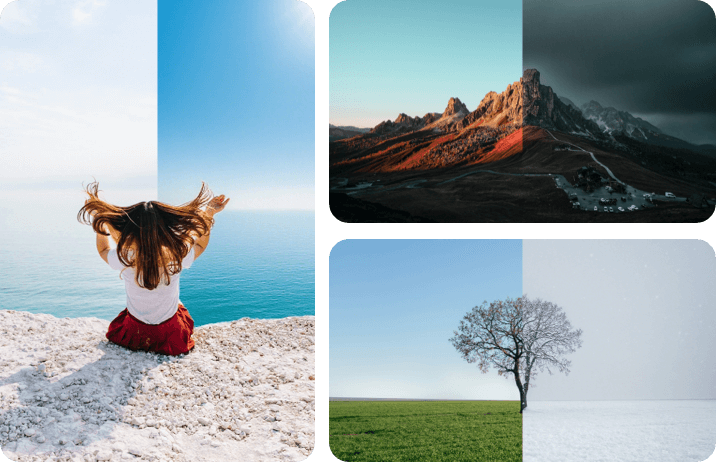
Why not settle on basic edits, when you can easily transform your scene between different weather? From bright sunny, gloomy rainy, to mystical fog, and gentle snow, you have endless possibilities at FlexClip.
FlexClip doesn’t just drop in a new background, it adjusts lighting, overall color scheme, and atmospheric depth, ensuring you get a realistic, visually striking outcome.
Key Subject Remains Sharp
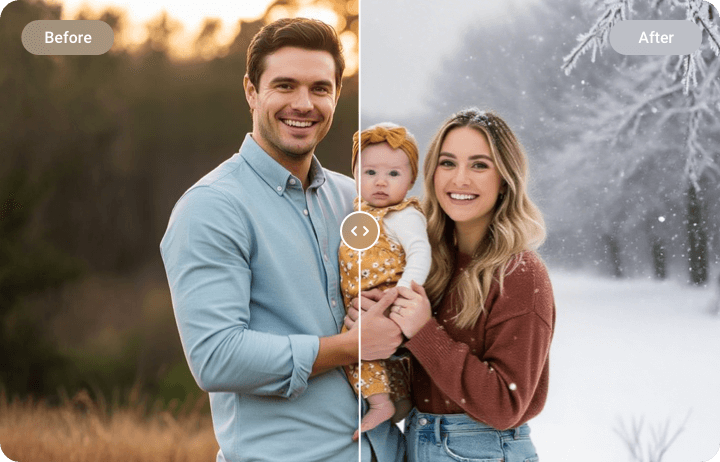
Weather effects can add atmosphere to your image, but the focus should always remain on the people or other main elements. FlexClip’s AI photo editor ensures that the key subject stays crystal-clear while weather changes happen around. The rain, snow won’t obscure the facial or clothing details. The lighting changes don’t blur any elements.
Touch Up Your Photo
Why not enhance your image further by adding extra elements? For example, sun flares, falling leaves, mist trails, or eye-catching text. They can add depth, movement, and visual interest to your photo. Vice versa, you can also remove elements to keep viewers’ attention on the key object. These are not just simple touch ups, but big steps to a complete visual story. Ignite your creativity at FlexClip now!
How to Change Weather in Photo
- 1
Upload Your Image
Access FlexClip’s AI Photo Editor tool, drag and drop your image to the upload section.
- 2
Change Weather in Photo
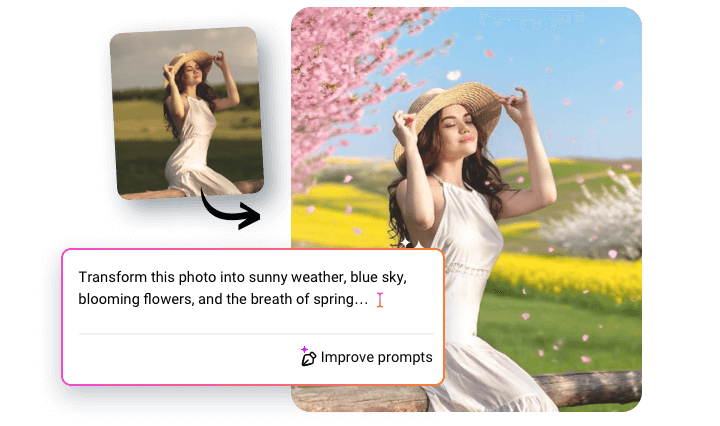
Enter a textual prompt describing how you want to change the image, for example, modify the weather in this photo into bright sunny.
- 3
Export & Share
Preview the image. If you are happy with the output, save the image to a local folder, or post to social media directly.