


AI Video Editor
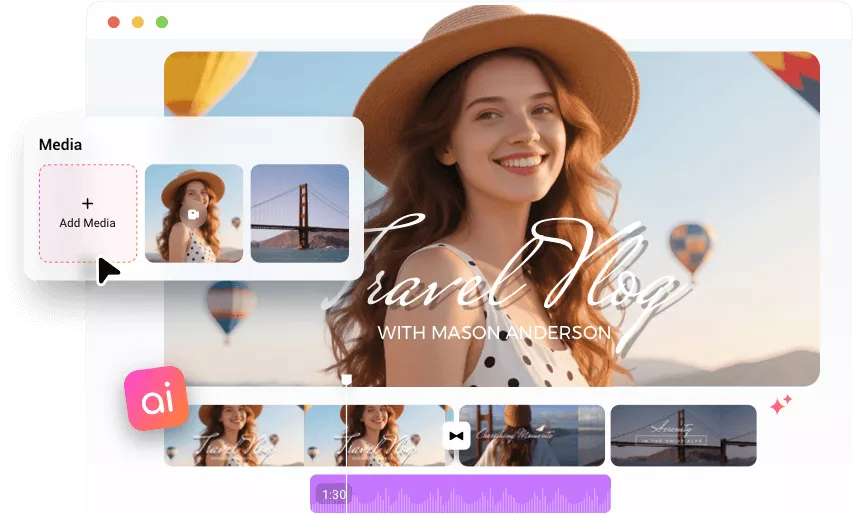
Auto create a share-ready video with FlexClip AI video editor. No editing skills required, just upload your photos and video clips, then AI will transform them into a stunning video.
TRUSTED BY
Auto Compose Videos from Your Media
Automatic Content Recognition and Match
AI recognizes the clips and photos, extracts highlights, and matches them with stunning effects and animations.
Custom Text for Your Assets
AI automatically generates text that matches your theme and media, with well-designed typography and animated text effects to enhance your video.
Finetune Videos at Will
The built-in video editor features powerful tools and smart AI, letting you polish every detail until your video feels just right.
Creative Ways to Turn Content into Videos
Script to Video
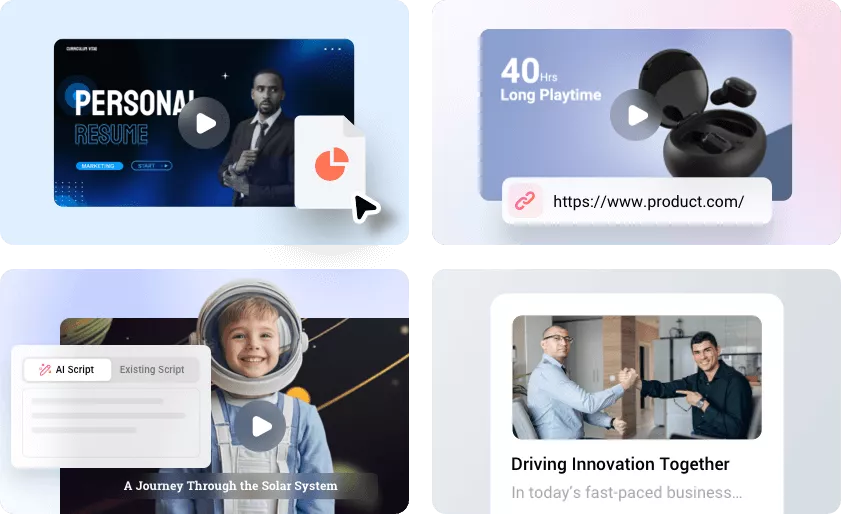
Generate a script or type your script, and turn script into a video with AI images, stock resources, animated subtitles, voiceovers, and music.
URL to Video
Turn your product URL to video or blog URL to video with great ease. AI automatically extracts content and visuals, then converts them into a video.
PPT/PDF to Video
Easily turn your PPT or PDF documents into videos. AI adds narrations, subtitles, and background music to bring your slides to life.
Generate Magic Media for Your Story
AI Video Generator
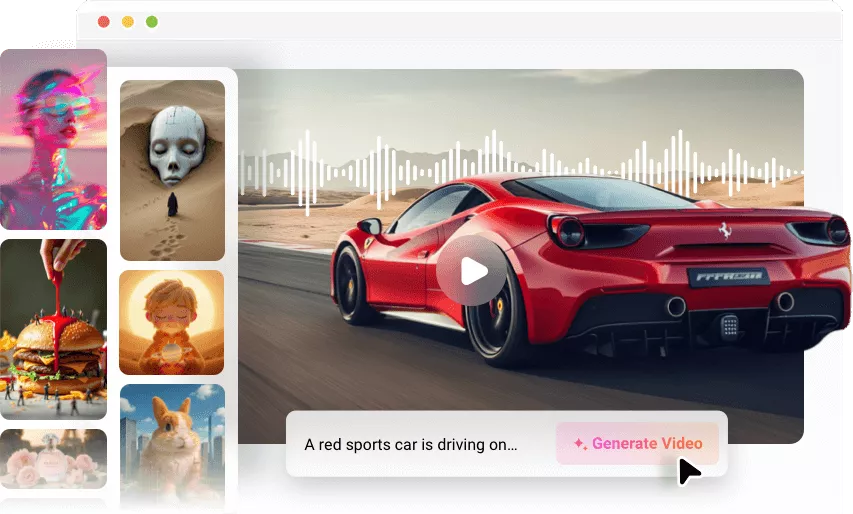
Generate various videos effortlessly. AI creates clips from text or images covering any topic. You can use them in your projects.
AI Image Generator
Generate images from text or image prompts, perfect for product photos, thumbnails, backgrounds, etc.
Music and SFX Generator
Produce royalty-free music tracks and sound effects in seconds to match your video's mood and style.
Flexible Video Creation for Individuals & Teams
For Any Creator
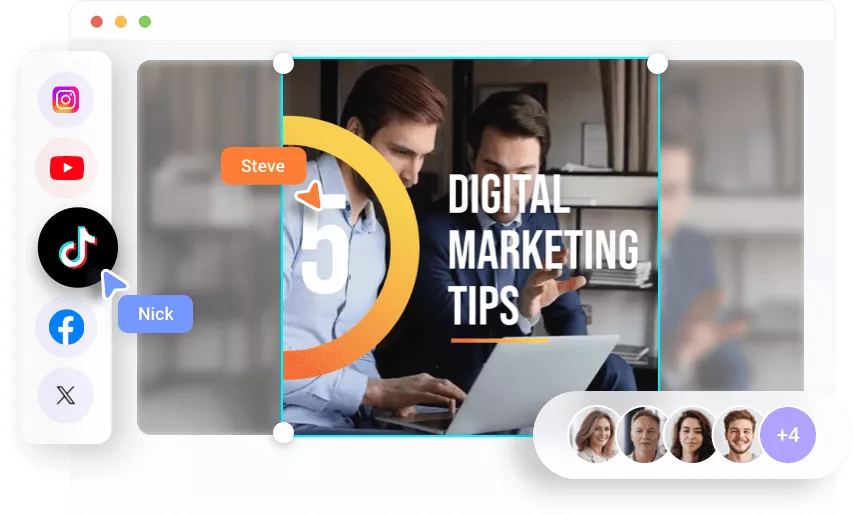
Whether you are a content creator, educator, marketer, small business owner, or social media influencer, FlexClip makes video creation easy for everyone.
For Any Platform
Use AI to create videos in 16:9, 9:16, and 1:1 aspect ratios, perfectly suited for YouTube, Facebook, Instagram, TikTok, and other platforms.
Collaborate with Team
Generate a video and save it in the team cloud space, then your FlexClip team members can work seamlessly.
Streamline Editing with AI Tools


How to Create and Edit Videos with AI Video Editor?
Upload Media
Open Auto Edit tool, upload your photos and video clips from computer.
Auto Edit with AI
Let AI analyze your assets, match them with visually appealing templates and generate tailored text.
Preview and Download
Preview the video, adjust if not satisfied, then download it and share it online directly.
Frequently Asked Questions
What types of videos can I create with FlexClip AI video maker?
You can create videos for almost any purpose, including birthday and wedding slides, daily vlogs, product showcases, promotional ads, business presentations, and more. Whether for personal use or professional projects, FlexClip helps turn your raw clips into ready-to-share videos.
Can I customize the AI-generated videos?
Absolutely yes. When the video is generated, it will be added to our built-in editor with powerful features, enabling you to make any edits as you wish.
What file formats are supported for upload?
You can upload videos in MP4, MOV, WEBM, M4V, MKV, and more, as well as images in PNG, JPG, JPEG, and WEBP formats.
How long does it take to generate a video?
The time it takes depends on the content you upload, but it is usually just a few minutes. While processing, you can switch to other tabs to work on something else or explore our AI-powered tools.