AI Ukiyo-e Generator
From text to traditional Japanese Ukiyo-e art — instantly! FlexClip’s AI Ukiyo-e Generator reimagines your ideas in seconds — fast, easy, and fun.
Why Use FlexClip’s AI Ukiyo-e Generator

Powerful AI Generation
Our cutting-edge AI brings your ideas to life in authentic Japanese art styles, seamlessly merging traditional aesthetics with AI precision to create visually stunning, culturally rich masterpieces.

Easy to Use
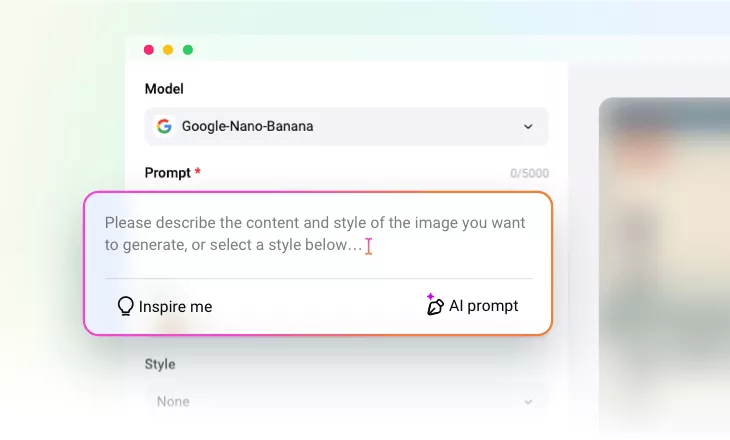
No professional skills required. Simply enter a detailed text prompt, and our AI will understand it and generate the image automatically.

High-Resolution Output
Generate high-resolution Ukiyo-e style artwork perfect for printing, digital sharing, or design projects — every artwork captures the timeless beauty of Japanese woodblock art with modern clarity.
please input title
Text to Timeless: Japanese Ukiyo-e Reimagined with AI
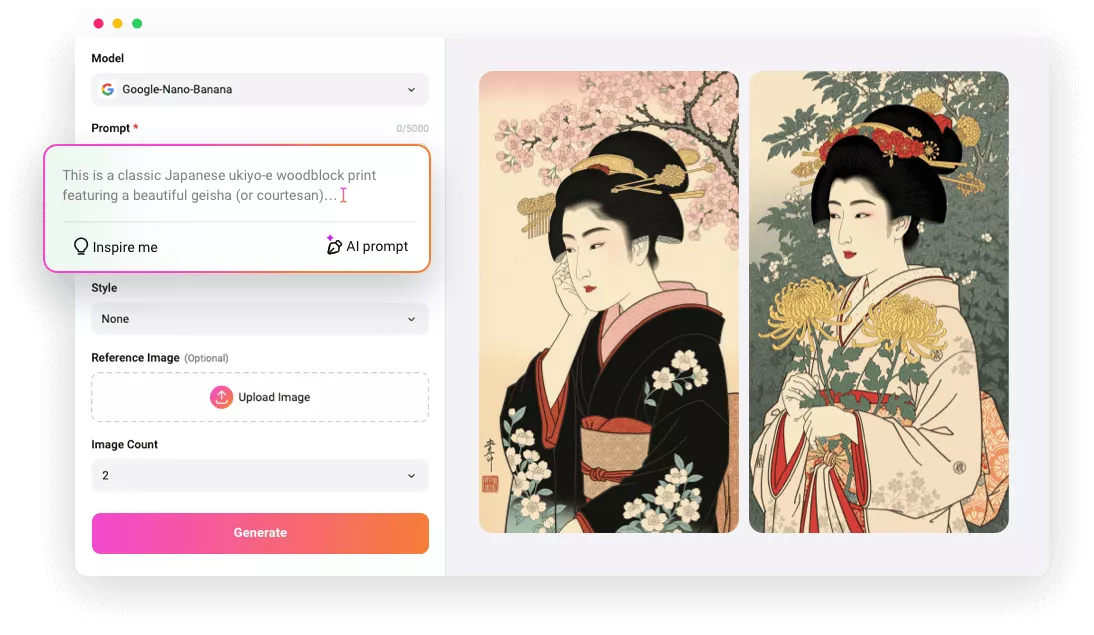
Transform your words into delicate, timeless Japanese Ukiyo-e art. Our Ukiyo-e Art Generator uses advanced text-to-image AI to bring your ideas to life. Just type a prompt and watch AI turn your words into Ukiyo-e masterpieces, inspired by legends like Hokusai, Hiroshige, and Utamaro. Bring imagination to life with tradition and artistry.
Text to Ukiyo-e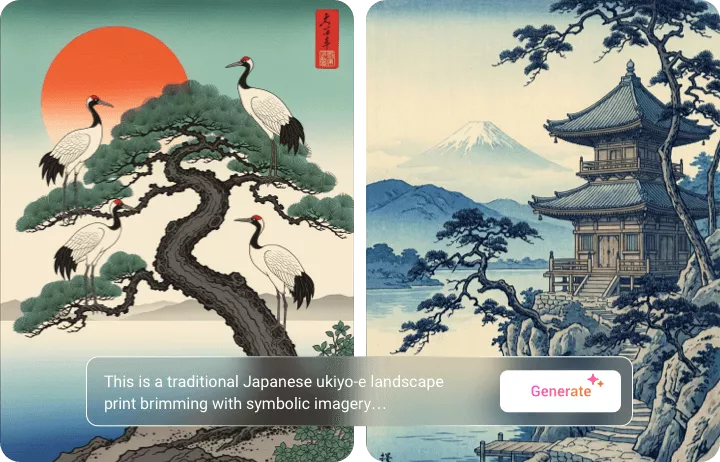
Snapshot to Woodblock: Turn Your Photos into Traditional Ukiyo-e
Want to see your photo reborn as a traditional Japanese Ukiyo-e painting? With FlexClip’s AI Photo Editor, it’s effortless. Simply upload your photo, add your prompts, and watch as AI transforms it into a stunning woodblock-style artwork. Perfect for portraits, landscapes, and creative designs.
Photo to Ukiyo-e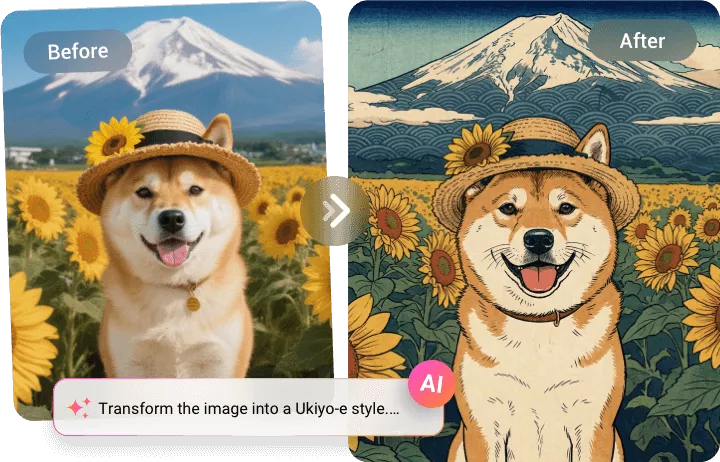
Prompt to Possibilities: Multiple Creations from One Idea
One idea, countless Ukiyo-e creations. With our AI, a single prompt generates multiple unique visuals, letting you experiment with mood, texture, lighting, and era. Perfect for storytellers, collectors, and artists seeking authentic, culturally rich Ukiyo-e artwork.
Generate Ukiyo-e Images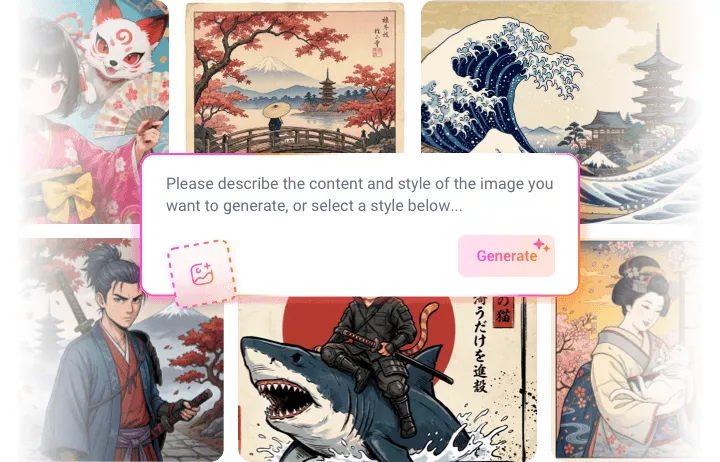
From Still to Story: Bring Ukiyo-e to Life with Animation
Why stop at static images when your Ukiyo-e creations can tell a story? Our all-in-one platform lets you transform your artwork into fully animated videos. Animate your artwork for games, story reveals, or any video project—without switching tools or learning complicated software.
Explore More Now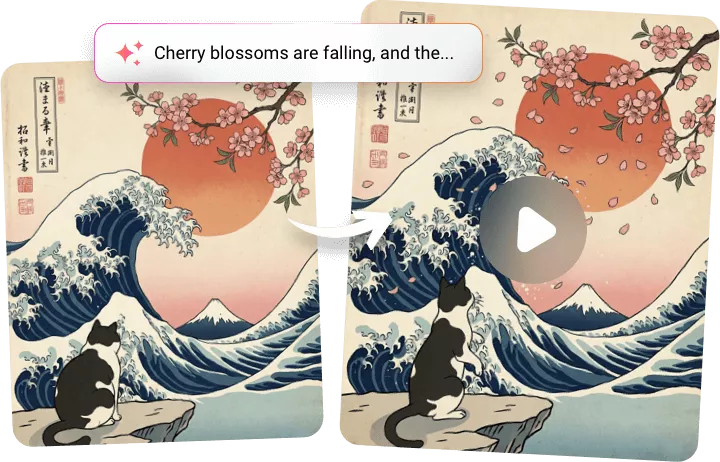
How to Generate AI Ukiyo-e Art with FlexClip?
- 1
Enter Your Prompt
Start by typing a detailed description of your desired Ukiyo-e artwork.
- 2
Setups
Choose the image generation model, image style, and image numbers, hit Generate.
- 3
Export or Edit
Export and share the Ukiyo-e image directly, or keep editing with FlexClip’s other AI tools and editing panel.