AI T-Shirt Mockup Generator
Apply patterns, graphic designs, or even logos on a T-shirt for a realistic mockup.
TRUSTED BY
Top Features of FlexClip’s AI T-Shirt Mockup Generator

AI Realism
Powered by powerful AI, FlexClip produces realistic results, replicating folds, lighting, and textures, like real T-shirts with patterns.

Printable T-Shirt Mockup
FlexClip strives to maintain the image quality. Upload a T-shirt photo in high resolution, you will get a T-shirt mockup image ready to be printed and shared.

Information Security
We will not share your patterns and personal information with any third parties. Feel safe to use FlexClip to generate confidential T-shirt mockups.
Add Patterns to T-Shirts in Different Styles
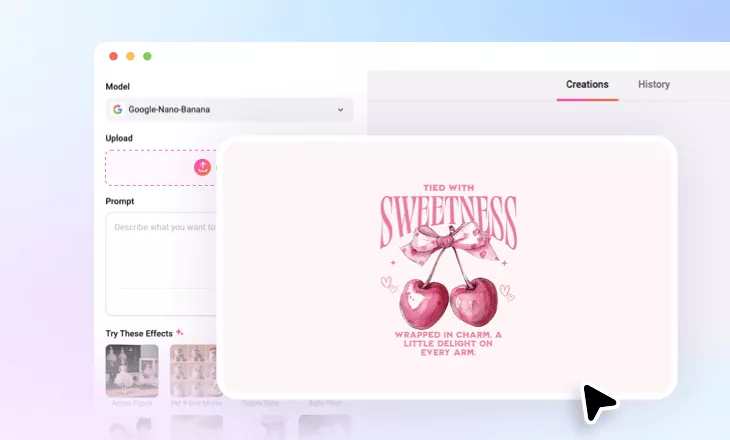
With FlexClip’s T-shirt mockup generator, you can easily bring your designs to life by applying them to various T-shirts. Simply upload your patterns, describe the T-shirt mockup you need with a simple prompt, and watch AI instantly warp the pattern around a T-shirt. The results would be perfect for anyone who want to showcase diverse clothing styles with a professional touch.
Polish Your T-Shirt Mockup
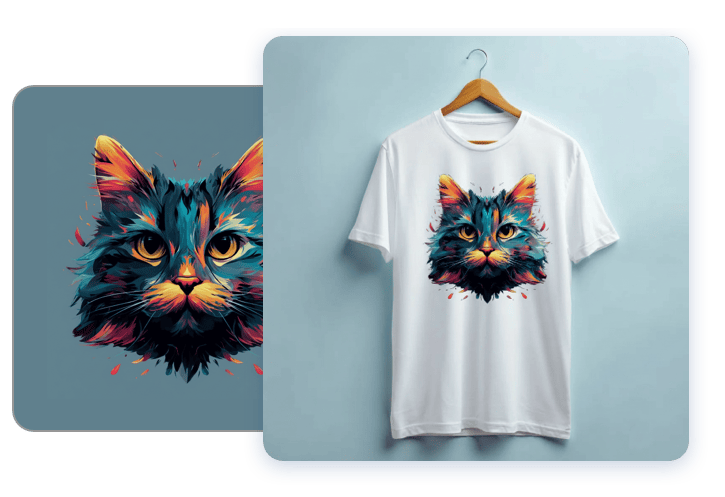
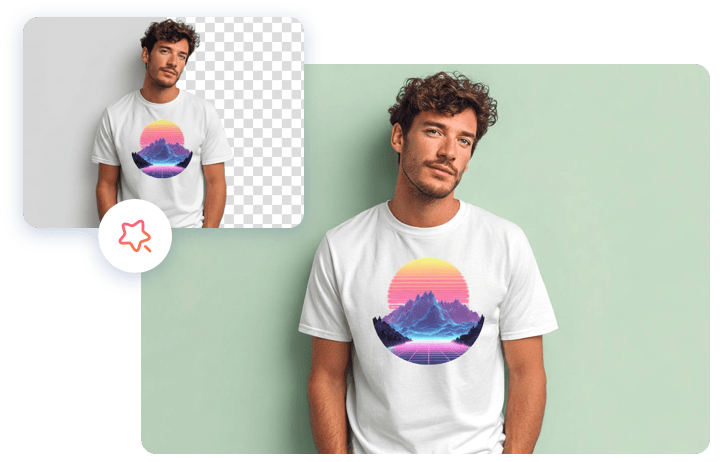
Once your T-shirt mockup is created, you can continue refining the output by repositioning the pattern, adding a brand slogan, fine-tuning the lighting, removing the background, or creating brand new photos in different angles. Edit the T-shirt mockup and ensure your design stays sharp, attractive and instantly market-ready!
T-Shirt Mockup to Video
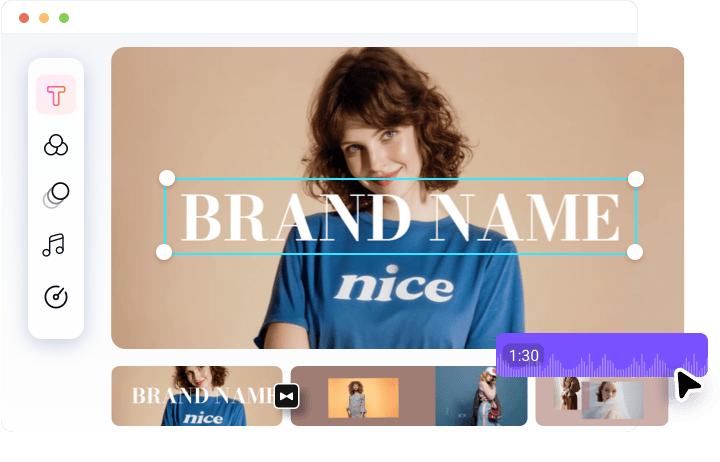
FlexClip’s AI T-Shirt Mockup generator goes beyond static images. It transforms your T-shirt mockup into engaging video clips. You can add dynamic animations, zoom-ins, or transitions to showcase your design from multiple angles, you can add music, voiceover, or text overlay to tell your brand story. Easily bring energy and creativity to your product image with FlexClip’s intuitive timeline editor.
How to Create a T-Shirt Mockup
- 1
Upload Your Photo
Visit FlexClip’s AI Photo Editor tool, drag and drop your unique pattern to the upload section.
- 2
Enter a Prompt
In the prompt box, ask AI to seamlessly blend the pattern with the T-shirt you love. You can even ask AI to generate a model wearing the T-shirt with the pattern.
- 3
Export & Share
Download the T-shirt mockup output to a local folder, or post it directly to social media.