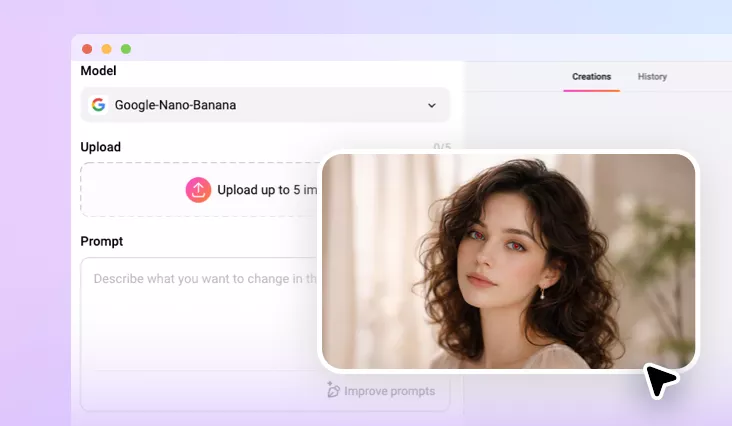
Remove Red Eye from Photo
Remove red eye from your photo with our AI red eye remover. Instantly remove flash glare, restore natural eye color, and download in high quality.
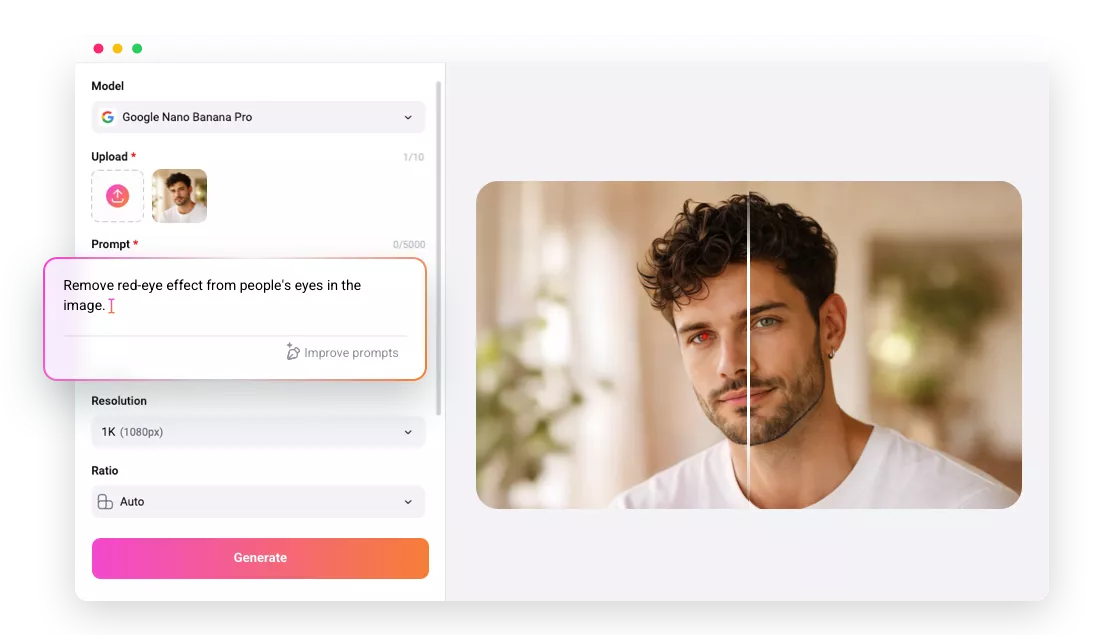
Why Use FlexClip to Remove Red Eye from Your Photo?

Powered by AI
No more complicated manual editing! FlexClip's red eye photo editor uses advanced AI, making it as easy as a click to remove red eye from your photo.

High-quality Results
Restore natural-looking eyes in every photo by removing red-eye effects and download your edited images in high quality.

Private and Secure
Your images are encrypted, processed securely, and it will never be shared with anyone unless you agree to share the project with our AI community.
please input title
Fix Red Eye with Advanced AI Models
FlexClip’s AI Red Eye Remover integrates multiple advanced AI models, such as Nano Banana Pro, enabling it to accurately distinguish red-eye effects from natural eye features. The advanced algorithm precisely targets unwanted red coloration while preserving natural details, reflections, and individual characteristics for authentic, realistic results.
Fix Red Eye with AI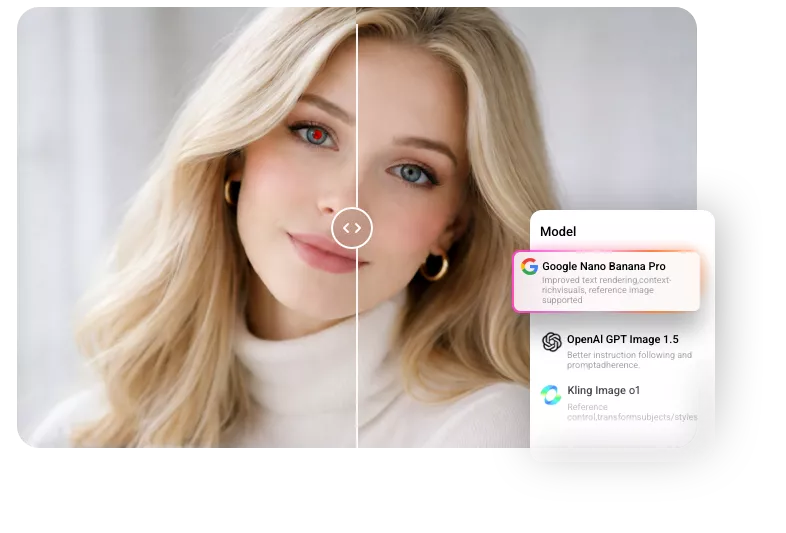
Perfect for Every Photo in Any Purpose
From family snapshots to party memories and pet photos, FlexClip's AI red eye photo editor makes eye correction quick and easy. It handles everything from human red eye to pet green-eye issues in one simple step, keeping your photos natural and true to life. FlexClip AI helps you fix any photo effortlessly.
Remove Red Eye with AI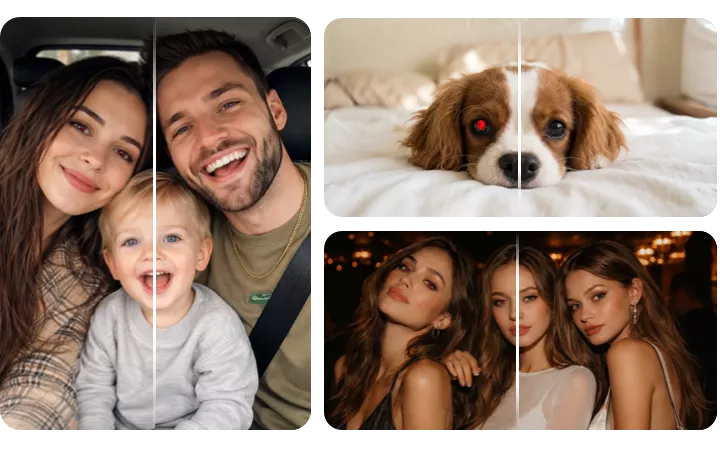
Fast Red Eye Removal with Instant Preview
Experience a fast, seamless editing workflow with FlexClip’s AI Red Eye Remover. Simply upload your photo, prompt the red eye for removal, and view instant results in real time—no waiting, no lag. It’s the quickest way to remove red eye before sharing, printing, or uploading online.
Remove Red Eye with AI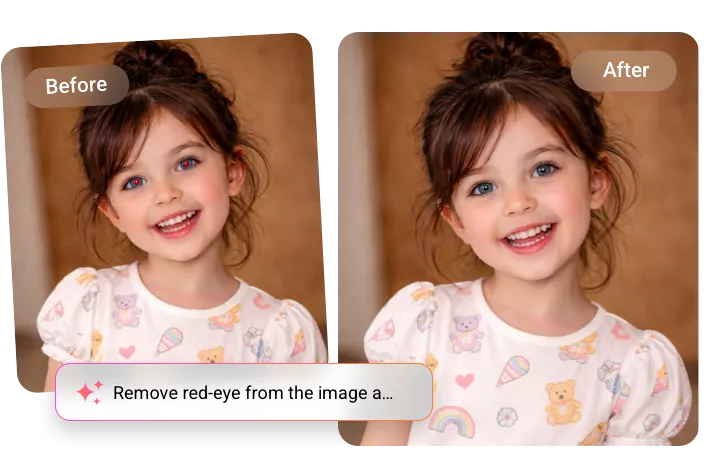
How to Remove Red Eye from Photo with FlexClip AI?
- 1
Upload Your Photo
Choose a photo with red eye issues and upload it to FlexClip's AI red eye photo editor tool.
- 2
Apply AI Fix with Prompts
Enter precise prompts to guide the AI for natural red eye removal and eye correction, then adjust the settings, like resolution, ratio, and visibility.
- 3
Generate and Download
Click the Generate button, and the AI will automatically fix red eyes in your photo. Once it's done, you can preview, download, or share your image directly.