AI Image Translator
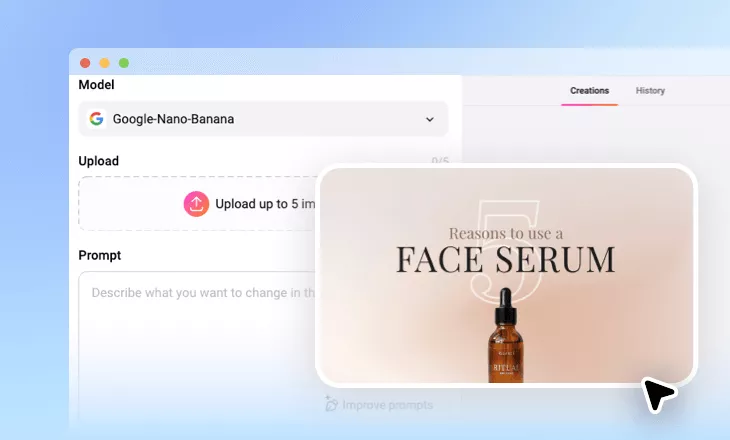
Keep any photo, scanned page, or poster readable with FlexClip's AI image translator, powered by Nano Banana Pro for fast, accurate translations.
Why Use FlexClip's AI Image Translator?

AI-Powered Translations
Integrated with advanced AI model, like Nano Banana Pro, which understands context, not just words, always delivers accurate and natural translations.

Simple & Fast
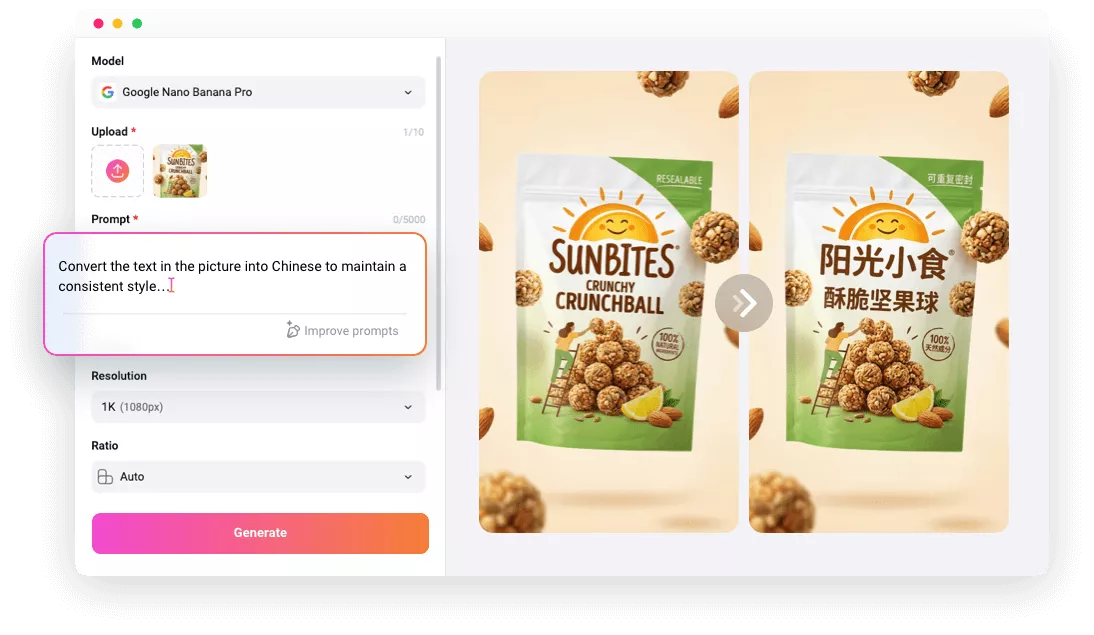
Translate images quickly and online, simple, fast, and hassle-free. Just upload your image, enter your translation request, click Generate, and get instant results.

High-Quality Output
Ensure top-quality for the translated-image. Not just the text, your charts, graphics, and other visual elements remain clear and well-structured for professional-quality results.
please input title
Translate Image Quickly and Accurately with AI
Struggling with foreign text in pictures? FlexClip's AI image translator lets you translate images into any language with precision and ease. Using the advanced AI model, Nano Banana Pro, it accurately translates pictures with just a prompt. Upload your image and see accurate translations instantly, no extra apps needed!
Translate Image Now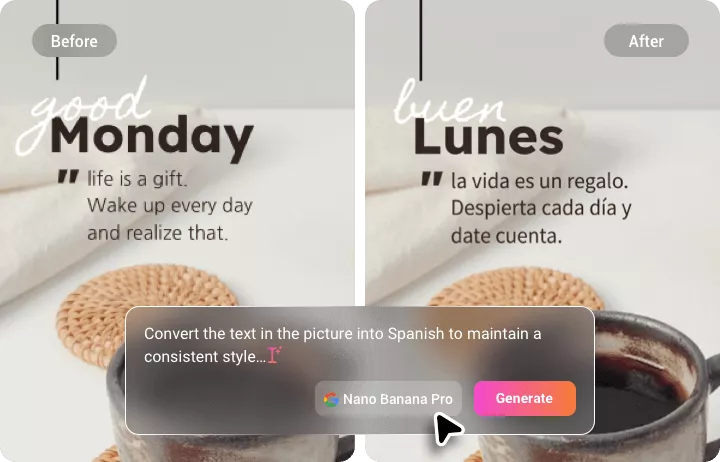
Keep Your Original Design Perfectly While Translating Text
FlexClip's AI Image Translator translates only the text in your images while keeping all graphics, colors, fonts, and layouts untouched. The result: perfectly integrated translations that preserve your original design in any language, including English, Spanish, French, Chinese, Japanese, Arabic, and more.
Translate Image Now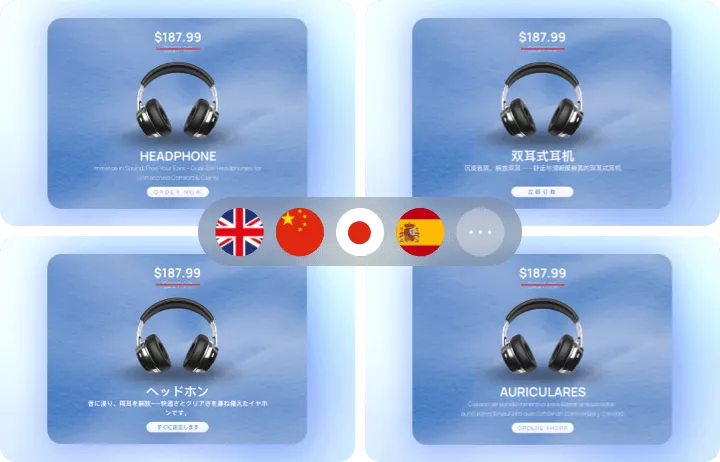
From Product Photos to Menus, Translate Every Image
Whether it's a menu abroad, school materials, product labels, manga pages, even handwritten notes, or any visual content, FlexClip's AI Image Translator supports 100+ languages and captures every detail. Keep menus, study materials, and product images readable everywhere. Try it now to break language barriers and make travel, work, and daily study effortless.
Translate Image Now
Go Beyond Image Translation with FlexClip
FlexClip is more than an image translator, it's your all-in-one creative toolkit. Effortlessly translate text, enhance and retouch images, apply custom effects, add dynamic captions, or transform your visuals into animated videos. Bring your ideas to life and captivate your audience in just a few clicks at FlexClip!
Explore More Now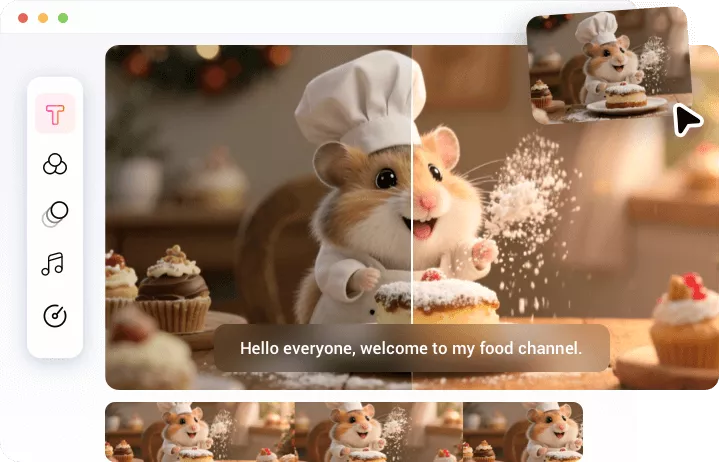
How to Translate Images with FlexClip AI?
- 1
Upload Image & Select AI Model
Upload your image or drag it to the image translator, and select the Nano Banana Pro AI model for fast, accurate translations.
- 2
Enter the Prompt
Type your prompt in the box for a natural, accurate translation of your image and hit Generate.
- 3
Preview & Download
The AI instantly detects text in your image and provides a clear translation in your chosen language. You can save the translated image or share it directly.