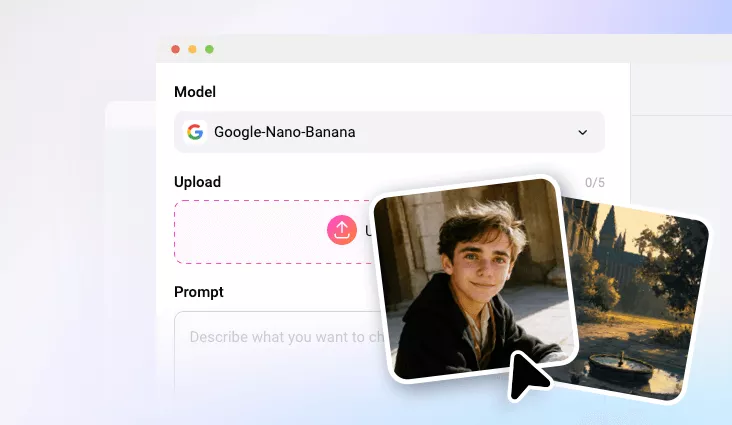
AI Image Combiner
Instantly combine multiple photos into one stunning AI visual mix.
TRUSTED BY
FlexClip’s AI Image Combiner Highlights

Easy Blending
You don’t need to go through a steep curve, or have previous editing skills. FlexClip merges photos with a simple prompt. No extra operations.

High-Quality Blending
Thanks to the advanced AI models, FlexClip’s AI Image Combiner always ensures outputs with smooth colors, balanced lighting, and aligned edges.

Privacy & Security
FlexClip is a trustworthy AI image merger. We will not save the uploaded images or share your merged photos with third parties.
Seamlessly Copy & Paste Elements
Struggling with endless masking and lighting adjustments? FlexClip’s AI Image Combiner handles all the technical blending for you. It effortlessly copies elements from one image and pastes them into another image with astonishing realism. That’s not the end. Your photos are carefully analyzed, with lighting, colors, edges, and perspective fine-tuned to create a smooth, natural-looking merge.
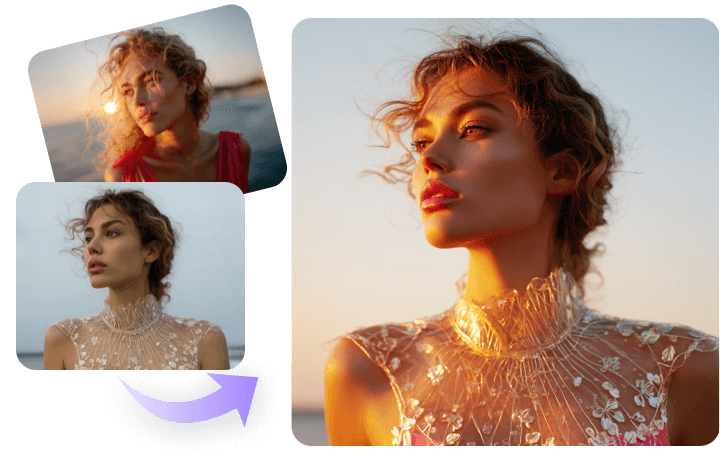
Mix Image Styles with AI In Seconds
Whether you are trying to blend a realistic photo with a digital painting, or fusing modern and vintage aesthetics, FlexClip handles them all and combines different images styles fast and effortless. Ignite your creativity, create unique arts with mixed textures, colors, and forms.
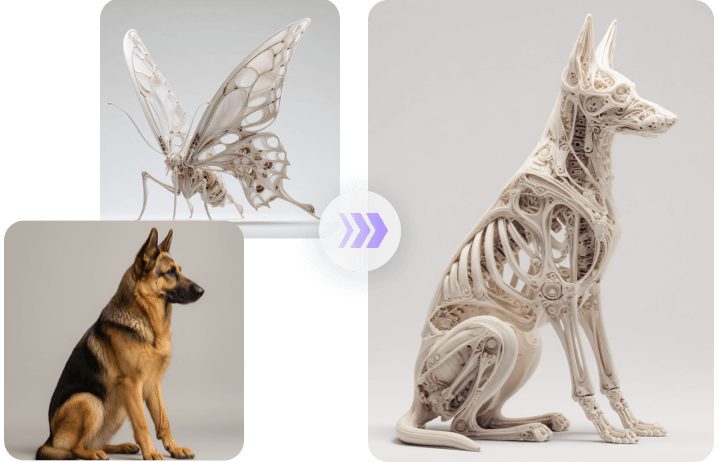
Fun Face Blending, Meet Your Future Baby
Combine two faces, be it of friends, partners, or celebrities, and see the potential appearance of a future baby or merged identity. The AI will carefully study the facial features, skin tones, and expressions to create results that look surprisingly natural. Try fun face morphing right now!
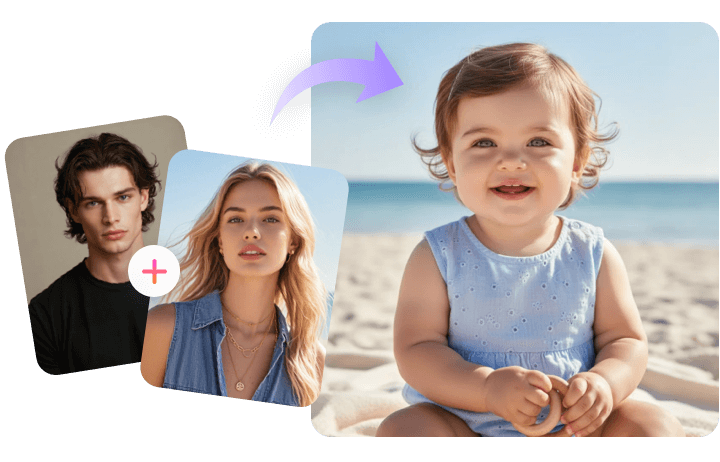
Creative Product Images that Convert
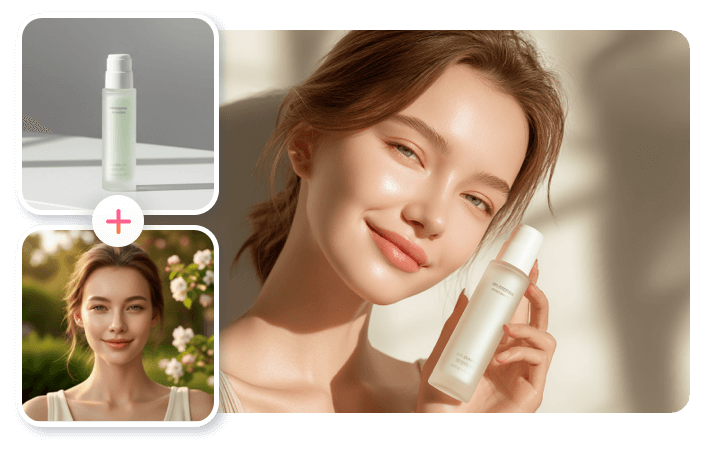
Anyone can create visuals that stand out and drive conversions. FlexClip’s AI Image Combiner merges your product photo with branded backgrounds, promotional layouts, or model photos with ease. Level up your brand’s visual storytelling and boost engagement on social media, ads, and online stores.
How to Combine Multiple Photos Using AI
- 1
Upload Images
Access FlexClip’s AI Photo Editor, switch to Google Nano Banana or OpenAI GPT model, then upload reference images.
- 2
Merge Images
Enter a detailed prompt describing how you want to combine the images, then hit Generate.
- 3
Export & Share
You will be able to preview the mixed photo within several seconds. Export to a local folder or share via a short link.