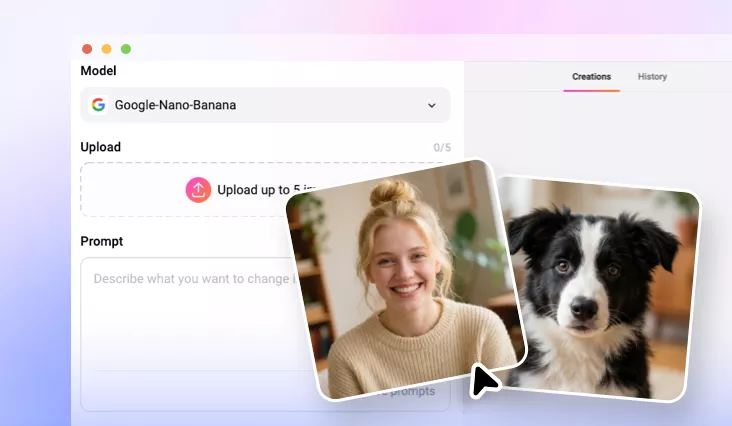
AI Group Photo Generator
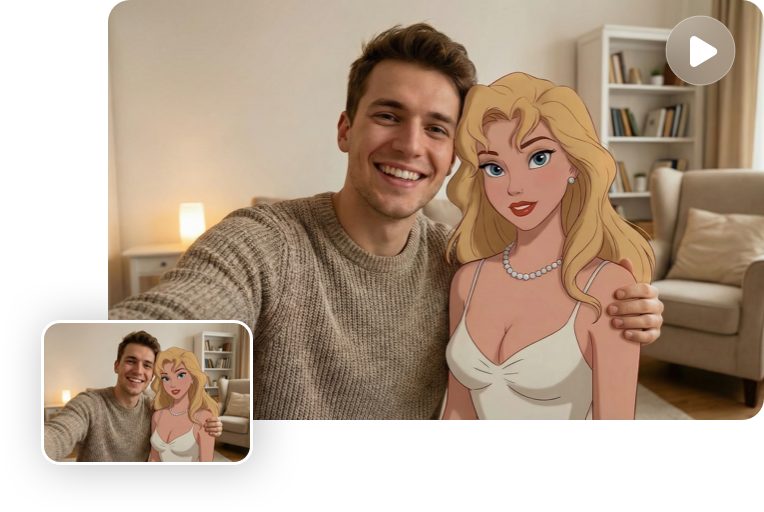
FlexClip AI Group Photo Generator effortlessly merges individual photos into seamless group portraits perfectly. Ideal for couple photos, family portraits, friend reunions, and more.
TRUSTED BY
Why Choose FlexClip AI Group Photo Generator?

One-click Generation
FlexClip’s AI seamlessly merges people from different photos into one realistic group shot with just a click. Upload your images, enter your prompt, and let AI handle the rest.

Realistic Results
Our AI group photo generator produces authentic results, intelligently combining uploaded photos with natural spacing, depth, and professional composition.

Privacy Protection
FlexClip is a trustworthy AI group photo generator. Unless you make it public, every image you upload or generate is exclusively visible to you.
Seamless Group Photo Creation with Advanced AI Models
Instantly create realistic group photos from individual photos with FlexClip's AI Group Photo Generator. Choose from advanced AI models like Nano Banana Pro, OpenAI Image, and Kling Image o1 to effortlessly merge people from different photos. Just select your model, upload your images, and let the AI handle the rest—no editing needed.
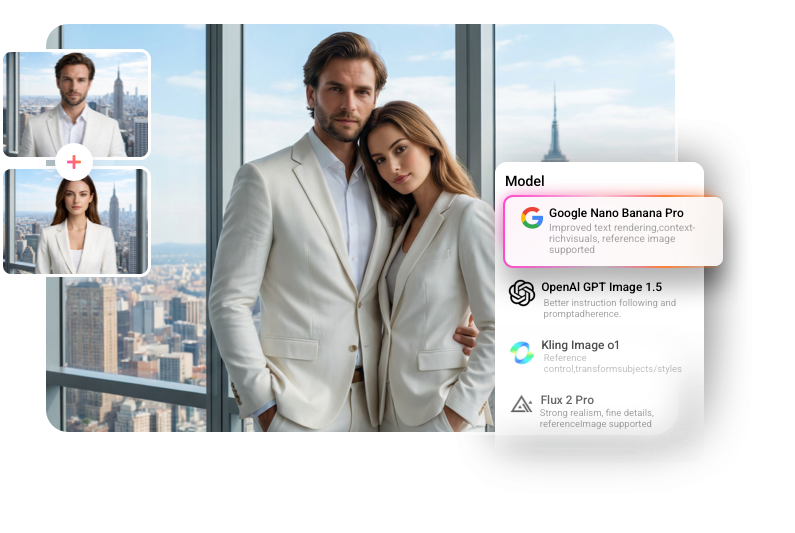
Perfect for Every Group Photo in Any Purpose
Effortlessly combine separate photos into a single, perfect memory for any occasion, be it a couple's portrait, family photo, friends reunion, team snapshot, or even a pet-and-owner portrait. Our advanced AI effortlessly brings together moments that never happened or reunites loved ones who can’t be together in real life, all in seconds.
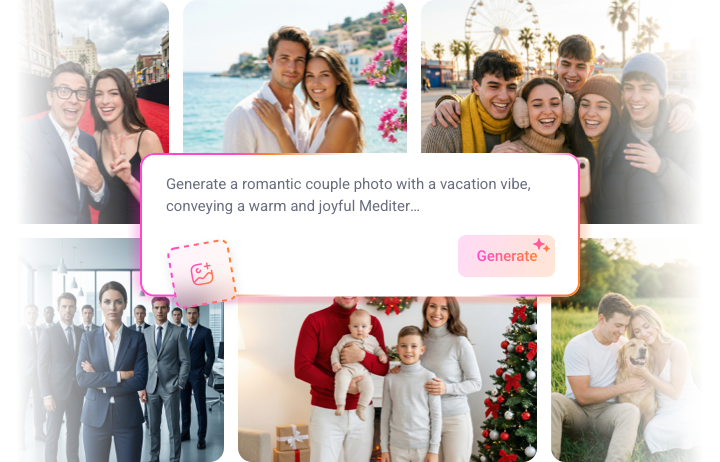
Preset Group Portrait Effect for Instant Transformation
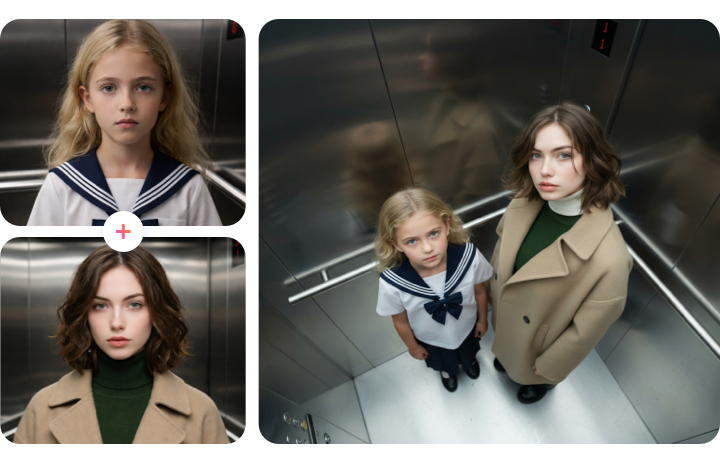
FlexClip AI Group Photo Generator features a preset AI Group Portrait effect, allowing you to instantly create an overhead selfie group photo from two separate photos with just one click. Merge them into a single, creative group shot in seconds. Simply upload your photos, select the AI Group Portrait effect, and let AI do the rest, no prompts needed!
From Static to Dynamic: Turn Group Photos into Videos
Enhance your group photos by turning them into dynamic videos with just a few clicks at FlexClip! Once you've created your group photo, seamlessly convert it into a vibrant video with lively animations and auto-generated background music. With FlexClip, transforming static images into engaging, eye-catching videos is effortless.
How to Make a Group Photo with AI in FlexClip?
- 1
Upload Your Photos
Open FlexClip’s AI photo editor, pick an AI model, then upload the individual photos you'd like to combine into a realistic group portrait.
- 2
Use Prompts
Type the AI prompt describing your desired style (studio, outdoor, cartoon, etc.), or use our preset AI Group Portrait effect to generate the group photo you want.
- 3
Generate & Save Your Group Photo
Click generate and let AI seamlessly blend everyone into one natural, well-lit group photo that you can view, save, or share instantly. Once you're happy with the result, preview and download it directly.