AI Glasses Try On
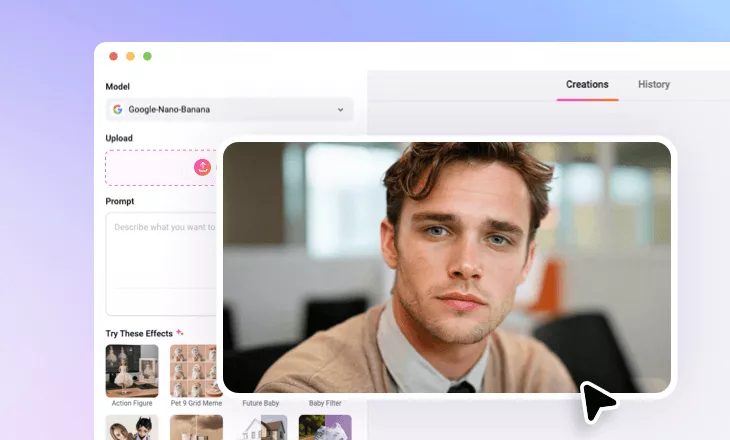
FlexClip AI glasses try-on tool lets you add eyeglasses or sunglasses to any photos online with AI. Upload photos to instantly see how different frames fit your face.
Why Use FlexClip to Add Glasses into Photo?

Quick Generation
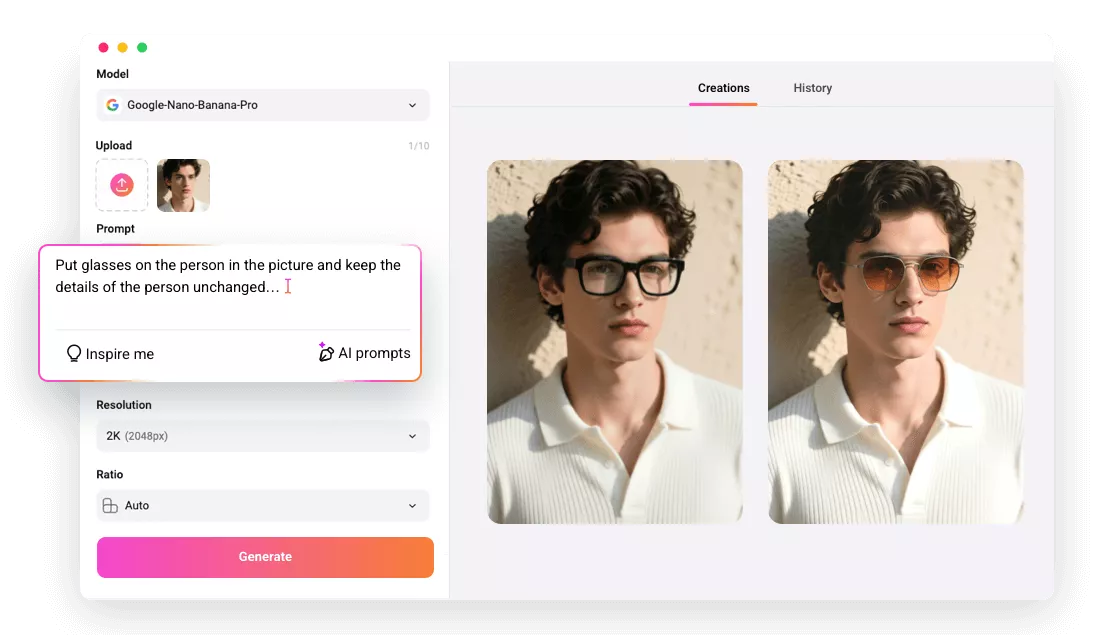
FlexClip’s AI lets you add glasses to your photos in just one click. Simply upload your image, and the tool will detect your image and put the glasses on your face quickly.

Realistic Results
Our AI glasses try-on tool delivers authentic results. The AI blends your chosen eyewear naturally into your face, looking like a real photo shoot, not only a filter.

Privacy Protection
FlexClip is a trustworthy AI glasses try-on photo generator. We will not store the uploaded resources or share the generated photo with third parties.
please input title
Try on Any Glasses on Photo with AI Just by Typing
We make virtual eyewear try-ons effortless. Just upload your photo, then describe the glasses you'd like to try, whether it's "thin gold wireframes", "sleek black rectangle frames", "chunky black sunglasses", or “Y2K sunglasses”, etc. Our AI brings your vision to life with stunningly realistic results. Already have the perfect pair in mind? Simply upload a reference image, and let the AI add it to your photo instantly.
Add Glasses to Photo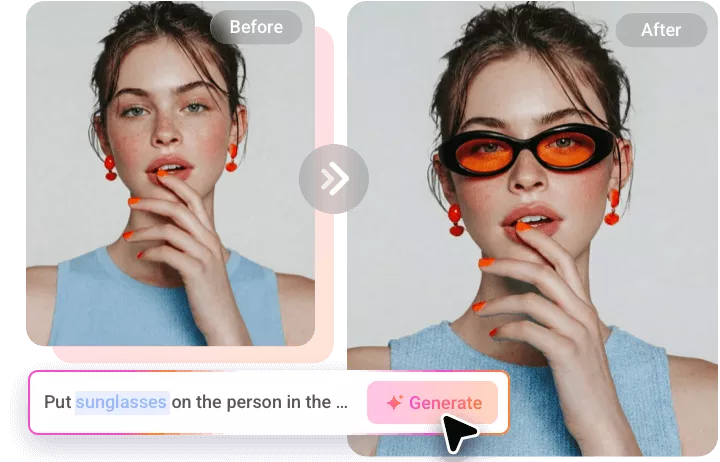
Transform Any Photos with Glasses for Any Purpose
Unleash the magic of AI-powered eyewear try-ons, effortlessly adding glasses to any photo for any occasion. Whether you're prepping for a virtual shopping spree, experimenting with new eyewear styles for a unique avatar or profile picture, creating fun memes to share on social media, or just having fun with a fresh look, we’ve got you covered.
Add Glasses to Photo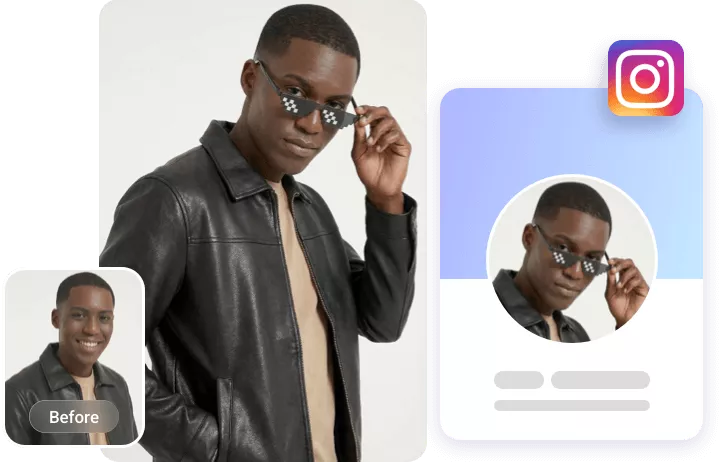
Go From Photo to Video for Ultimate Fun
Take your photos to the next level by turning them into dynamic videos with ease! After adding your favorite eyewear, you can seamlessly transform it into a lively video, complete with automatic background music that sets the perfect mood. With FlexClip, bringing your static images to life is a breeze, allowing you to create unique, eye-catching moments that captivate and engage your audience in an entirely new way.
Animate Your Photos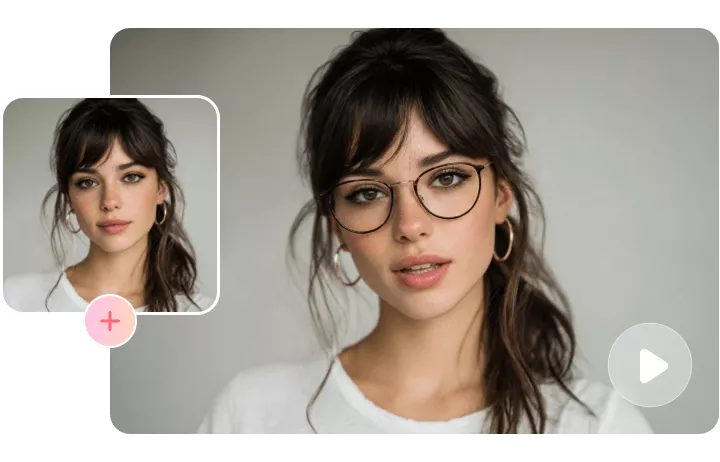
How to Add Glasses to Photo Using FlexClip?
- 1
Upload a Photo
Open FlexClip’s AI photo editor, pick an AI model, then upload a clear photo of your face along with a reference image of the glasses you want, if you have one.
- 2
Add Glasses via Prompt
Type in prompts like "put thin-framed black-rimmed glasses to the person" (or use the uploaded reference image), hit "Generate", and let the AI do the magic.
- 3
Save Your Image
Now, the AI will add the glasses to your photo and adjust them for a perfect fit, delivering a realistic try-on effect. Once you're happy with the result, preview and download it directly.