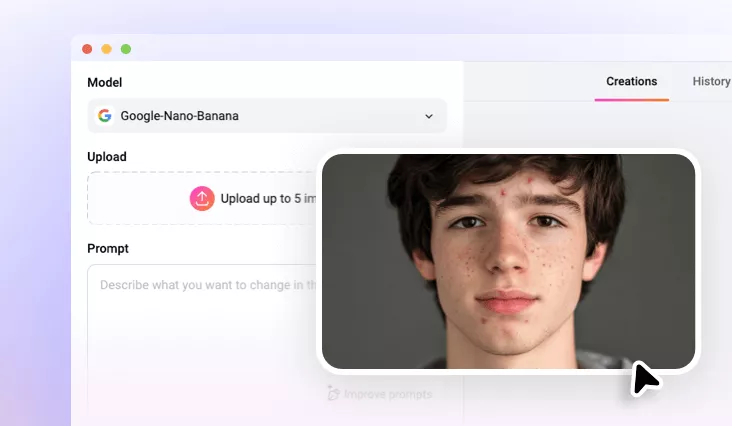
Remove Blemish from Photo
Say goodbye to blemishes, acne, and spots. Upload your portrait and let our AI blemish remover create smooth, natural-looking skin in just seconds.
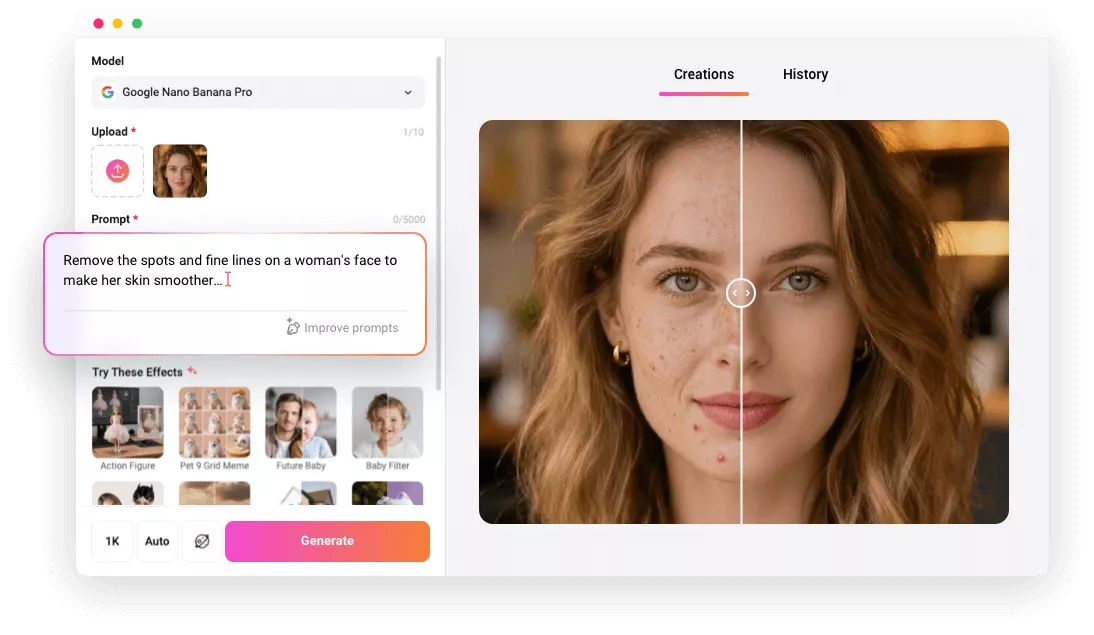
Why Use FlexClip to Remove Blemish from Your Photo?

AI-Powered Algorithms
Smart AI for removing blemishes and wrinkles naturally, making it as easy as a click to remove blemish from your photo.

Quick, Easy, Efficient
The intuitive text-prompt feature enables ultra-fast blemish removal, making it easy for anyone to get started.

Safeguards Privacy
Your photos and personal data stay private. Nothing is shared unless you choose to make your project available to our AI community.
please input title
Remove Face Blemishes in One Click with AI
Say goodbye to blemishes in seconds! With our AI blemish remover, editing blemishes in photos is now a breeze. Simply upload your image, enter prompts, click Generate, and watch as imperfections vanish instantly. Our advanced AI delivers smooth, natural-looking results every time, saving you hours of editing and effortlessly giving your skin a flawless, radiant finish.
Fix Blemishes with AI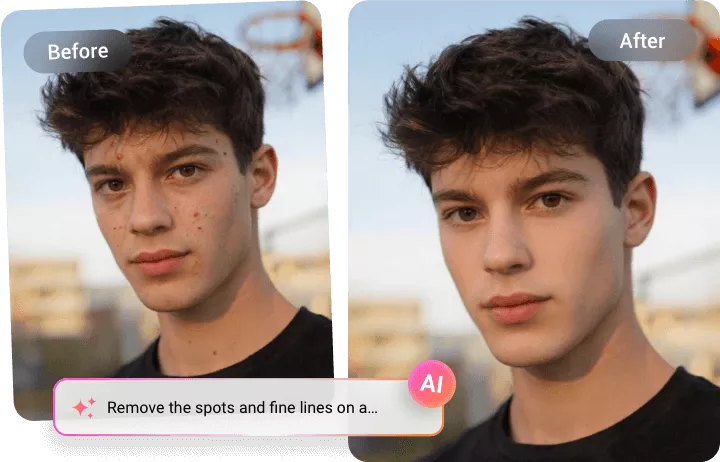
Blemish-Free Skin with Natural Skin Texture
Our AI-powered blemish editor effortlessly removes imperfections from photos while preserving your skin’s natural texture and tone. Unlike harsh filters, it delivers results that are both authentic and professional, enhancing your natural beauty without ever looking artificial. The outcome is flawlessly radiant skin that still feels real.
Remove Blemishes with AI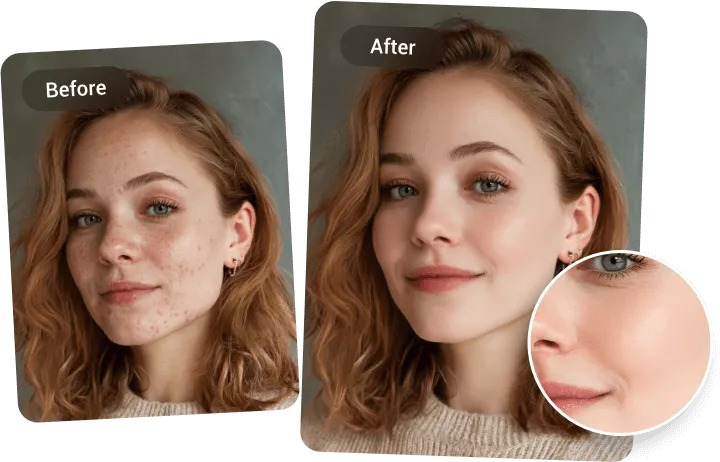
Fix Blemishes, Acne, Dark Spots, and Wrinkles
Whether it’s pimples, stubborn acne scars, dark spots, freckles, or uneven skin tone, our AI-powered blemish remover has you covered. Using advanced algorithms, it intelligently detects imperfections like acne, scars, sunburns, and other skin blemishes, and transforms your skin to look flawless and radiant in just seconds. It’s fast, automatic, and powerful. Enjoy it now!
Remove Blemishes with AI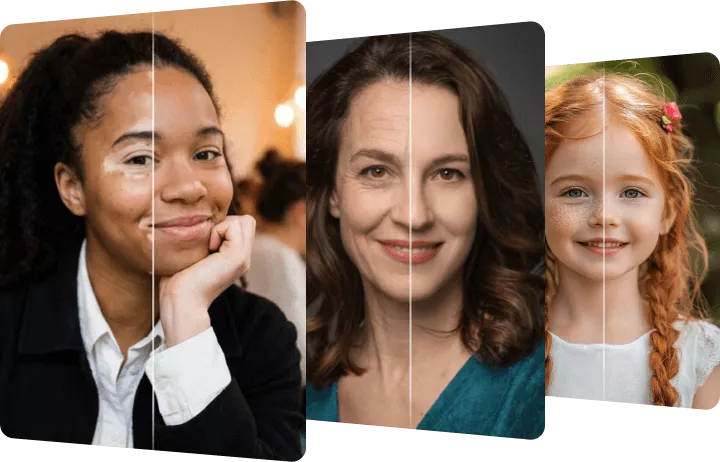
How to Remove Blemishes from Photo with FlexClip AI?
- 1
Upload Your Photo
Simply drag and drop or click to upload your selfie or portrait to our AI blemishes remover tool.
- 2
Apply AI Fix with Prompts
Enter precise prompts to guide the AI for natural blemishes removal and skin correction, then adjust the settings, like resolution, ratio, and visibility.
- 3
Generate and Download
Click the Generate button, and the AI will automatically remove blemishes from your photo. Once it's done, you can preview, download, or share your image directly.