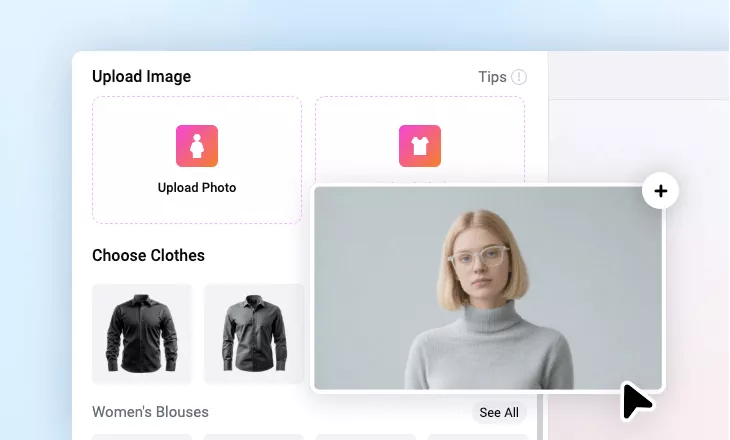
Add a Suit to Photo
Add a blazer to a photo for LinkedIn profile, passports, or professional CVs.
Why Use FlexClip’s AI Suit Filter

Powerful AI Processing
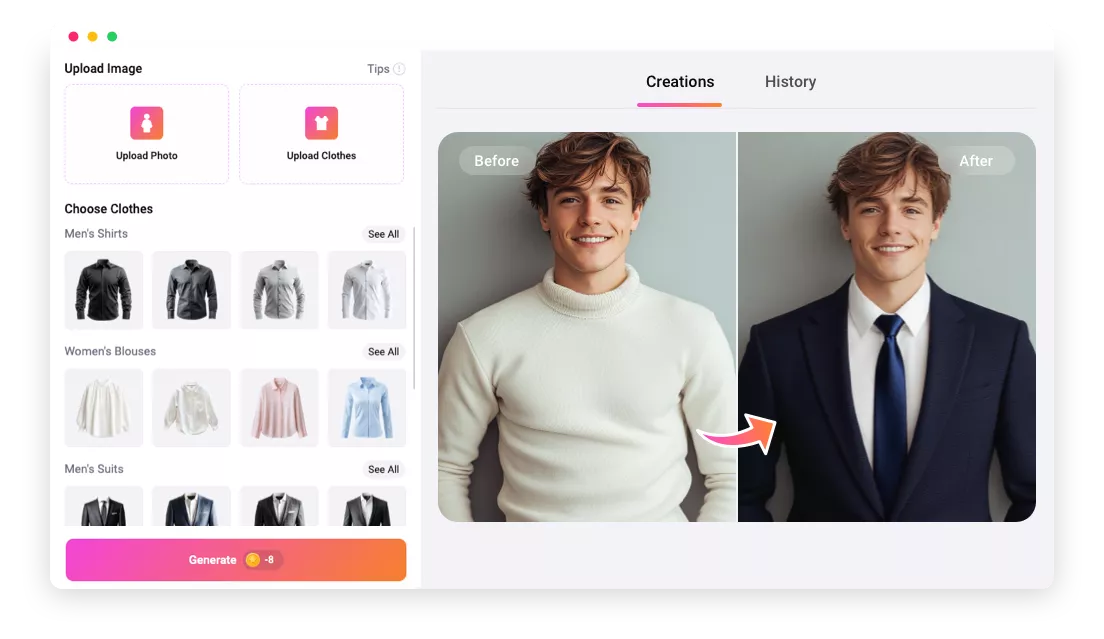
You don’t need any Photoshop skills to add suit to photo. FlexClip’s Clothes Changer utilizes AI to automatically swap casual outfits for professional suits.

Browser-Based Tool
FlexClip is 100% online, so you don’t have to deal with giant software on the desktop. Just upload your photo and get started right on your browser.

Top Security
Your ownership and control over your images are always protected. FlexClip will never share any data with third parties.
please input title
Normal Photo to Formal Photo with Powerful AI
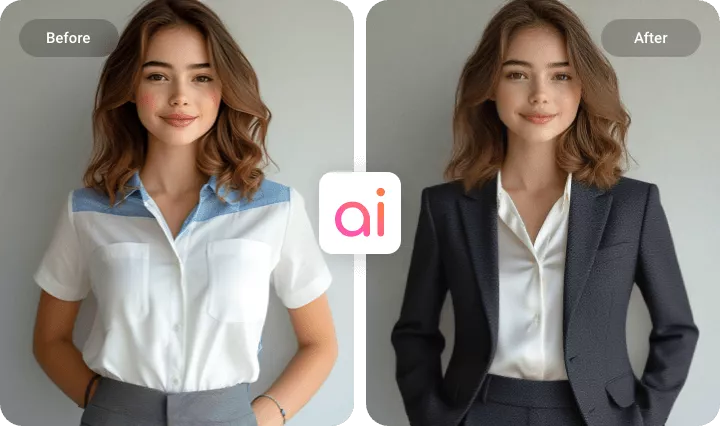
Done with manual editing and embrace one-click generative AI! FlexClip’s AI Clothes Changer detects your body shape and posture, automatically fits the virtual suit.
Unlike simple stickers, FlexClip uses intelligent layer blending and lighting adjustments so that any suit looks natural on you.
Customized Suit Try-on
FlexClip offers 16 suit sample images, which may not be enough to show your professionalism. That’s why its developers allow you to upload your own suit images and try them on. Choose from suits in different styles - Classic business suits, tuxedos, or smart blazers.
Try Different Suits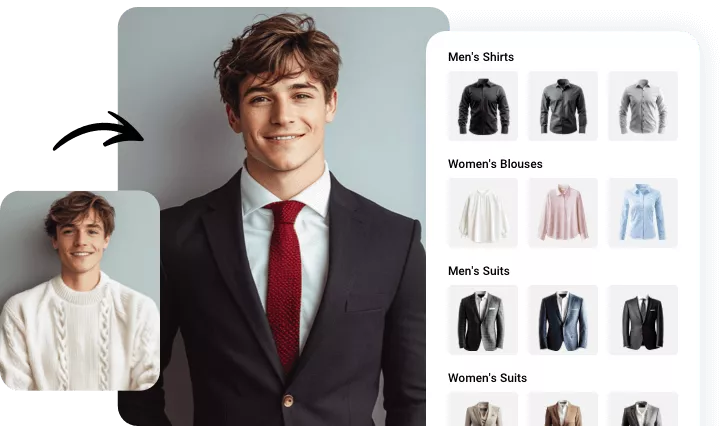
Make Further Editing on the Formal Photo
There are much more you can do to complete a professional makeover. Pair the suit change with FlexClip’s AI Background Removal to swap in a new background. Change hairstyle for a brand new appearance. Apply Skin Retouching filters, add text, logos, brand elements, etc. Ignite your creativity to achieve the best suit photo ever!
Edit Suit Photo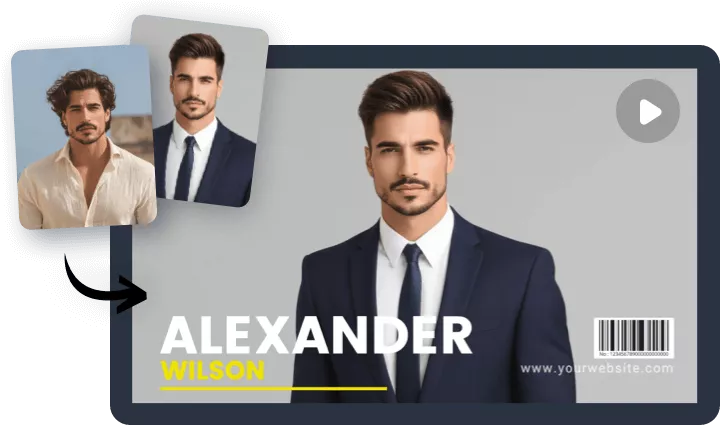
How to Add Suit to Photo
- 1
Upload Your Photo
Access FlexClip’s AI Clothes Changer tool, drag and drop to upload a portrait photo.
- 2
Upload Photo of Clothes
FlexClip provides 16 default suits for men and women. Choose any one you like. You are also able to upload a photo of clothes.
- 3
Virtual Suit Try-On
Hit the Generate button, you are able to add suit to your photo within several seconds. Save the image or post to social media directly.