Add Santa to Photo
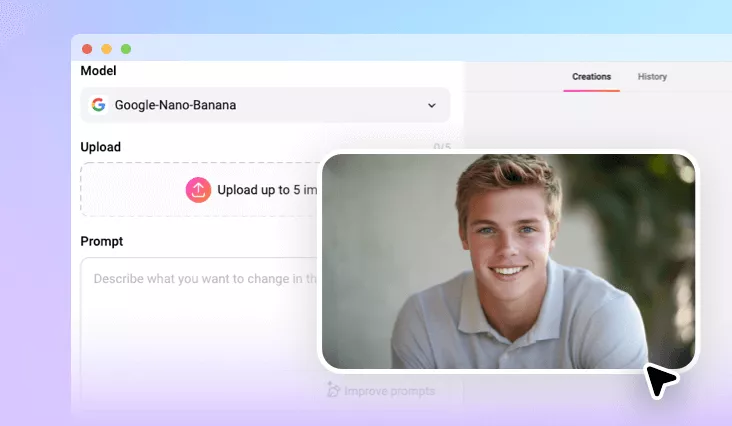
Celebrate the magic of Christmas by capturing Santa Claus in your photo! Whether it’s a selfie, a gift-giving moment, or a candid Santa shot, simply upload your picture and let our Santa photo editor handle the rest.
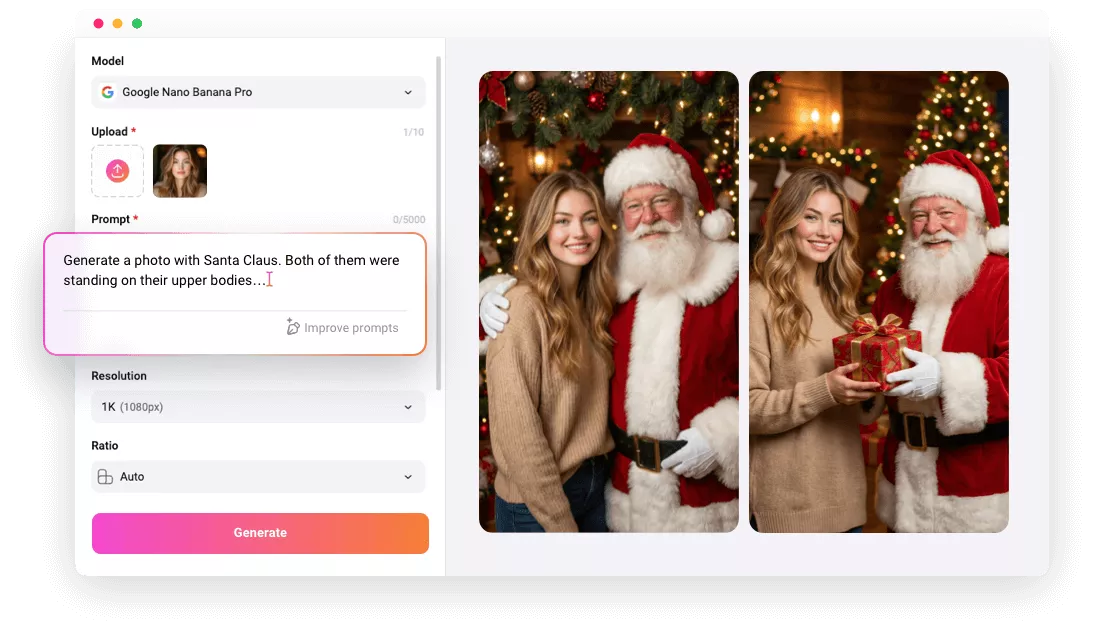
Why Use FlexClip to Edit Santa into Photo?

One-click Generation
FlexClip’s AI lets you add Santa to your photos in just one click. Simply upload your image, and the tool will automatically detect your scene and place Santa into it seamlessly.

Realistic Santa Results
Our Santa filter delivers authentic results. The AI automatically adjusts lighting, restores background details, and refines edges to make your photo look as if it was taken with a real Santa.

Privacy Protection
FlexClip is a trustworthy Santa photo editor. We will not store the uploaded resources or share the generated Santa photo with third parties.
please input title
Add Santa Claus to Photo in One Click
Ever wondered what it would be like to catch a glimpse of the mysterious Santa Claus? With FlexClip, you can add Santa to your photo with a single click. The AI automatically analyzes your image and inserts Santa seamlessly by adjusting the lighting, restoring background details, and refining edges for an authentic result. FlexClip handles everything, one click is all it takes.
Edit Santa into Photo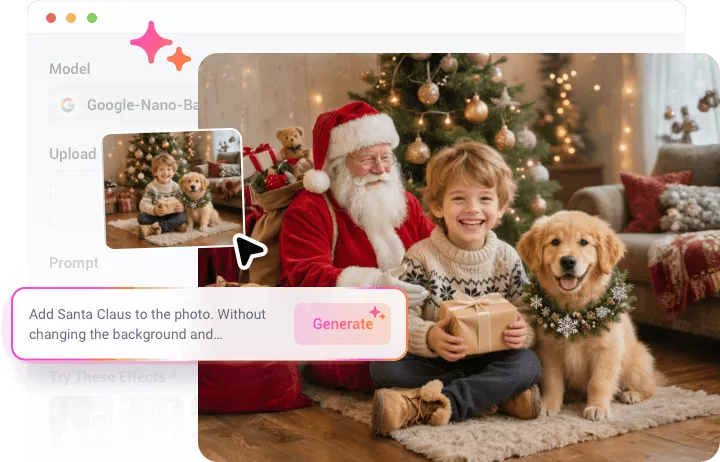
Snap a Photo With Santa in Any Scenario
Experience the magic of Christmas by creating Santa photos in all kinds of scenes. Whether Santa is delivering gifts, holding your pet, posing for a festive selfie, or knocking on your door, FlexClip helps you generate natural-looking Santa photos with various poses. Try this Santa photo editor to unlock endless possibilities.
Edit Santa into Photo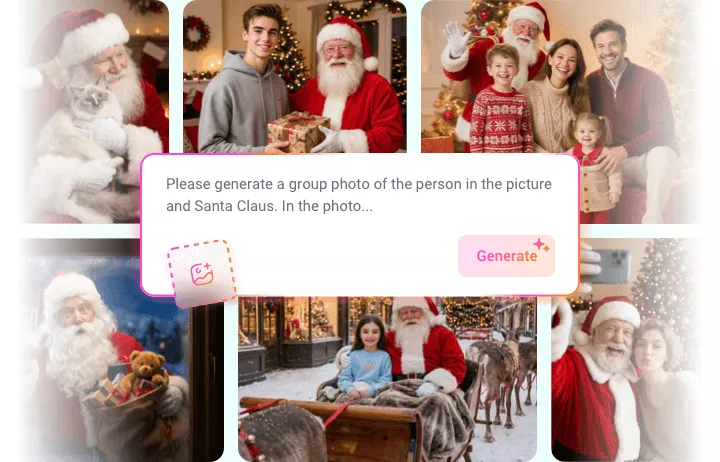
Turn Pictures into Animated Santa Video
Take your holiday surprise to the next level by transforming a still Santa photo into a lifelike animated clip with FlexClip’s AI image-to-video tool. Bring Santa to life as he delivers gifts, rides his sleigh, or dances to Jingle Bells. Animate your Santa photo and capture your unique Christmas memories today.
Animate Santa Photos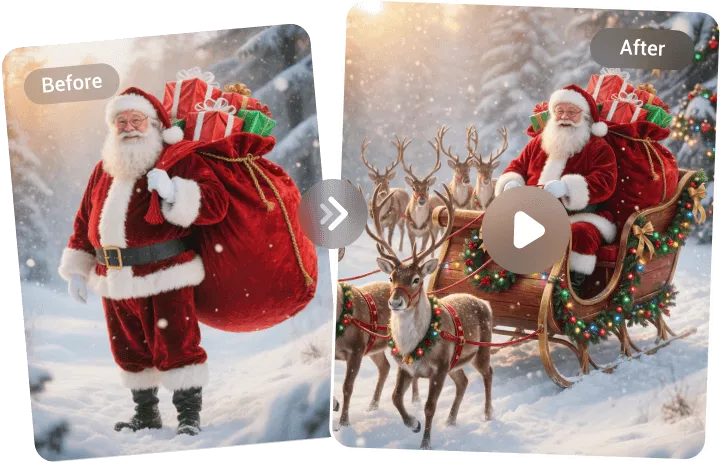
How to Add Santa to Photo Using FlexClip?
- 1
Upload a Photo
Access FlexClip’s AI photo editor and upload a picture. It could be a selfie, a pet or a scenery image
- 2
Add Santa via Prompt
Type in prompts like "Add a realistic Santa Claus in the scene", hit on Generate and let AI work.
- 3
Save Your Image
Once you’re satisfied with the result, save your new photo with Santa Claus caught for prank, fun and Christmas greeting.