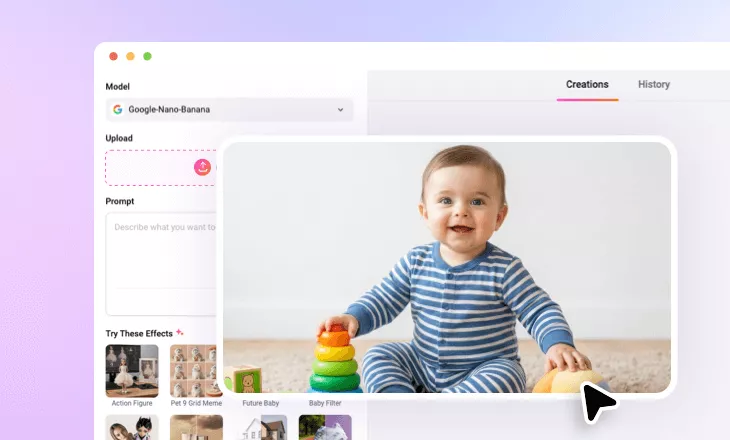
Add Santa Hat to Photo
Bring festive cheer to your photos with FlexClip’s AI Santa Hat editor. Easily add a Christmas hat, whether it’s classic red-and-white, cartoon-style, or matched to your outfit, to yourself, your kids, or your pets. Give your photo a holiday touch and share the fun.
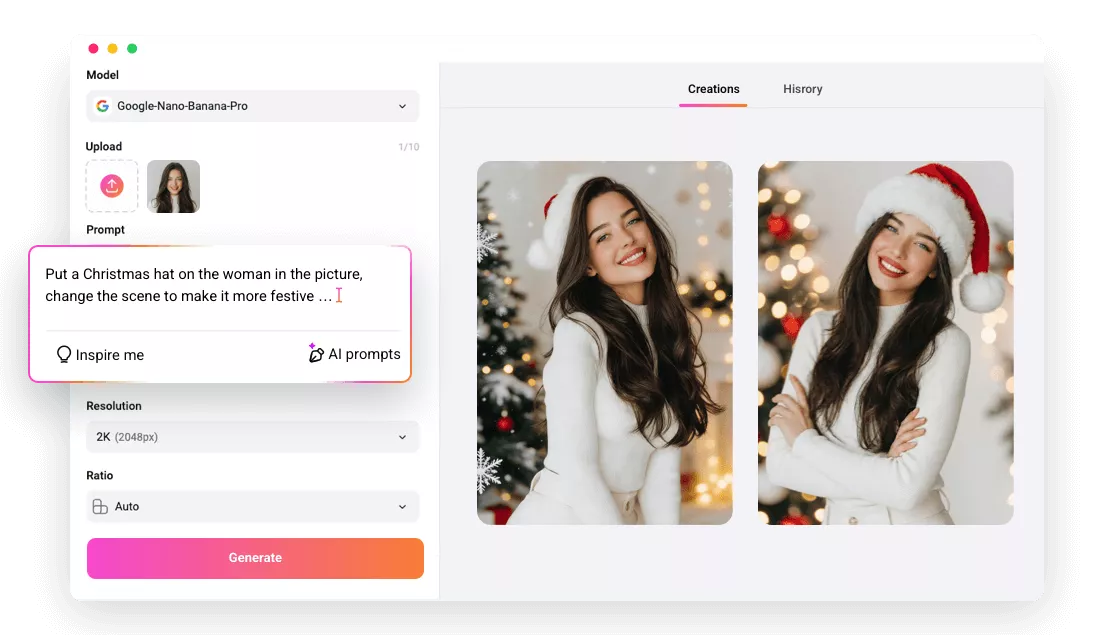
Why Use FlexClip to Add Santa Hat to Photo?

Powered by AI
No more complicated manual editing! FlexClip’s Santa Hat editor uses advanced AI, making it as easy as a click to add a Christmas hat to your photo.

Fast Generation
Once you upload an image, our tool will instantly detect your face and add a Santa hat, generating your festive photo in seconds.

High-quality Results
FlexClip doesn’t just place a Santa hat, it adjusts lighting, texture, and smooths edges to ensure the Christmas hat looks natural and authentic in your photo.
please input title
Add Santa Hat to Photo in One Click
Forget manually adding Santa hats to your photos. With FlexClip’s AI Santa Hat Editor, just upload your image and let AI detect your faces and place the perfect Santa hat instantly without any editing skills needed! Give your photo a festive makeover and freshen up your Christmas PFP in seconds.
Add Santa Hat to Photo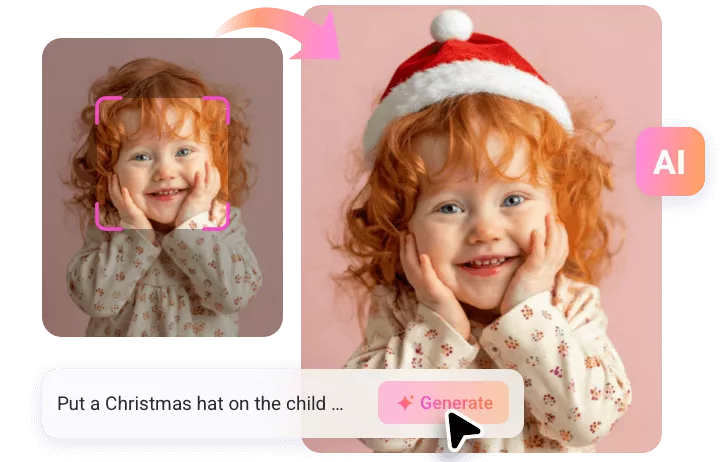
Creative Santa Hats to Show Your Personality
A Santa hat doesn’t have to be just red and white—it can match your style perfectly. With our Santa Hat Editor, you can choose blue, green, pink, yellow, or any color and material you like. Simply describe your ideal Christmas hat, and our AI will create it for you.
Edit Santa Hat into Photo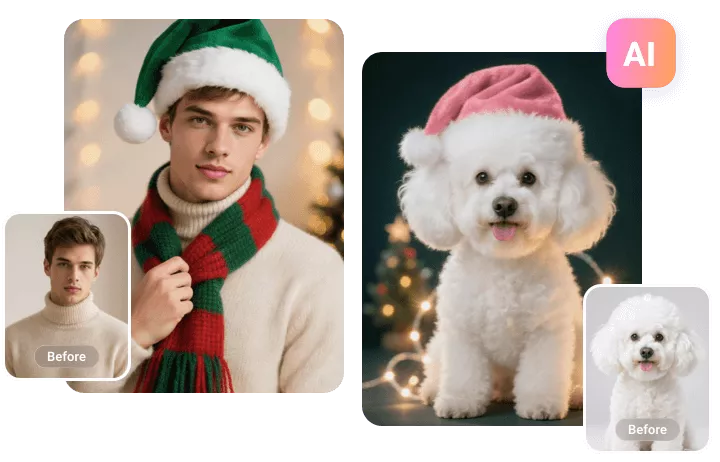
A Fresh Christmas Look in No Time
FlexClip goes far beyond simply adding a Santa hat. It can transform your entire photo with festive backgrounds, iconic holiday outfits, realistic snow effects &stickers and more. With our AI Christmas photo editor, creating share-worthy Xmas photos is effortless.
Add Santa Hat to Photo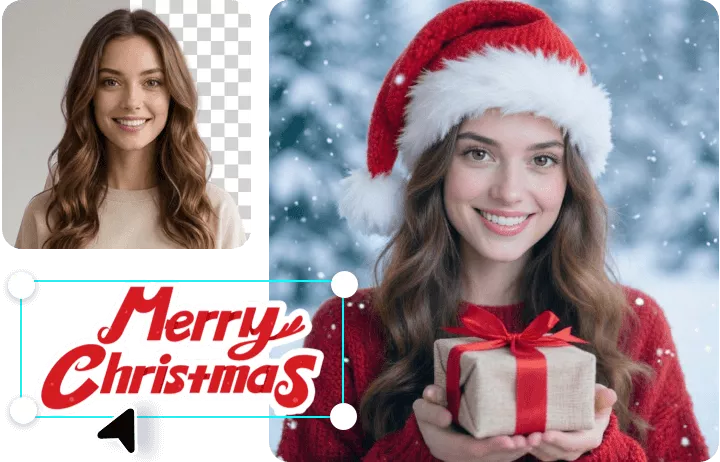
How to Add a Christmas Hat to Photo?
- 1
Upload a Photo
Start by uploading a photo to FlexClip’s AI photo editor. It can be a selfie, a pet portrait, or any image you want to add a Santa hat to.
- 2
Enter a Santa Hat Prompt
Describe the Santa hat you want in the text prompt. For example, you can say, “Add a classic Santa hat to the photo.”
- 3
Generate and Download
Click the Generate button, and the AI will automatically place the hat on your head in the photo. Once it’s done, you can preview, download, or share your holiday-themed image to spread Christmas vibes across social media.