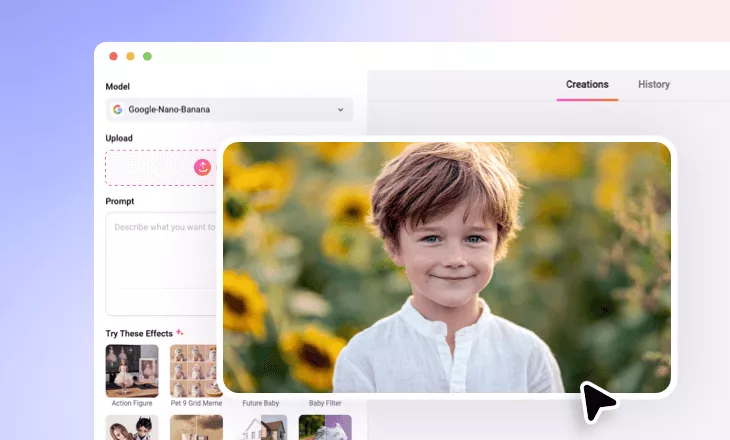
Add Face Paint to Photos Online
Easily add face paint to your photos with FlexClip’s AI face paint filter, perfect for adding a creative, festive, or aesthetic touch in just a few clicks.
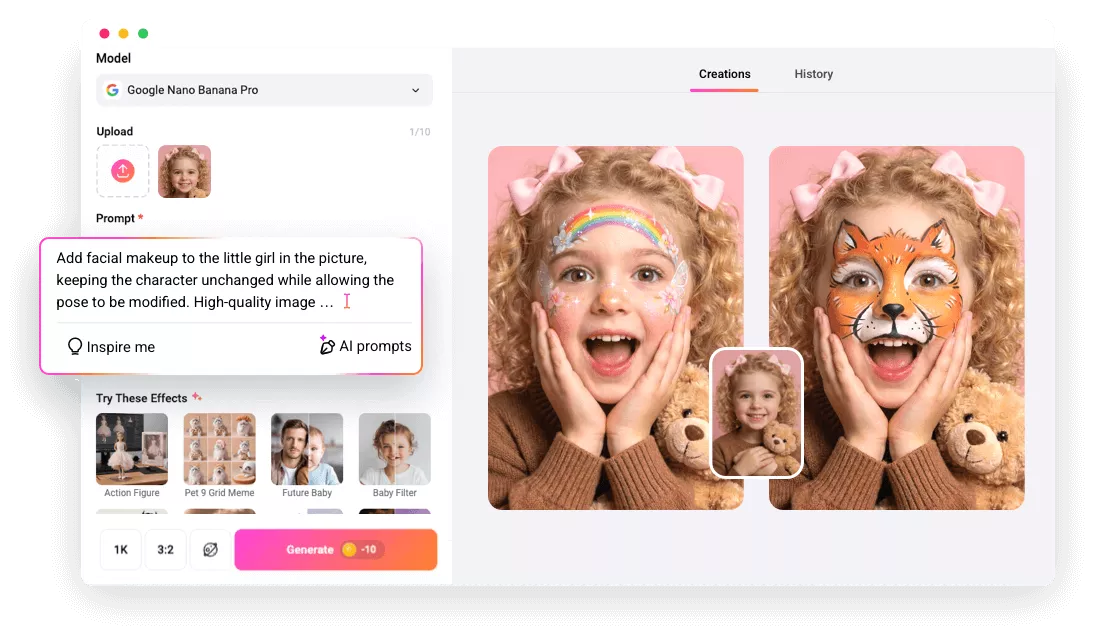
Why Use FlexClip to Add Face Paint to Photo?

100% Online
FlexClip’s AI face paint filter runs seamlessly in your browser with an intuitive, beginner-friendly interface.

Apply Face Paint Effect with AI
AI automatically detects your face and precisely applies aesthetic face paint to your photo based on your prompt.

Privacy Protection
Your privacy comes the first. Unless you make it public, your projects and personal data remain confidential.
please input title
Easily Add Face Paint to Photo with AI
Say goodbye to manual drawing and hello to AI face painting. FlexClip’s AI face paint filter accurately detects your face and applies aesthetic designs based on your vision. Just describe your idea and watch it come to life in a few clicks.
Add Face Paint to Photo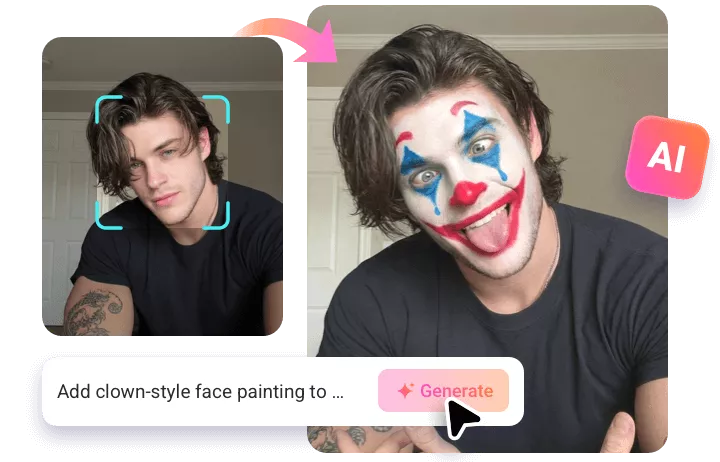
AI Face Paint Filter Suitable for Every Image
From enhancing everyday photos to giving family group shots a fun Halloween vibe or creating eye-catching social media visuals, FlexClip’s AI face paint filter does it all. You have complete freedom to customize colors, textures, placement, styles, and every detail to match your vision.
Add Face Paint to Photo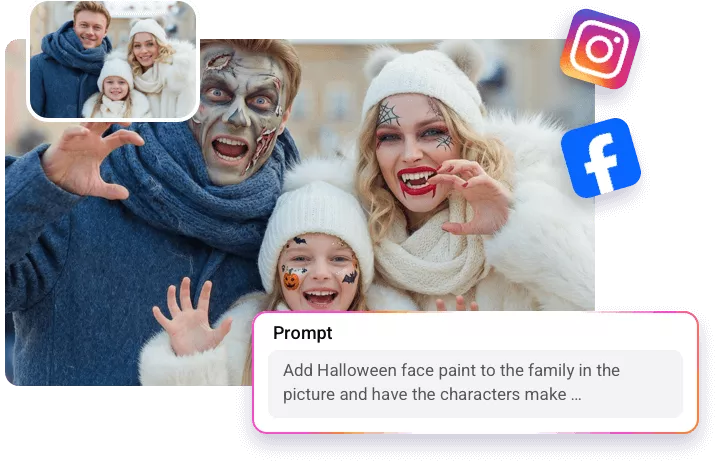
Go Beyond Face Paint Effect Apply
FlexClip does more than just add face paint to photos. You can further fine-tune your creative look by changing festive outfits with the AI Clothes Changer, adjusting lighting, angles, or facial expressions for a polished result, or animating still images to bring them to life like a video. . Start creating your own face paint photo and let your creativity shine with FlexClip.
Add Face Paint to Photo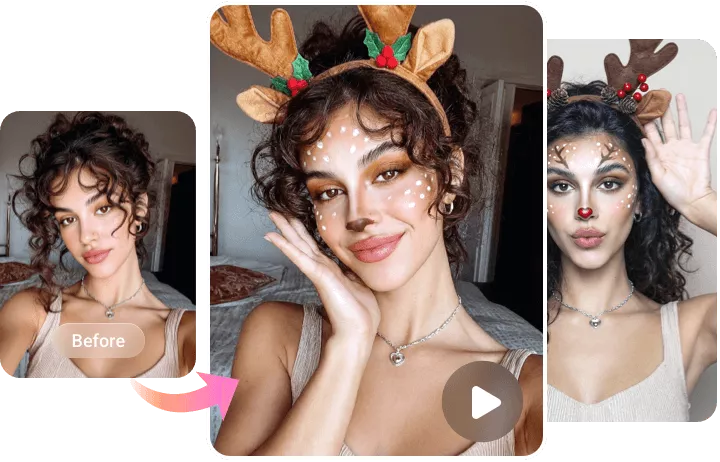
How to Apply Face Paint Effect to Photo in FlexClip
- 1
Upload a Photo
Import an image from your computer to FlexClip for applying face paint effect.
- 2
Enter a Prompt
Enter a prompt describing your face paint ideas, including style, colors, placement, texture, and more. Click Generate and let the AI do the rest.
- 3
Download or Keep Editing
Download AI-generated face paint effect photo or continue editing with FlexClip’s creative AI tools for a personalized touch.