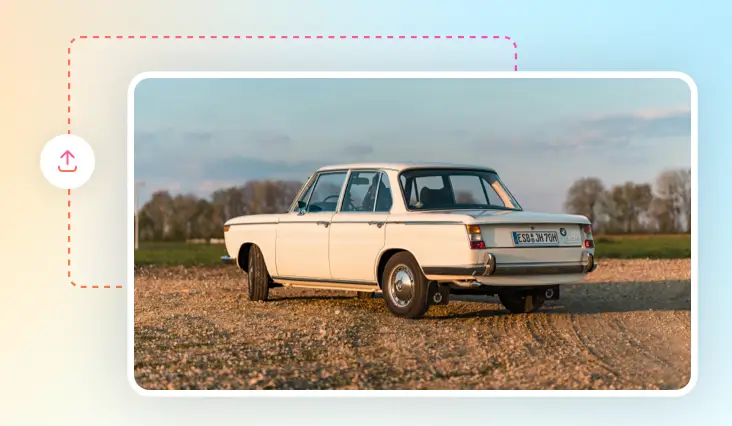
Add Objects to Photos with AI
Add any object, pets, props, or surprises, to your photos—just describe it, and our AI makes it real. Perfect results without any editing skills.
TRUSTED BY
Why Choose FlexClip to Add Objects to Photos?

Accurate AI
FlexClip applies a powerful and accurate AI algorithm to help you add objects to photos. It accurately recognizes your images and analyze your prompts effectively.

100% Online
No installation needed—simply open your browser, upload your photo, and use our online tool to add any objects to your photo with great ease.

High-Quality Results
When it comes to adding objects to your photo, FlexClip's AI intelligently and precisely understands your prompts to render the best results.
please input title
Add Object to Photo Using Text Prompts
Add objects to your photo just by typing what you want—it’s that easy. Simply upload your photos, describe what you want, from fashion jewelry to stylish hats, funky balloons to cool vintage cars, sparkling fireworks to iconic landmarks, and more accessories and elements, and let AI bring your imagination to life.
Add Objects Now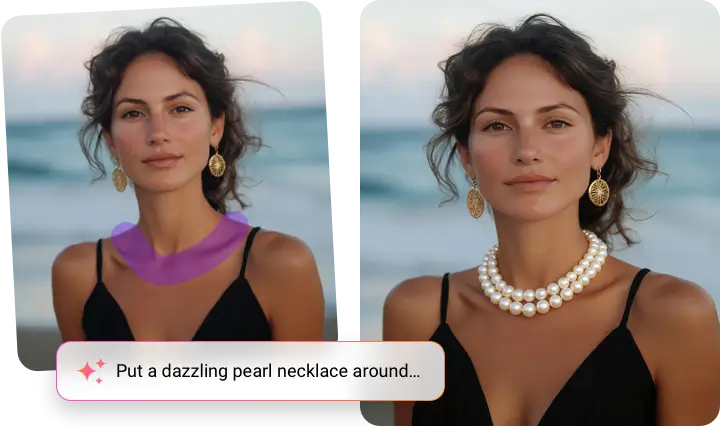
Add Objects to Any Photos Instantly with AI
Enhance any photo by effortlessly adding new objects with AI. From designers to e-commerce owners and content creators, or just someone trying to enhance their photo, anyone can create innovative and fun designs using our AI. This is perfect for amplifying your social posts or boosting your marketing visuals.
Add Objects Now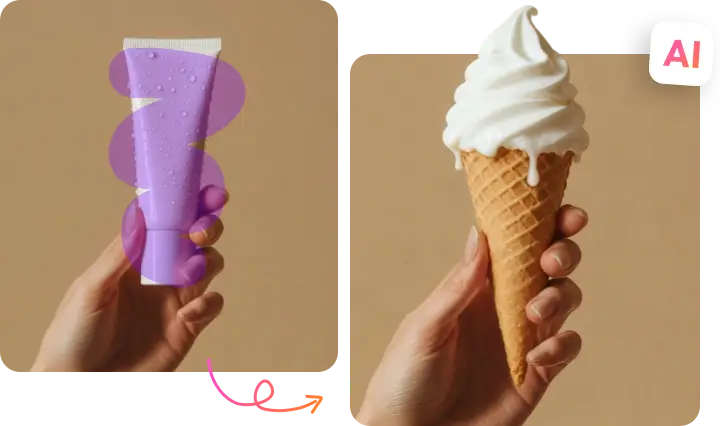
Effortlessly Edit Photos by Creativity Without Limits
Personalize your photos like never before—add new objects or fix anything that doesn’t fit, from dull skies and distracting backgrounds to awkward expressions and more. Simply describe what you want, and our AI blends in realistic changes that bring your vision to life. No complex tools, no edits—just click and watch your ideas transform into stunning images.
Have a Try Now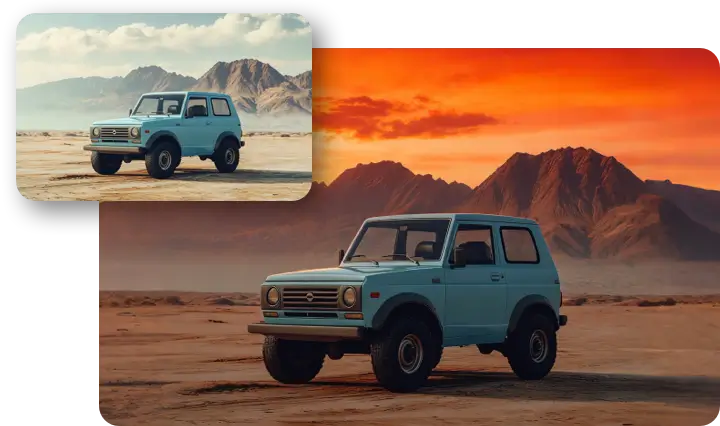
How to Add Object in Photo with AI?
- 1
Upload Your Photo
Upload your photo, and the target object photo if you have.
- 2
Enter Text Prompts
In the text prompt box, describe the object you want to place in the photo or ask for using the uploaded one.
- 3
Download Your New Photo
Check the result and see if you are happy with it. Download and share this AI-generated new photo according to your needs.