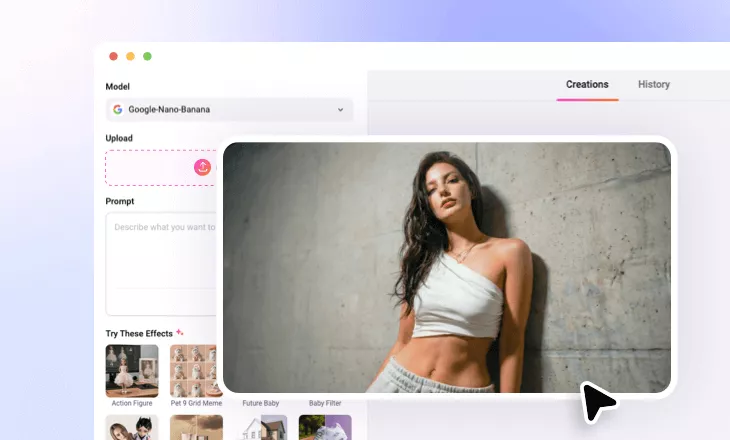
Add Graffiti to Photo Online with AI
Turn your photo into vibrant street graffiti arts in seconds using FlexClip’s AI graffiti art generator.
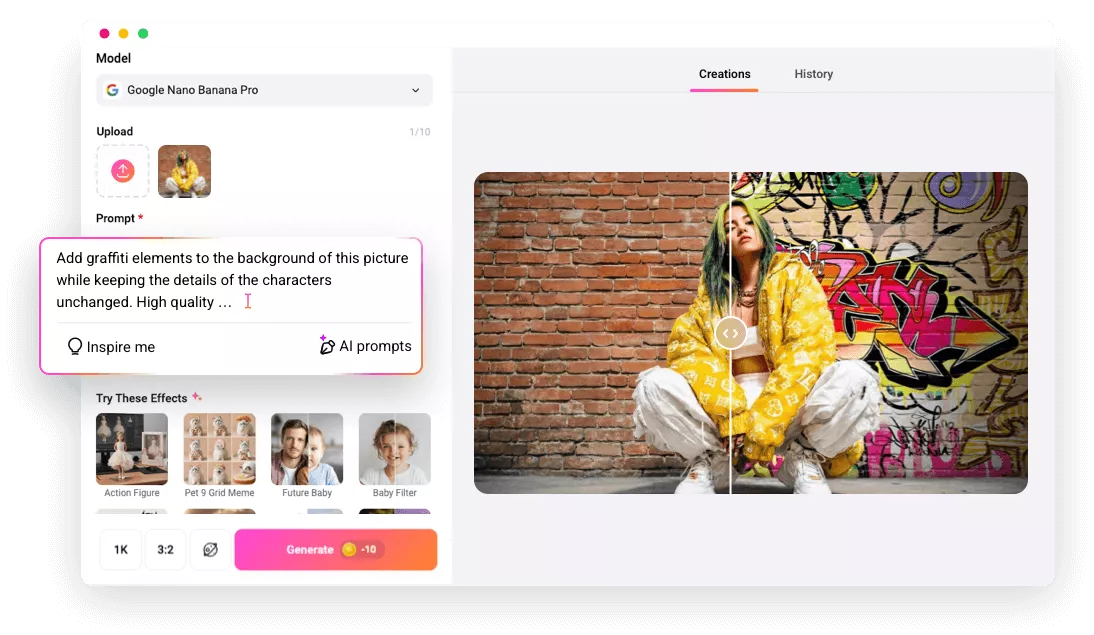
Why Use FlexClip to Add Graffiti to Photo?

User-friendly
Instantly add eye-catching graffiti art to your photo online—no downloads, no drawing skills needed.

Powered by AI
Powered by AI, FlexClip accurately understands your content and instantly transforms it with graffiti art that perfectly aligns with your creative vision.

Photo-realistic Result
FlexClip blends vibrant graffiti art with refined lighting, shadows, and textures, creating street-style graffiti that feels real and immersive.
please input title
Normal Photo to Urban Graffiti Style with AI
Enhance your everyday snapshots with vibrant, aesthetic graffiti art. FlexClip’s AI graffiti art generator understands your prompt and instantly transforms ordinary photos into urban graffiti art that perfectly aligns with your creative vision! Just upload a photo, describe your idea, and let the AI do the rest.
Add Graffiti to Photo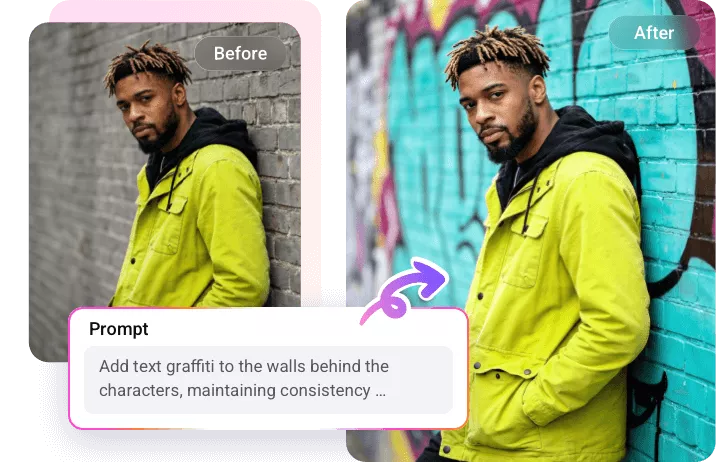
Fully Customizable Graffiti Styles
With FlexClip, you can customize every aspect of your graffiti art. Whether you’re envisioning bold street tags, mural-style wall art, expressive characters, creative symbols, spray-paint textures, or bright color blocks, FlexClip turns your ideas into eye-catching visuals.
Add Graffiti to Photo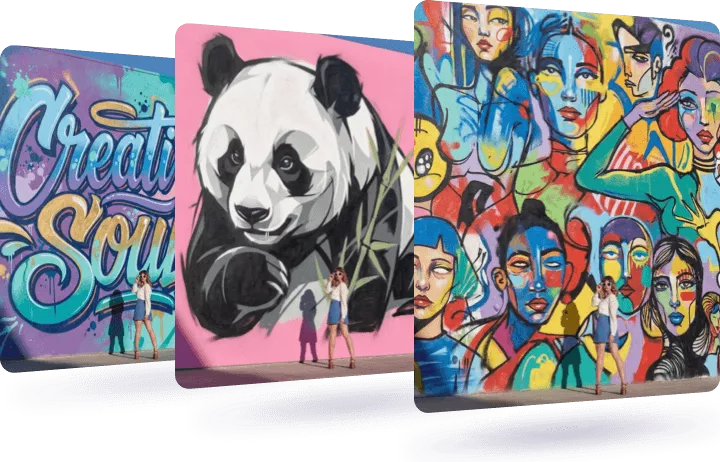
Further Edits on the Graffiti-Style Photo
There’s so much more you can do to perfect a cool graffiti-style photo. Change the background to highlight the graffiti, layer multiple graffiti elements for added depth, or apply vintage filters to draw focus, etc. Ignite your creativity and create your best graffiti photo.
Edit Graffiti Photo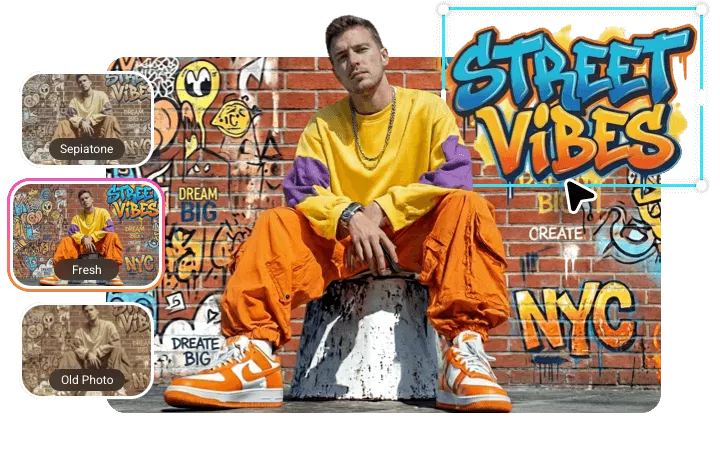
How to Add Graffiti to Photo Using FlexClip?
- 1
Upload a Photo
Choose any image you want to apply a graffiti effect to from your device and upload it to FlexClip.
- 2
Apply Graffiti Art Effect
Describe your graffiti idea in a prompt, hit Generate, and let AI instantly apply vibrant graffiti art to your photo.
- 3
Download or Share
Download your graffiti art to device in high resolution or seamlessly share across social media.