Add Confetti to Photo with AI
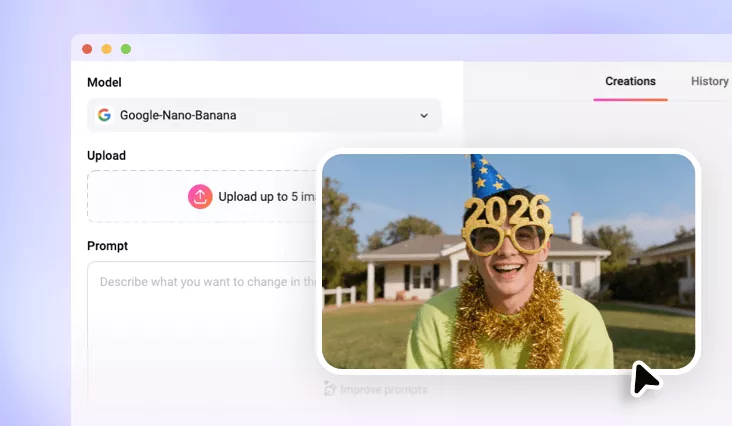
Transform your favorite moments into celebration-ready masterpieces. With FlexClip’s AI confetti filter, you can instantly add a realistic festive atmosphere to weddings, birthdays, and graduations.
Why Use FlexClip’s AI Confetti Filter?

100% Online
FlexClip lets you add realistic confetti to images right in your browser, without any software download or curve learning required.

Realistic Confetti Effect with AI
Utilizing cutting-edge AI technology, FlexClip adds confetti while analyzing lighting, texture and visuals to ensure the result look realistic and natural.

Fast Rendering
The confetti effect is applied in just seconds, letting you download or share your festive image without any long wait.
please input title
Realistic Festive Photo Look, One-tap Delivered by AI
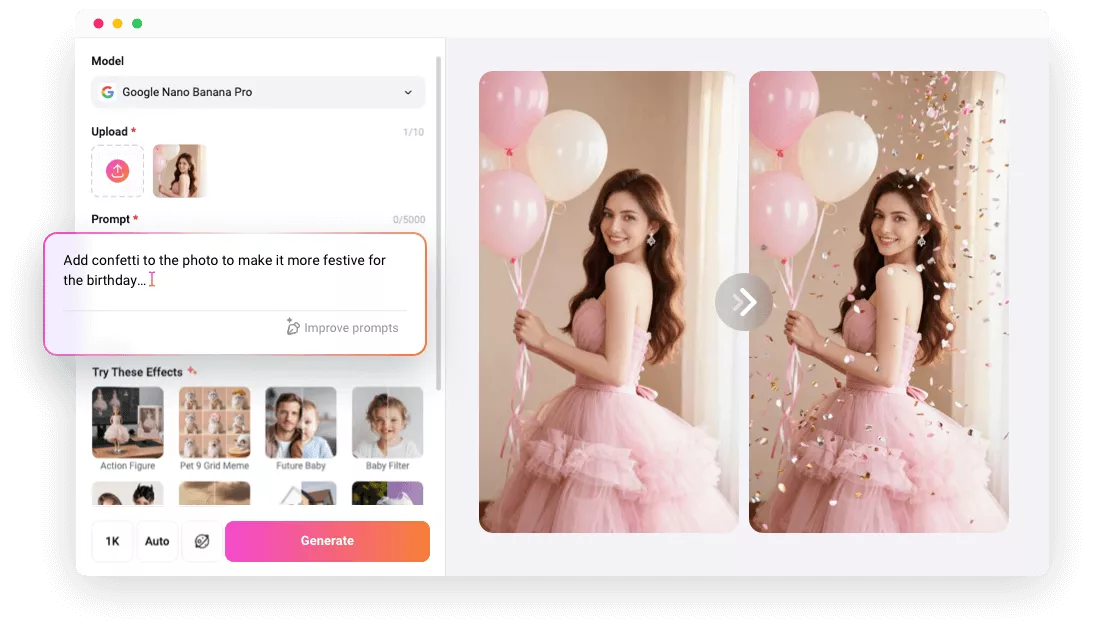
Say goodbye to manually adding confetti with layered festive filters. FlexClip’s AI reimagines the entire process, delivering enhanced, high-quality results. With just a simple prompt, you can create celebration-ready masterpieces as the AI intelligently analyzes lighting, textures, and visual details to produce natural, realistic confetti effects—perfect for any celebration.
Add Confetti to Photo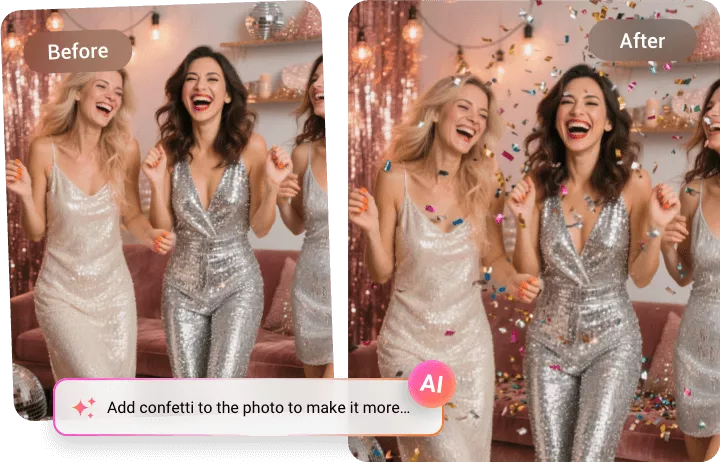
Professional Festive Confetti Filter, Suitable for Every Image
FlexClip’s AI confetti filter works perfectly for wedding photos, birthday snapshots, graduation moments, and social media posts.Plus, with a wide range of confetti styles, such as balloon party confetti, carnival confetti, and patterned designs, you can easily tailor the festive effect to match your theme and visual style.
Add Confetti to Photo
Customize Your Confetti Photo, Creative Touch to Stand out
After applying the confetti effect, you can further customize your image using FlexClip’s built-in editor—change the background, remove unwanted objects, add text, and more to make your photo truly stand out. With FlexClip’s AI confetti photo editor, both beginners and professionals can effortlessly create festive images exactly the way they want.
Add Confetti to Photo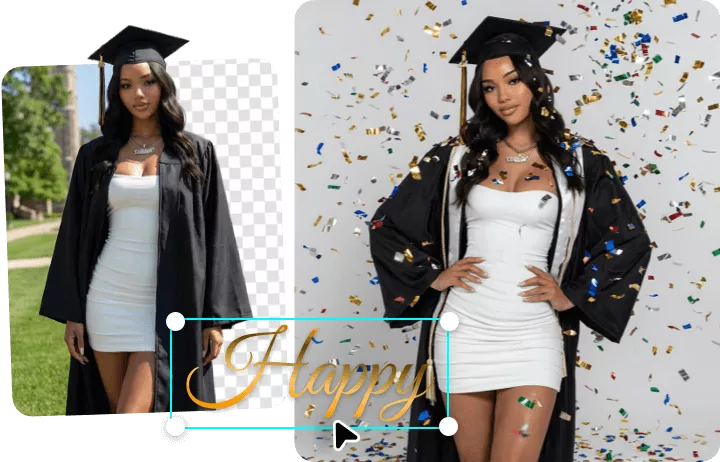
How to Add Confetti to Photo Using FlexClip
- 1
Upload a Photo
Import an image from your computer to apply confetti filter with FlexClip.
- 2
Apply Confetti Effect
Describe the confetti effect you want in the prompt box, then click Generate. The AI will automatically detect the scene and intelligently apply confetti that looks as realistic as if it were naturally part of the moment.
- 3
Download and Share
Once satisfied, download your festive photo to local or directly share celebration-ready image across social media.