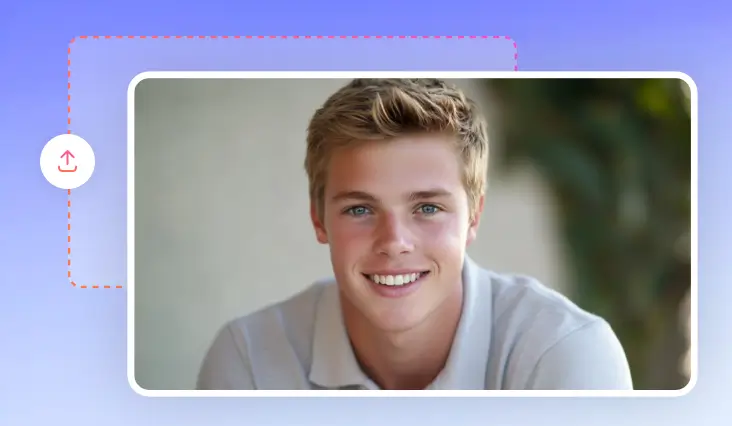
Add Beard to Photo
Simulate different beard & mustache styles and see which one looks the best on your face.
TRUSTED BY
FlexClip’s AI Beard Filter Highlights

Realistic Beards
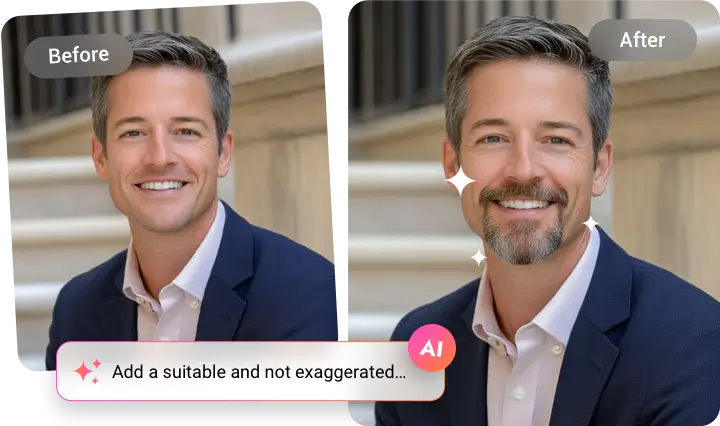
FlexClip generates natural-looking beards and mustaches and blends them into your portrait with perfect color, lighting.

Instant Previews
FlexClip adds a beard to your photo in seconds, letting you try different looks quickly without waiting.

Top Security
FlexClip will not share any photos you uploaded or generated, and your personal information. Feel safe to explore new looks at FlexClip.
Put Realistic Beard on Picture in an Instant
FlexClip’s AI handles all the details automatically. With a simple prompt, it adds natural beards that seamlessly blend with your skin tone, face, lighting. To give a lifelike output, FlexClip’s AI is even developed to improve the beard texture, shadows, and highlights. In a word, FlexClip is perfect for experimenting with different beard styles, or visualizing a new look.
Try Diverse Beard Styles
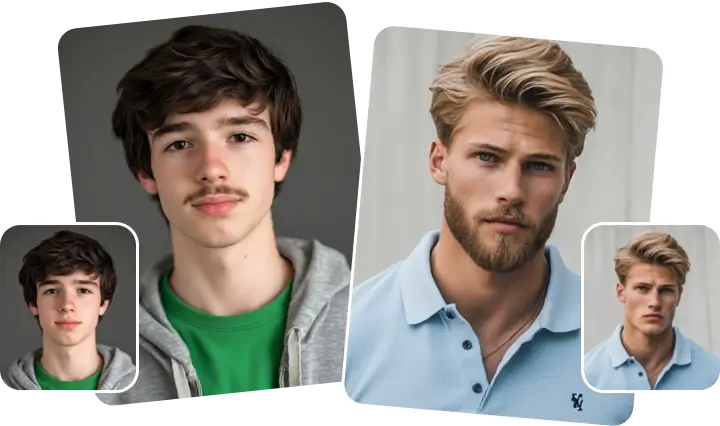
Different from other AI beard filters that offer fixed styles, FlexClip generates a wide range of beard styles designed to suit every face and skin tone. From light stubble, goatee, to Balbo, circle, and complex VanDyke. You can always find a style that enhances your appearance, regardless of ethnicity or skin color.
Professional Self-Introduction Video
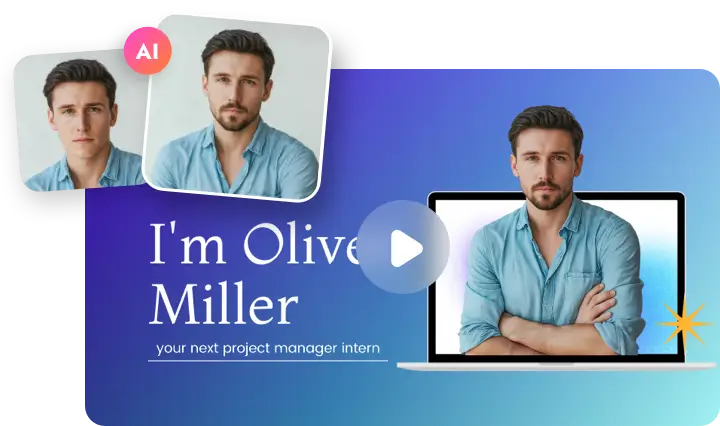
A still image is not enough to present your confident look in beautiful beard. FlexClip allows you to create polished self-introduction videos with 7000+ professional-level templates, as well as practical editing tools, like cropping, masking, AI Image-to-Video. Showcase your professionalism in video content on LinkedIn, YouTube, etc.
How to Add Beard/Mustache to Photo
- 1
Upload a Portrait
Access FlexClip’s AI Photo Editor page, drag and drop your image to the upload section.
- 2
Add Beard to Photo
Describe the beard you like in the prompt box with a simple prompt, then hit Generate.
- 3
Preview & Export
The beard generation should be done within several seconds. Continue editing or directly save to a local folder and post to social media.