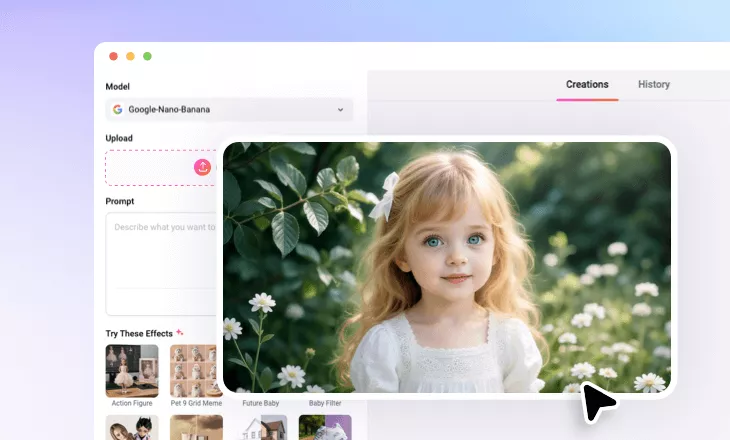
Add Angel Wings to Photo
Turn daily shots into a fairy tale by applying wings, divine glow, and so much more.
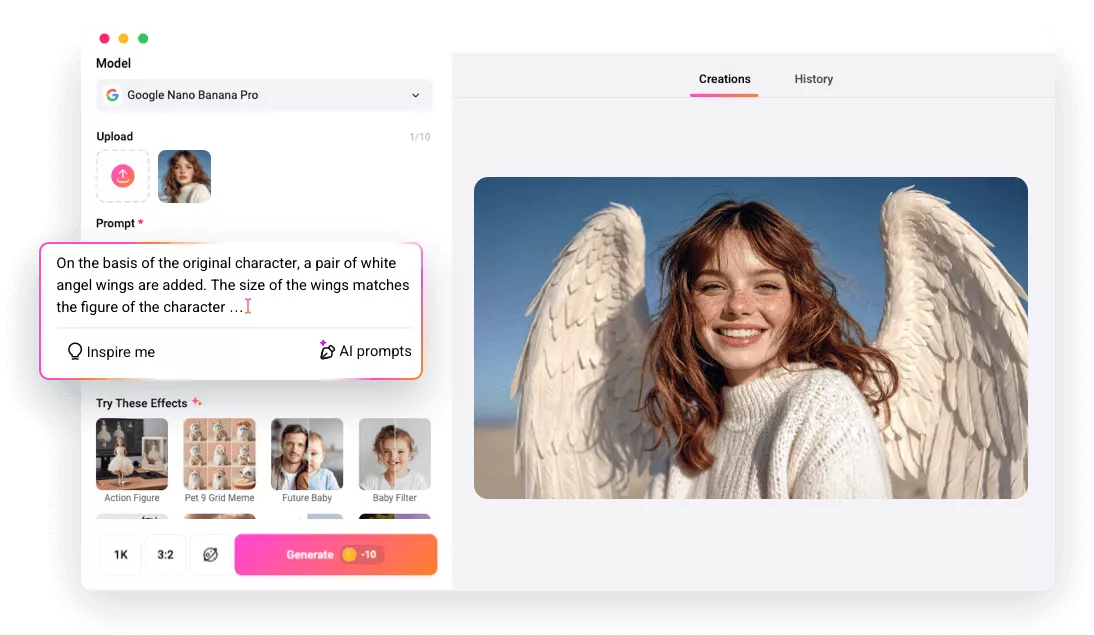
Must-Try Angel Wing Photo Editor: FlexClip

High Output Quality
FlexClip delivers outputs in high quality. Your angel wings will look crisp, realistic, and professionally finished in every export without additional adjustments.

Fast Processing
No frustrating delays. FlexClip adds angel wings to your photos in seconds, keeping creativity flowing without endless waiting.

Wide Format Compatibility
You can process nearly any photos using FlexClip. It supports common image formats like JPG, PNG, and less common format like WEBP, TIFF.
please input title
Try-on Different Wing Types
You can instantly try on different wing types and find that perfect look. FlexClip’s AI is able to create different types of wings like realistic feathered wings, glowing fantasy wings, dark theme wings, paste to your photo, then automatically adjust size, angle, opacity, and color to match your artistic vision and storytelling goals.
Add Angel Wing to Photo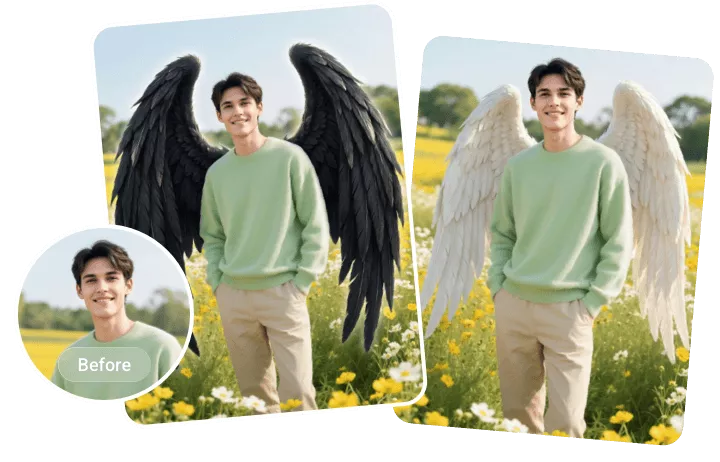
Copy Wings You Love & Paste to Your Photo
Have wings you love? Copy and paste them directly onto your photo for fast, personalized customization. FlexClip lets you upload multiple reference images, then blend wings seamlessly with your subject, ensuring natural integration. This feature encourages creative remixing and experimentation while preserving quality and accuracy.
Blend Wings into a PhotoAnimate Your Wings
Animate your wings and bring your photo to life! Powered by the most advanced models like Veo 3, Sora 2, you can use FlexClip to apply realistic flapping, gentle floating, or featuring falling movements to create dynamic visuals that stand out. Turn your still image and elevate your storytelling impact with effortless creativity right now!
Animate Your Wings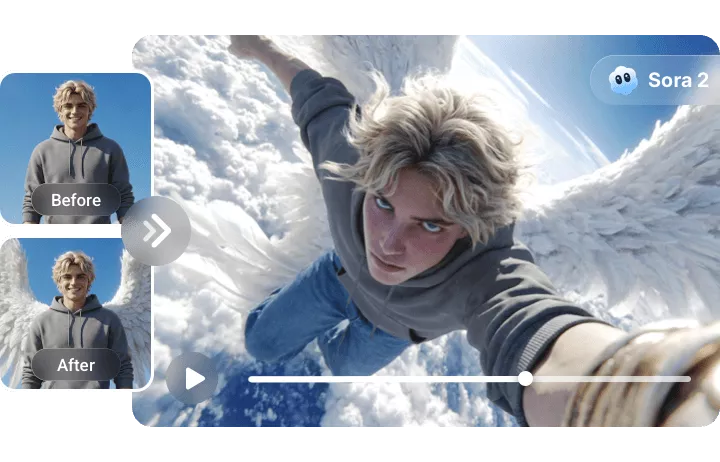
How to Add Angel Wings to a Photo
- 1
Upload Your Photo
Enter FlexClip’s AI Photo Editor, drag and drop your image to the upload section. Pick a photo editing model to get started. We suggest you use Google Nano Banana Pro.
- 2
Enter a Prompt
Input a textual prompt describing the wings or extra changes you want. If you don’t know how to write a prompt, FlexClip can improve the prompt for you.
- 3
Export & Share
Hit Generate. You will get the output within several second. Save it to your local folder or post to social media.