QR Code Generator
Create custom QR codes from a URL right on your browser. Fast, secure and easy to use.
TRUSTED BY
Why FlexClip’s QR Code Generator

Ease of Use
Don’t have any technical skills? No problem. FlexClip’s easy interface makes it possible to generate QR codes just by entering URLs.

High-Quality Output
Everyone expects QR codes in high resolution. FlexClip exports created QR codes in 800*800 pixels, perfect to be shared and scanned.

Fast Generation
FlexClip can create a QR code for a URL in seconds. No endless waiting, no download needed.
Turn URLs to High-Quality QR Codes Instantly
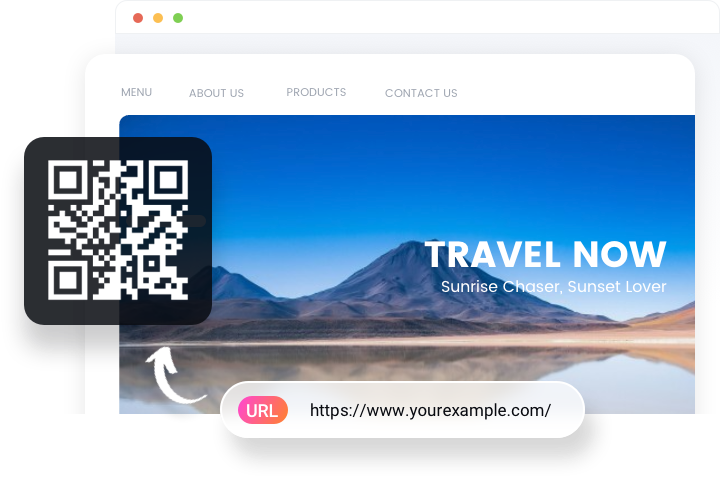
FlexClip’s QR Code generator effortlessly transforms any URL into a high-quality QR code within seconds. No matter where your QR code leads to, FlexClip ensures your QR code is crisp, scannable, and ready for both online and print use. No downloads. Just paste your links, customize the look, get your professional QR code instantly.
QR Code that Matches Your Brand Theme
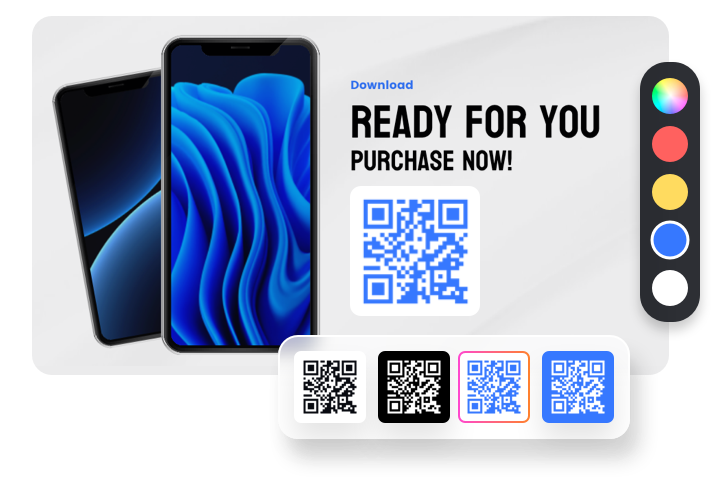
QR codes aren’t just functional. They are part of your brand’s storytelling. FlexClip understands that. Whether you prefer a minimalist black-and-white look, or a vibrant, creative QR code design, FlexClip offers consistent visuals, thanks to the QR code, as well as QR code background color customization tools. No compromise on readability.
Incorporate QR Codes into Video Projects
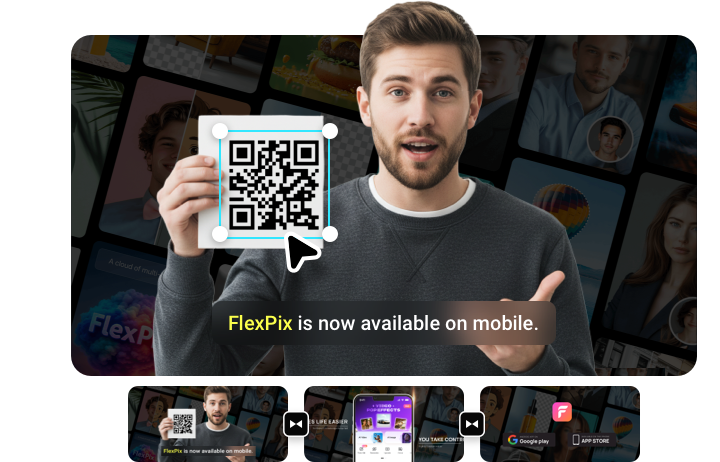
FlexClip goes beyond static design. At FlexClip’s editing panel, you can incorporate scannable QR codes into videos that directly lead audiences to social profiles, YouTube videos, webpages, shops. Embed QR codes, turn videos into an interactive experience at FlexClip.
How to Generate a QR Code Using FlexClip
- 1
Access FlexClip’s QR Code Generator
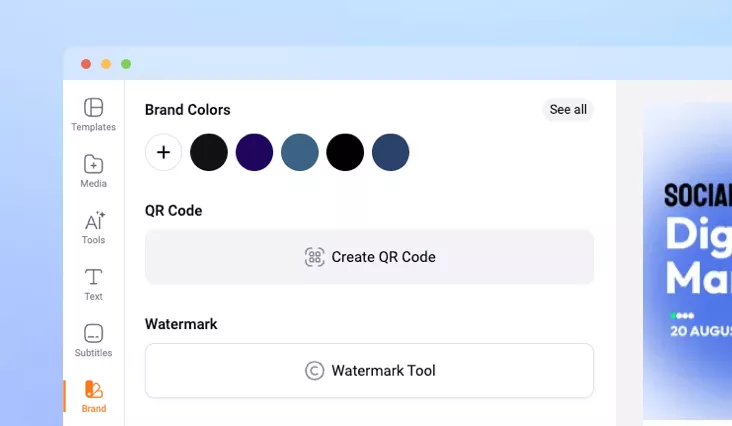
Once you are at FlexClip’s editing panel, move to the Brand section. Scroll all the way down to the QR Code part. Click the “+” sign.
- 2
Create a QR Code
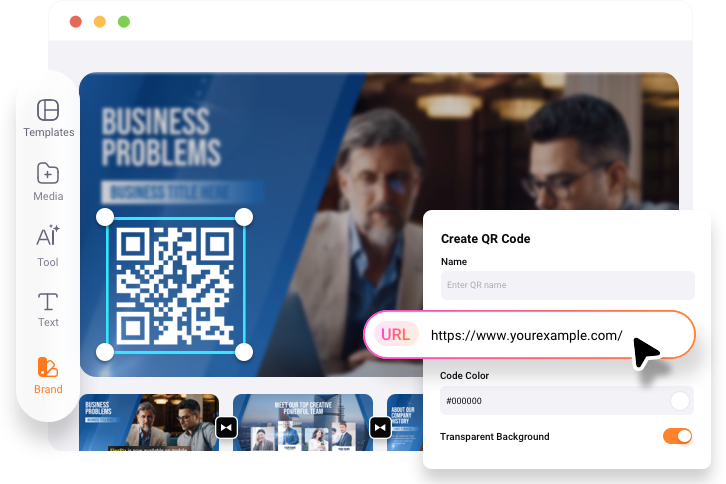
Enter the QR code name, link, customize the QR code color, background. A QR code will pop up to your right side.
- 3
Save & Export
Hit the Save Image, the QR code will be saved to your project. Select and download to a local folder.