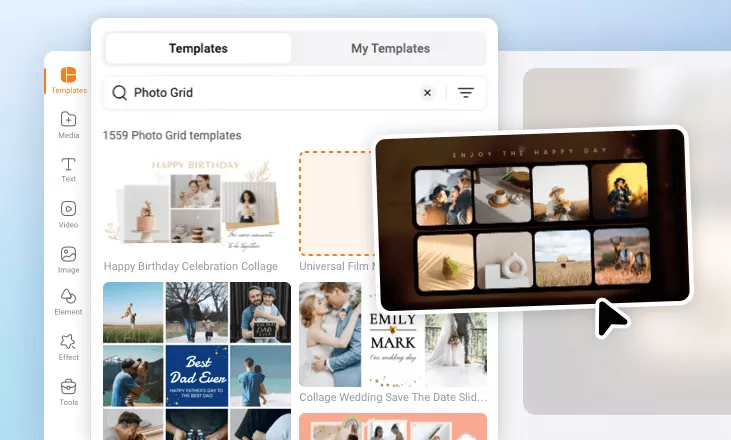
Free Online Photo Grid Maker
Turn your photos into awesome photo grids with templates, text, and effects.
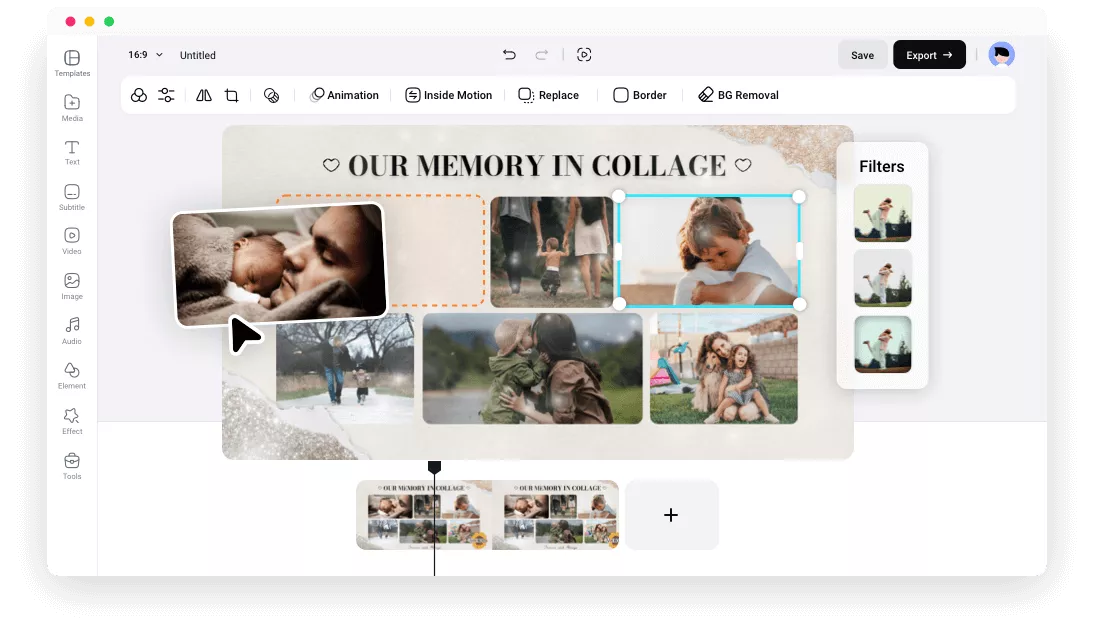
Fully Customizable Photo Grid Templates
 PreviewCustomize
Collage Of Autumn Photo
 PreviewCustomize
Retro Watercolor Bokeh Family Memorise Photo Collage Slideshow
 PreviewCustomize
Collage Wedding Save The Date Slideshow Video
 PreviewCustomize
Team Photo Collage
 PreviewCustomize
Romantic Memory Photo Collage Slideshow
 PreviewCustomize
Travel Vlog Opener Collage
 PreviewCustomize
Travel Journey Photo Collage Slideshow
 PreviewCustomize
Corporate Photo Collage Business Slideshow
 PreviewCustomize
Travel Vlog Collage Intro
 PreviewCustomize
Love Valentine Day Photo Collage Instagram Story
 PreviewCustomize
Collage Travel Vlog Youtube Video Cover
 PreviewCustomize
Snow Overlay New Year Countdown Photo Collage Greeting Card
please input title
Add Text and Stickers to Decorate Your Design
Discover animated text, cute stickers, and other decorative elements to polish the grid. You can also adjust the text style to make your messages clearer. Besides, you can create text masks and fill them with your images.
Make a Photo Grid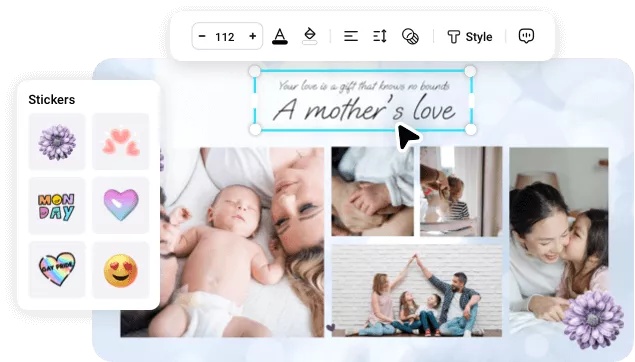
Crop Photos with Frames and Masks
Reorganize your photos creatively with frames and masks. These preset frames and masks enable you to crop images into heart, circle, square, and other shapes to make innovative photo grids.
Make a Photo Grid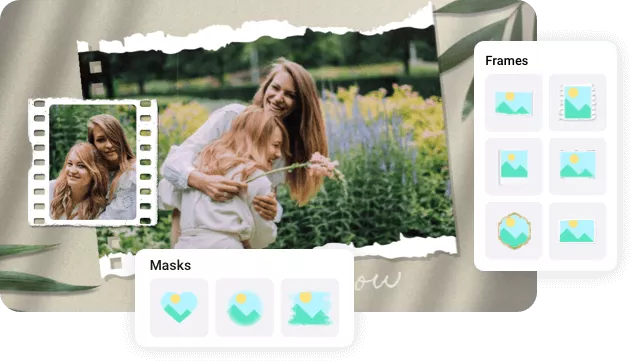
Apply Beautiful Filters and Effects
Explore bokeh, ink, film, brush, petal, glitch and more effects to beautify your grid. We also provide many filters to make your design look better.
Make a Photo Grid
How to Make a Photo Grid Online?
- 1
Choose Template
Choose a photo grid template or start from scratch.
- 2
Customize
Add your photos to replace the media and customize your photo grid as you like.
- 3
Export
Right-click on the timeline, and choose export frame to save your design as an image.